






XV100 Support
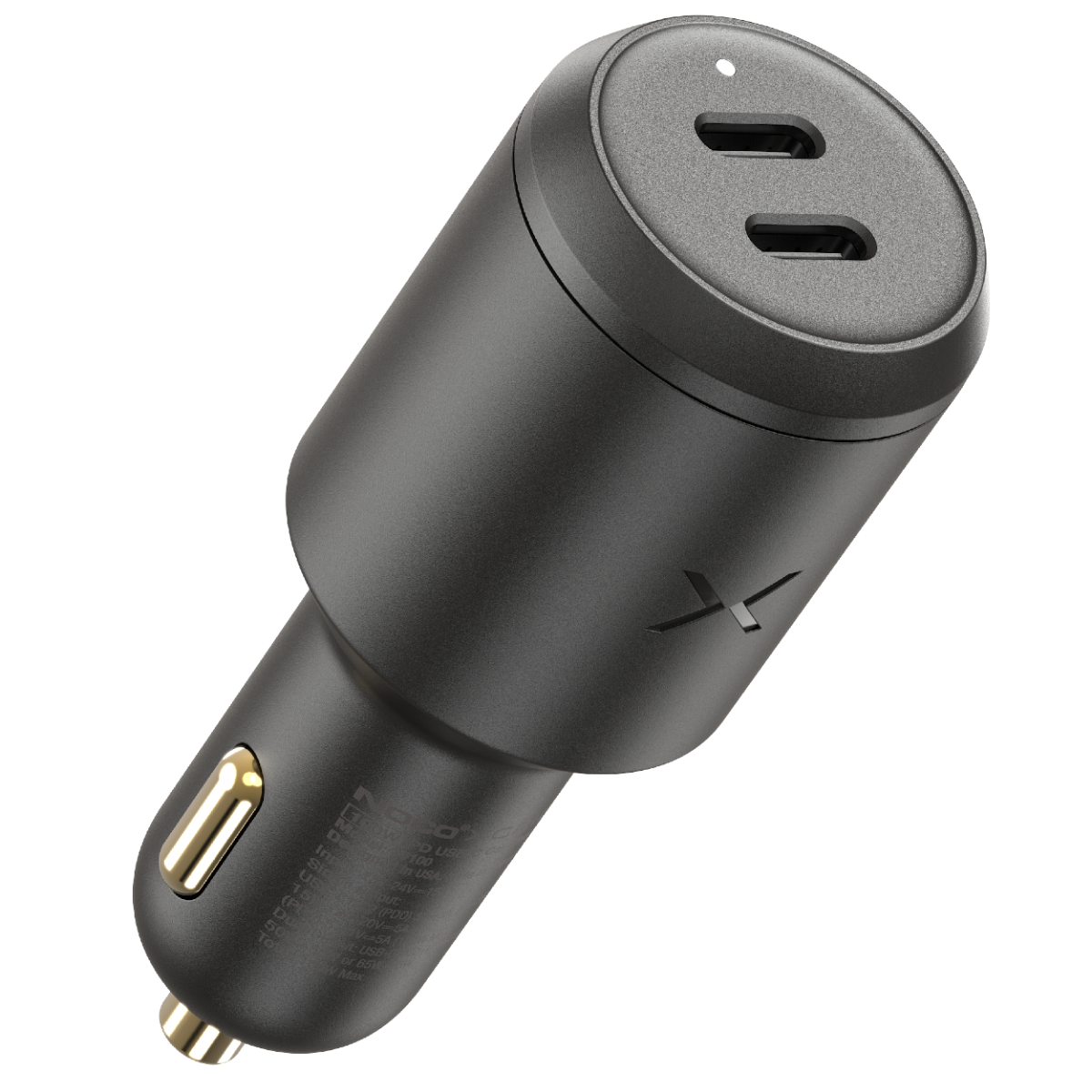
XV100
Support.
Quick Start Guide
Datasheet
quick start guide.
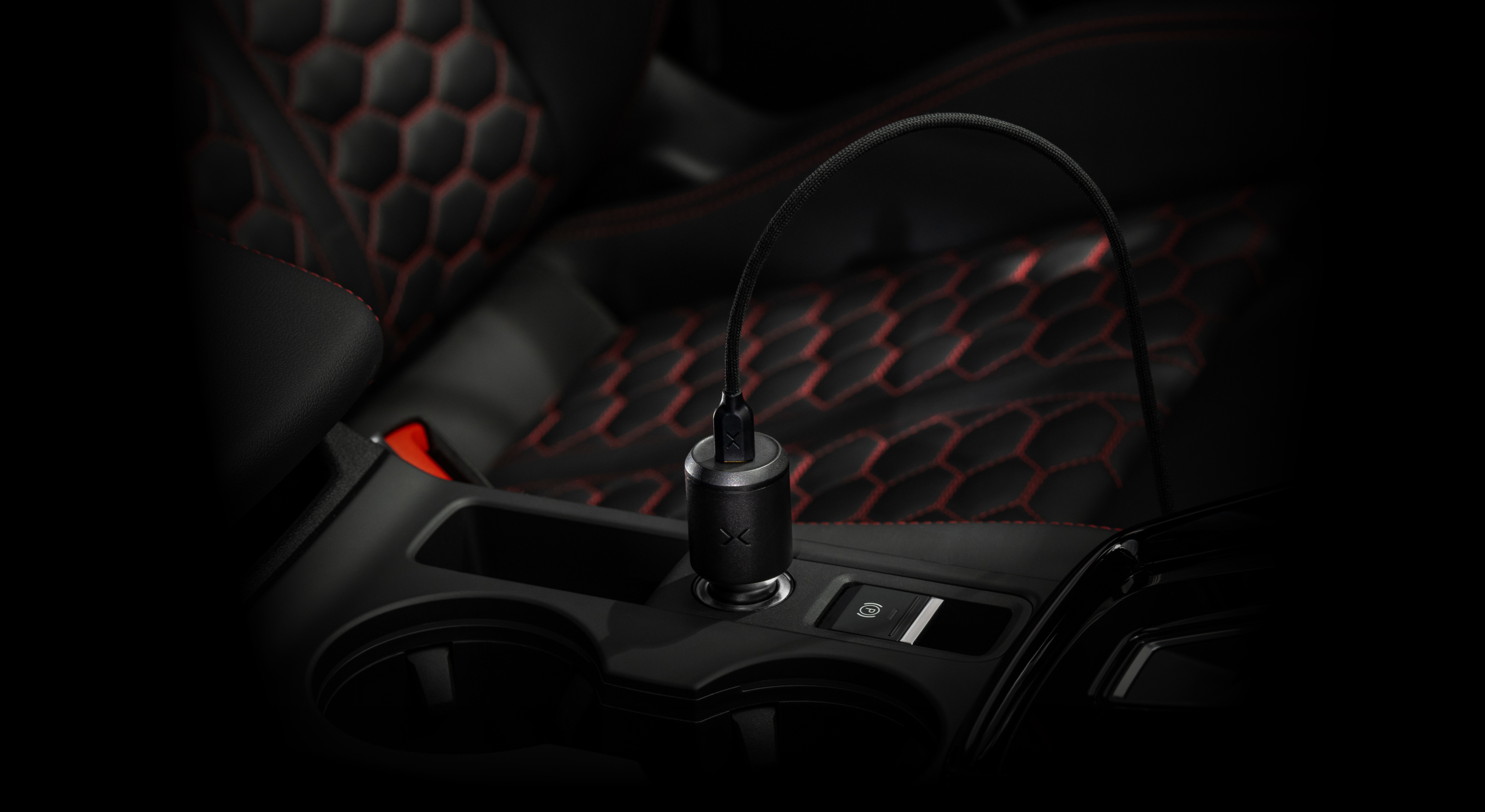
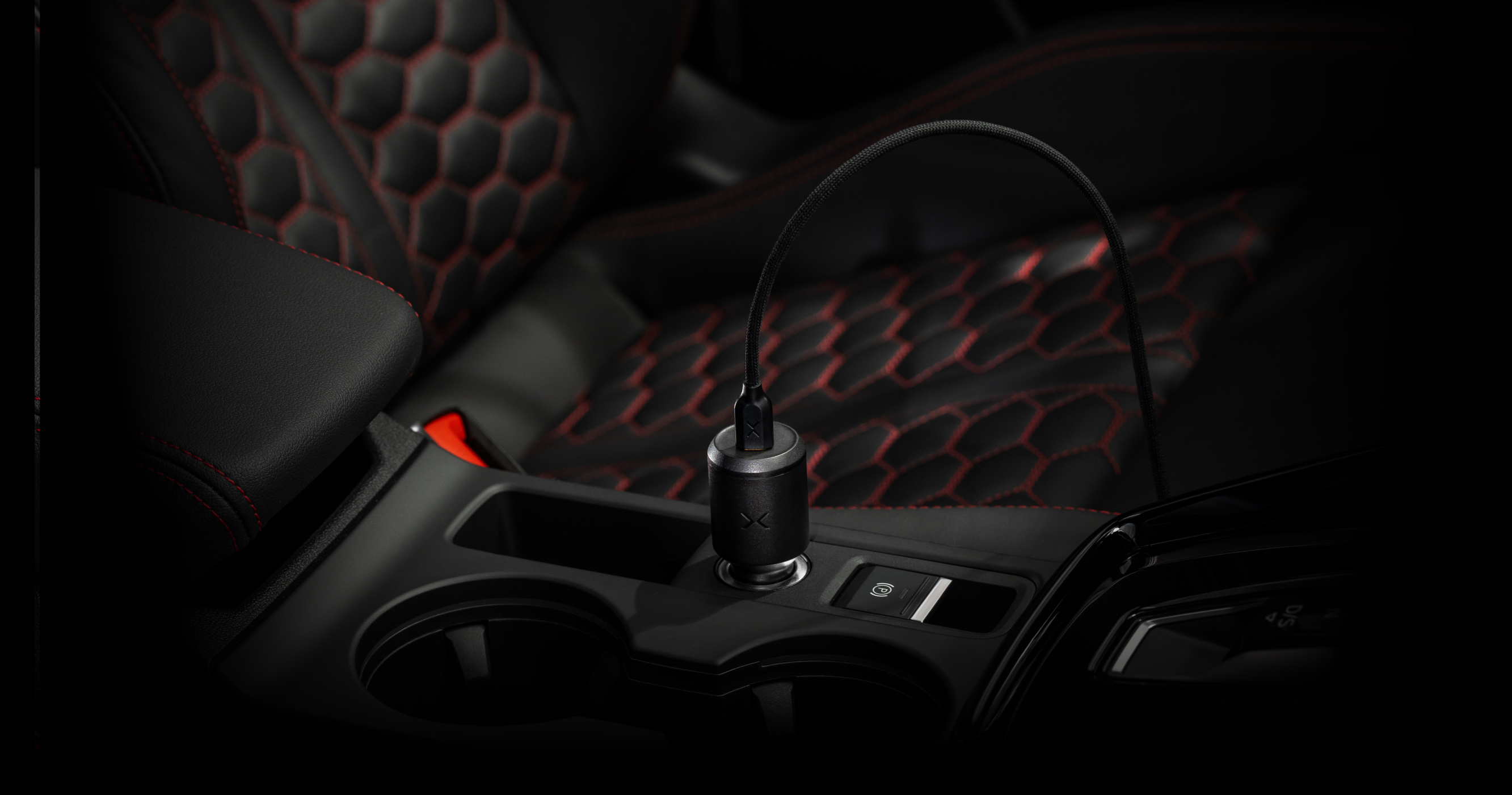
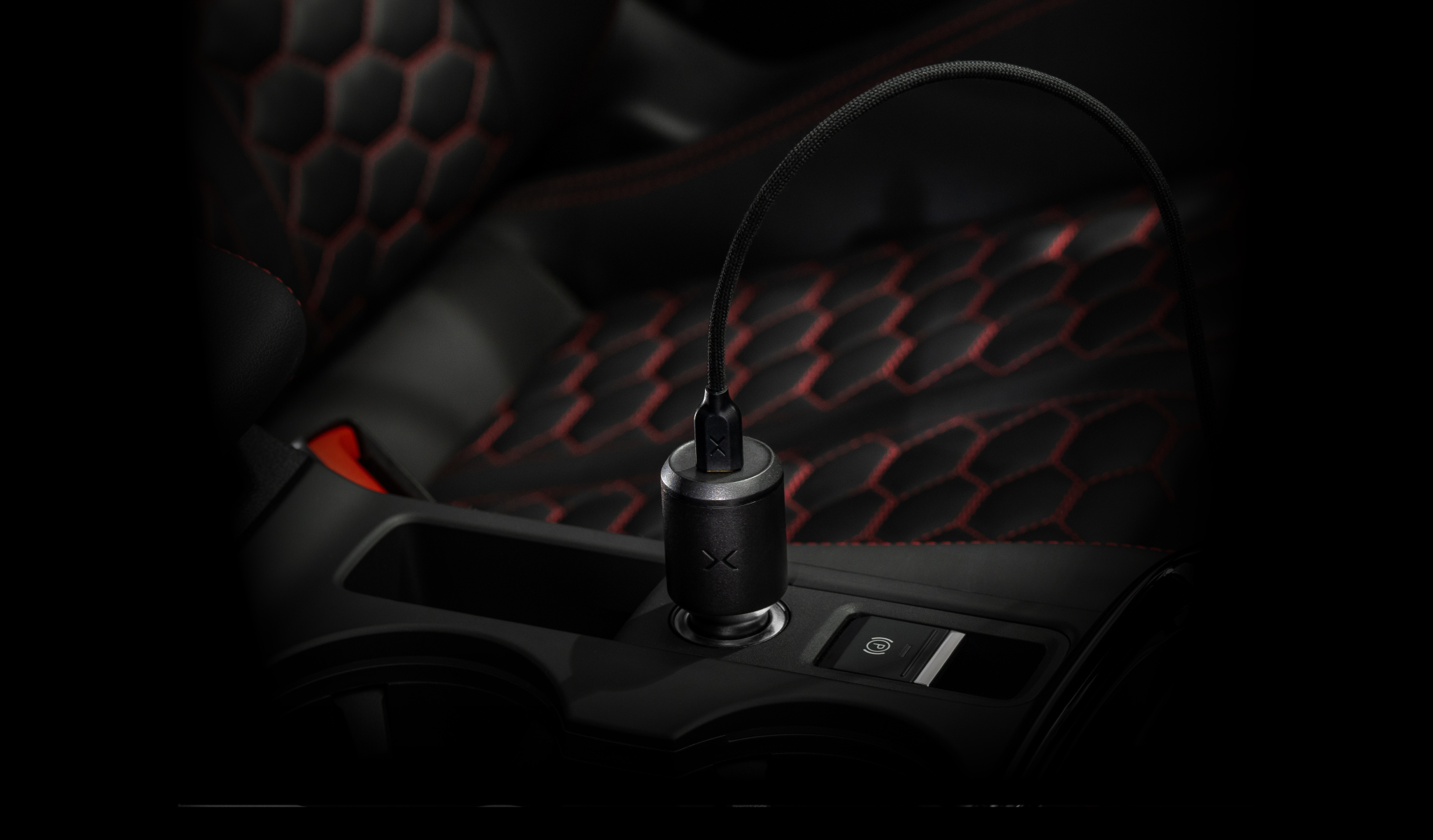
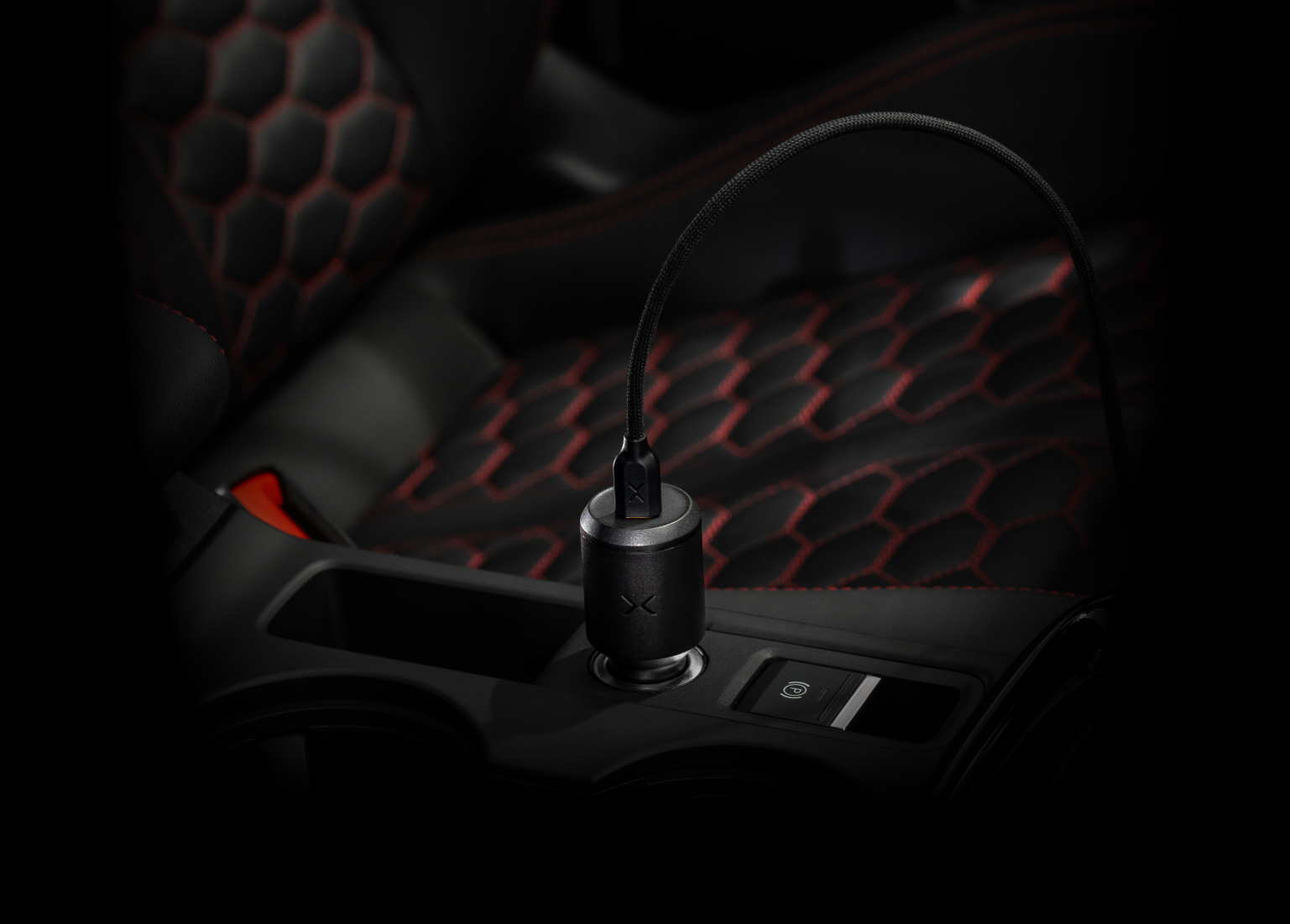
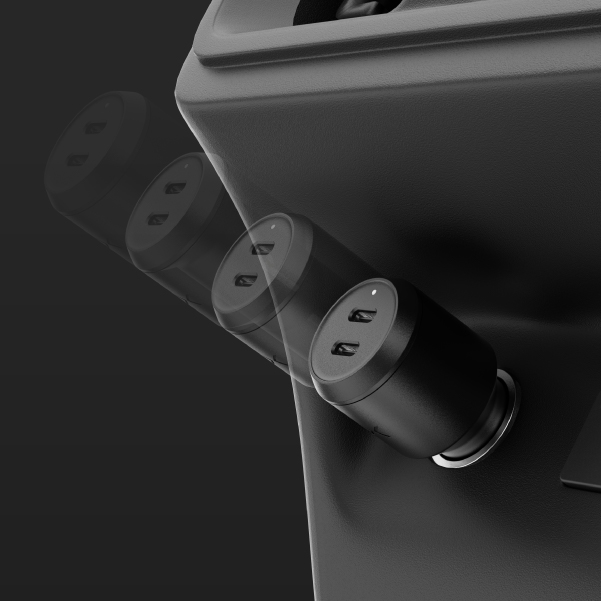
plug car charger into 12V socket.
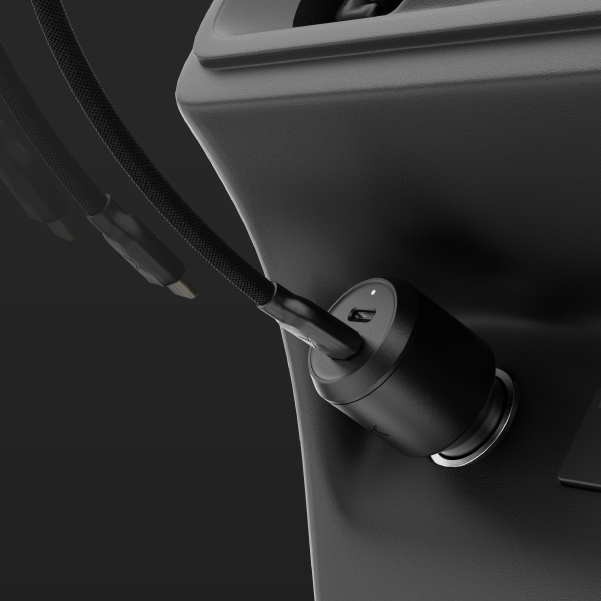
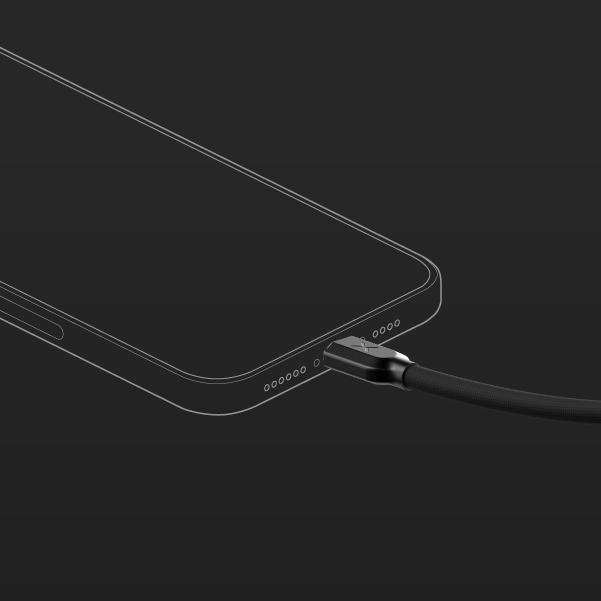
plug usb-c cable into adapter.
plug into your device to start charging.
leds.
xv100
Solid LED
A solid white light indicates the device is successfully connected and the device is charging.
Flashing LED
A flashing light indicates that charging has been paused to protect against over-temperature, over-current, over-voltage, or short-circuit conditions.
FAQ
XGrid Car Chargers
Charging
Which XGrid Car Charger is right for me?

Choosing the right charger depends on how many devices you charge and how much power they require. Here's a quick breakdown to help guide your decision:


Charger Model Ports Max Power Output Best For
XV65 2 USB-C 65W (shared) Phones, wireless earbuds, tablets, MacBook Air, casual dual-device charging
XV100 2 USB-C 100W (shared) Laptops, phones, MacBook Pro 13", multitasking setups


Common Device Power Needs:

Device Typical Max Wattage
iPhone / Android phone 20W–30W
iPad / tablets 30W–45W
MacBook Air 30W–45W
MacBook Pro 13" 60W
MacBook Pro 14"/16" 96W–140W
Windows laptops (USB-C) 45W–100W
Nintendo Switch 18W
Why is the light on my XGrid Car Charger not turning on

Please check that your cable and devices are fully connected. The LED indicator only turns on when a device is connected and actively charging. If your device is plugged in but not charging, there will be no light.

Will it damage my device if I use it with something that doesn’t need 65W or 100W?

Not at all. The charger intelligently detects your device's needs and delivers only the power required. So whether you’re charging earbuds or a laptop, your device gets safe, optimized charging every time.

Is this charger compatible with my phone or tablet?

Yes. XGrid supports multiple fast-charging standards like PD (Power Delivery), PPS (Programmable Power Supply), and QC (Quick Charge)—which cover most major devices, including:

  • iPhones (fast charging with USB-C to Lightning cable)
  • Samsung Galaxy phones (PPS and PD supported)
  • Google Pixel, iPads, and more
  • If your device uses USB-C or supports PD, you're covered.
Are the ports different? Does it matter which one I plug a device into?

Both ports are identical, and each is capable of automatically adjusting power delivery. Depending on what devices are connected, the charger will adjust power output to deliver the most efficient charge.

What devices can I charge at the same time?

You can charge any two usb-c devices simultaneously, such as a laptop and a smartphone. The charger adjusts power delivery depending on the devices connected to make sure both get efficient charging.

Troubleshooting
Where can I obtain the user guide for XGrid Car Chargers?
My XGrid charger is getting hot, is that normal?

XGrid chargers can get up to 32°C or 104°F (0°C to 40°C) while charging. This would be considered normal operating conditions.

Warranty & Support
How long is the warranty on XGrid Car Chargers?

The warranty is 3 years from the proof of purchase or manufacture date, and is based on your serial number.

XV65 Warranty

XV100 Warranty

Where can I find the serial number on an XGrid Car Chargers?

All NOCO XGrid 12V Car Chargers are marked with a unique serial identification number, usually found on the side or edge of the unit and on the packaging box. Click the link below to find the serial number location on each model. See Locating the Serial Number on XGrid Chargers.

XV100
3 Year warranty.
All NOCO XGrid 12V Car Chargers come with a limited 3 Year warranty. Register your product after purchasing to qualify for the applicable warranty.
REGISTER PRODUCT
VIEW WARRANTY
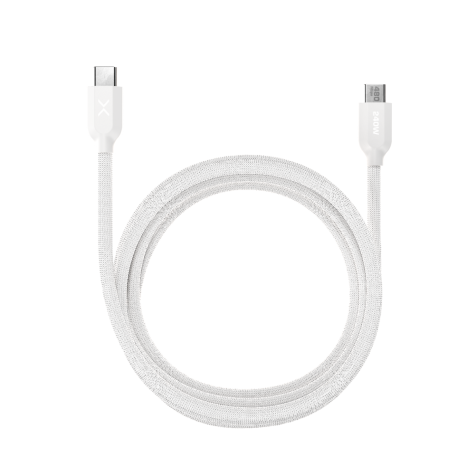
Compatible Accessories
All NOCO XGrid 12V Car Chargers are compatible with a variety of accessories, expand your capabilities.

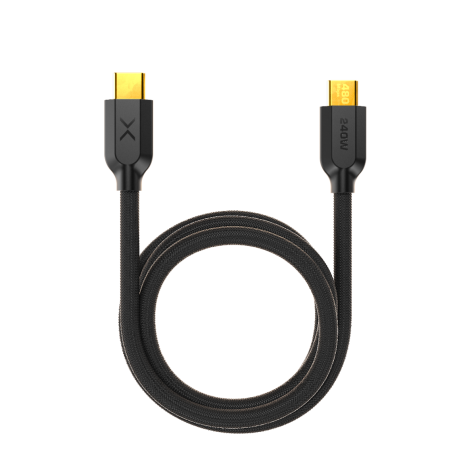
XC1B

XC1B

MSRP: $17.95 You save 27%

$12.95
Add to Cart

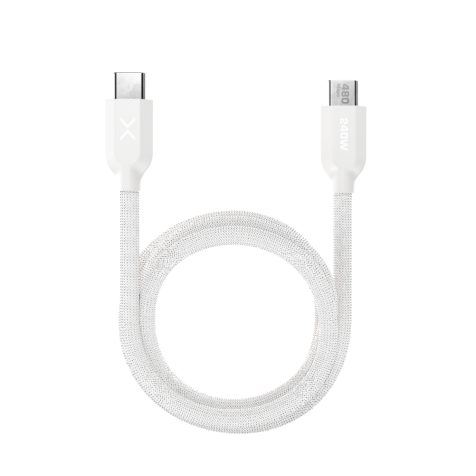
XC1W

XC1W

MSRP: $17.95 You save 27%

$12.95
Add to Cart

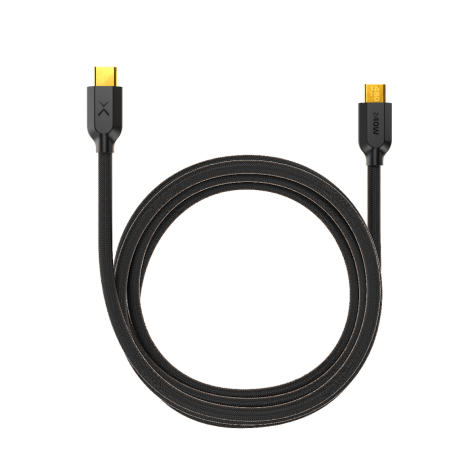
XC2B

XC2B

MSRP: $19.95 You save 25%

$14.95
Add to Cart

XC2W

XC2W

MSRP: $19.95 You save 25%

$14.95

Add to Cart