
How to Inflate your Tires
July 21, 2026
How To Inflate your Tires with NOCO AIR
Learn how to properly check and inflate your tires with a NOCO AIR inflator — an easy habit that keeps every drive safer, smoother, and easier on gas mileage. Our units are built with intuitive controls, so your new driver can maintain their tire pressure in minutes with no guesswork.
How To use
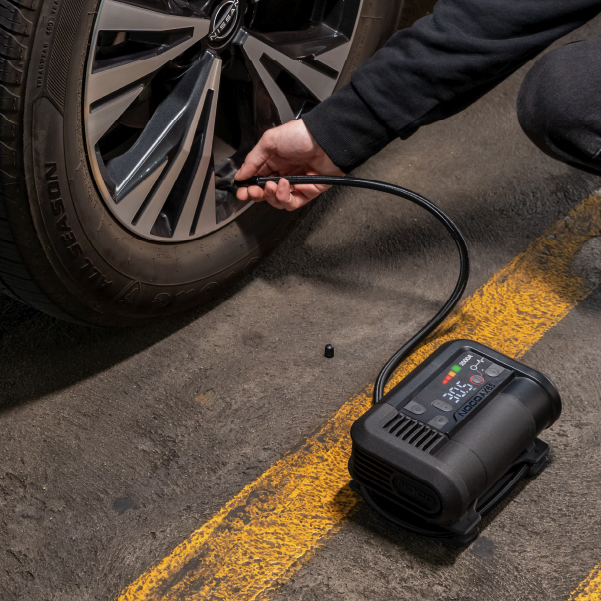
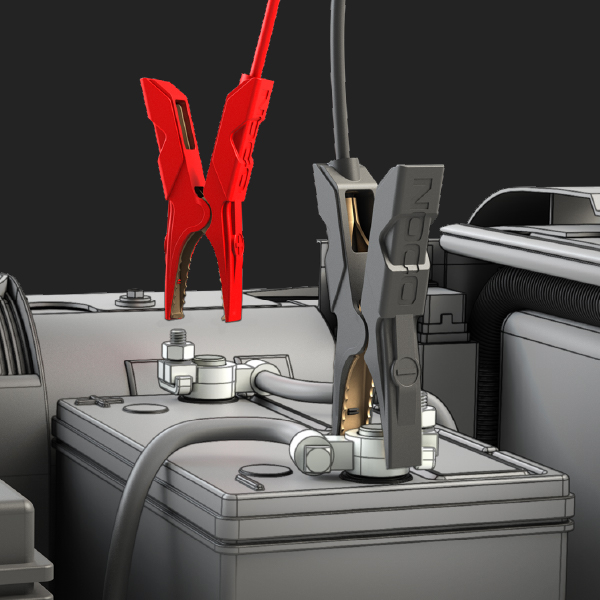
CONNECT THE AIR HOSE.
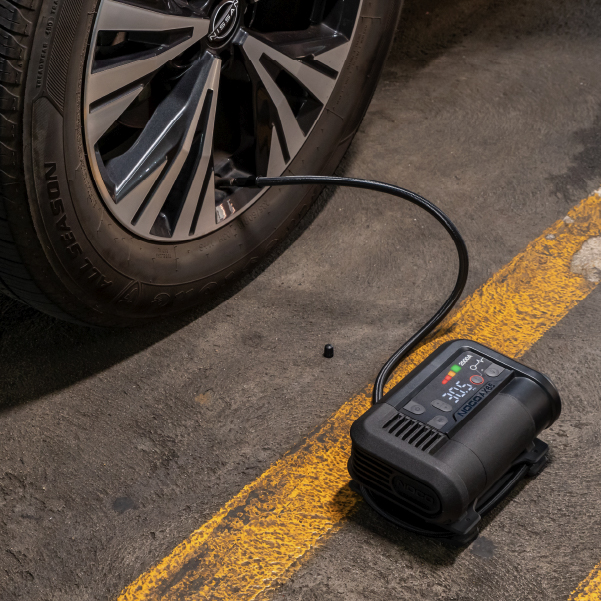
Connect the air hose on the AX65 to the tire before starting inflation. The air hose will screw onto the tire's air valve. No tools are necessary and should be hand tightened.
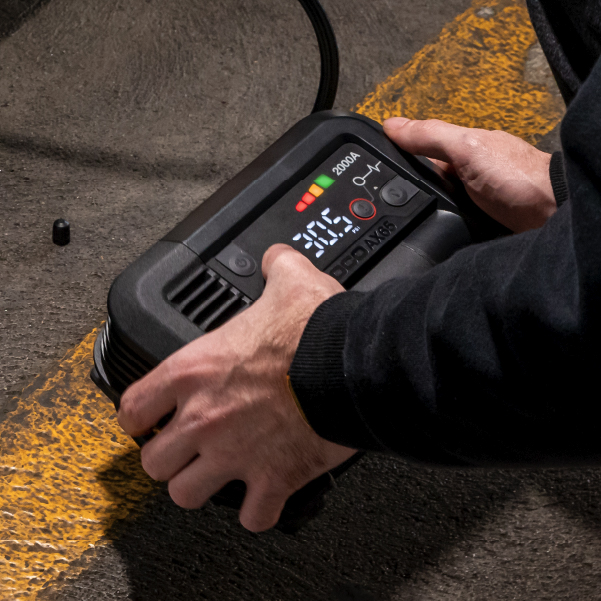
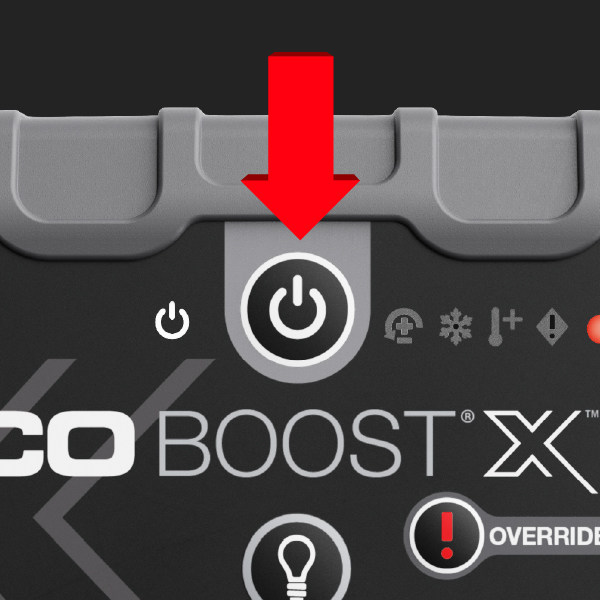
ENABLE AIR MODE.
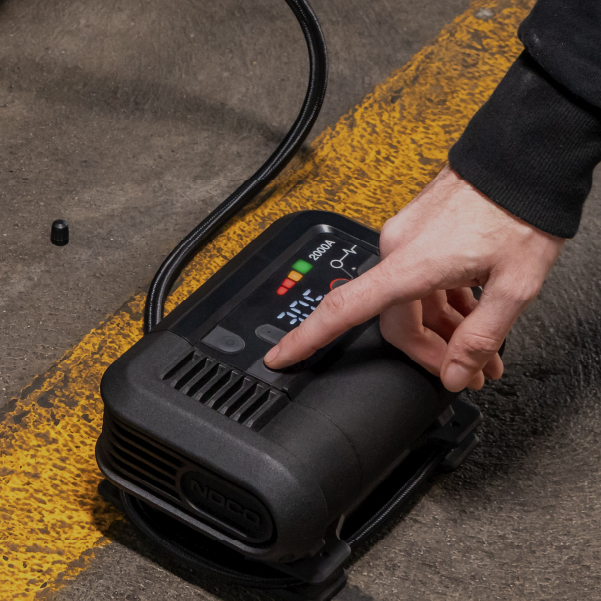
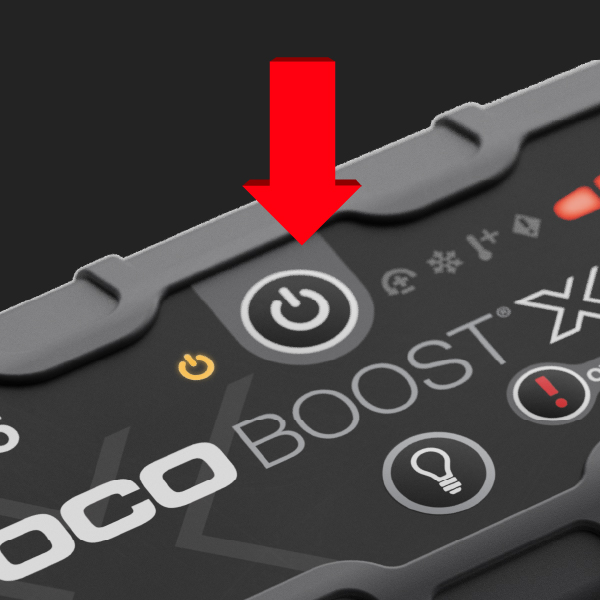
Turn the Product "ON" by pressing the Power Button, if more than 3 PSI is detected, then the detected pressure will be displayed with the “SET” LED being "OFF". Press the Air Button to enable Air Mode. The Product will display the Set/Detected pressure.
SET PSI.
Change the Set Pressure to desired tire pressure level by pressing the ▼ or ▲ Buttons. Hold both ▼ and ▲ Buttons together at anytime to change the unit of pressure displayed (BAR, KPA, PSI).
Inflate.
Press the Air Button again to begin tire inflation. During inflation the compressor may turn "ON" and "OFF" (Dynamic Dwell) as it gets closer to the desired set point. Inflation will continue until the Set Pressure has been reached.
Note: Make sure to find the right PSI for your vehicle. Check the sticker inside the driver's door jamb — this is your vehicle's recommended tire pressure. The number on the tire's sidewall is the tire's maximum pressure, not the target.
How It Works
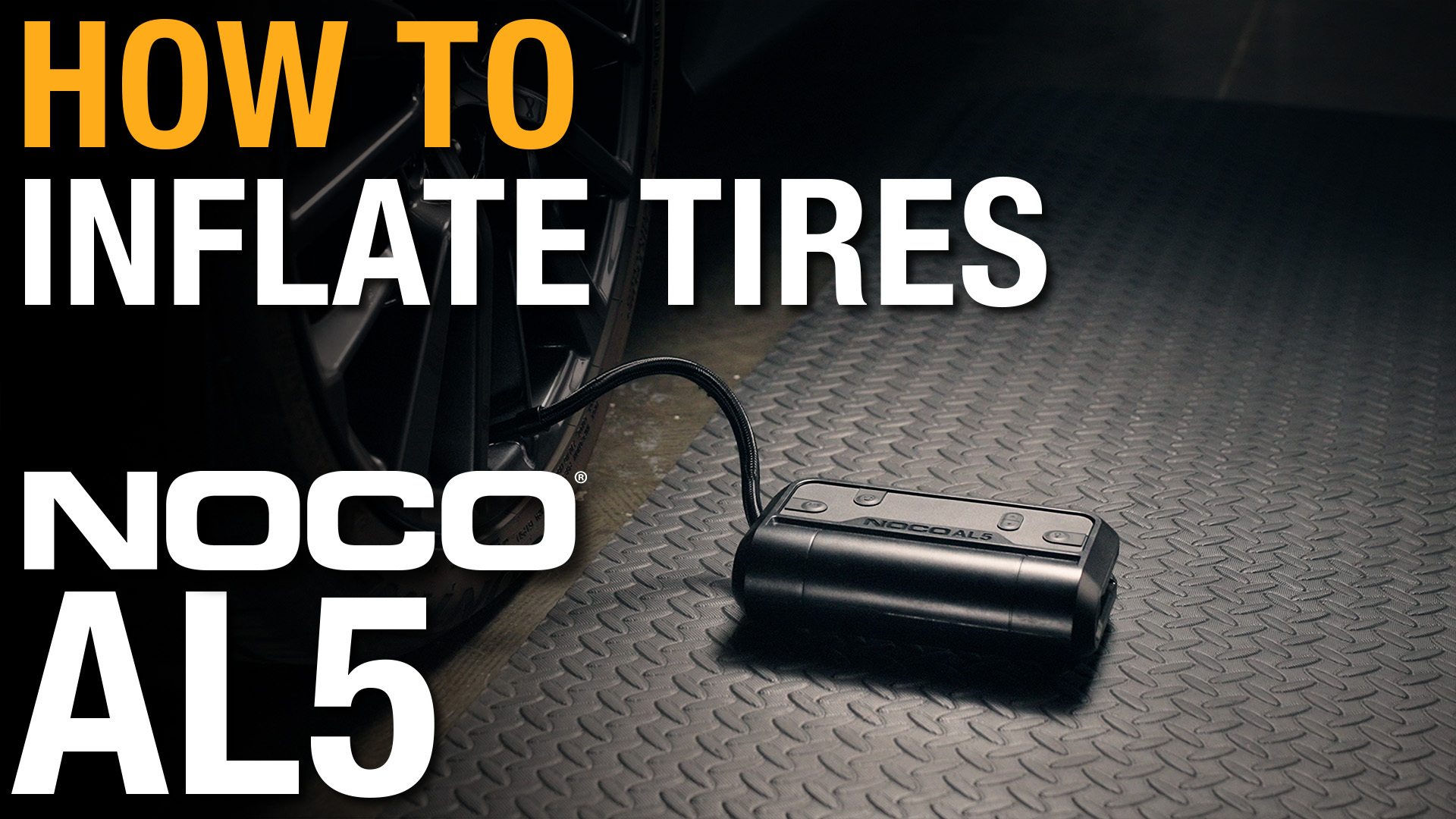
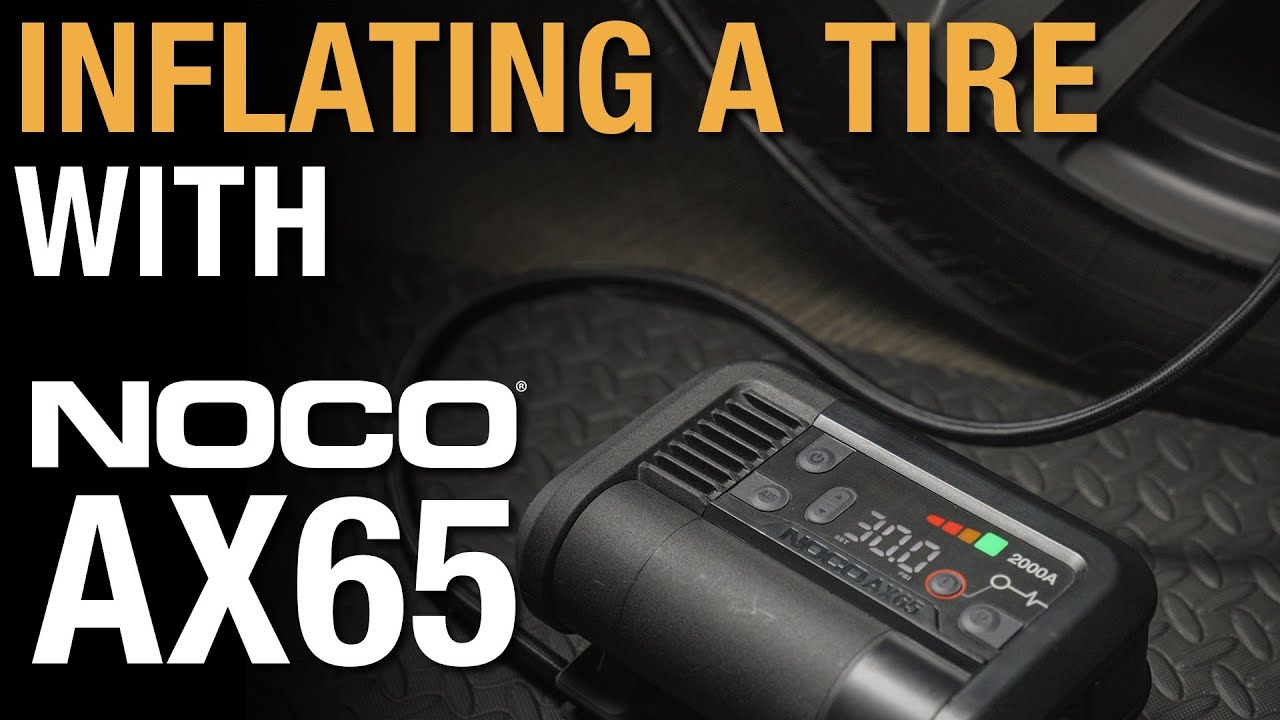
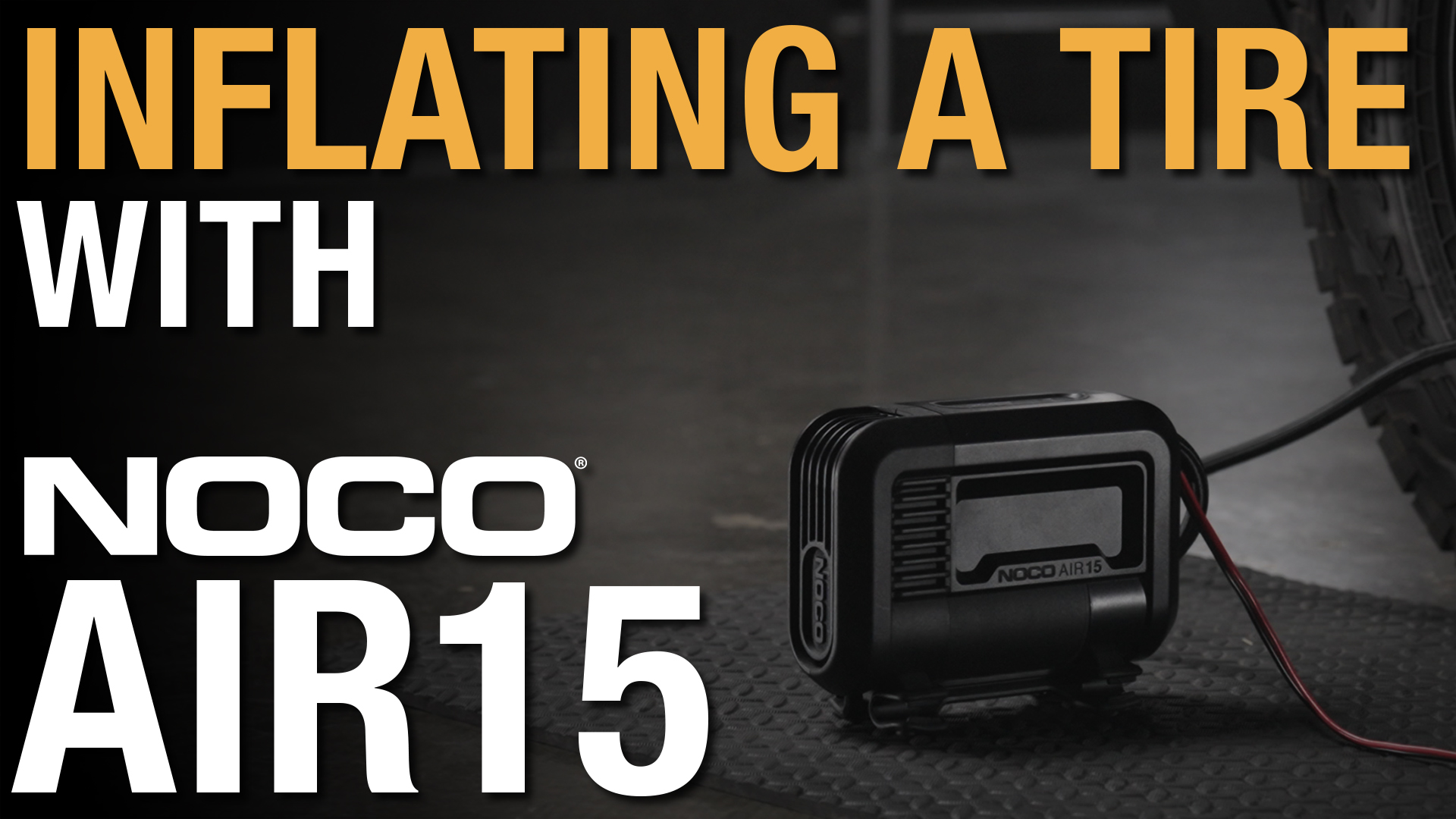
Browse all resources for your AIR model
learn air.
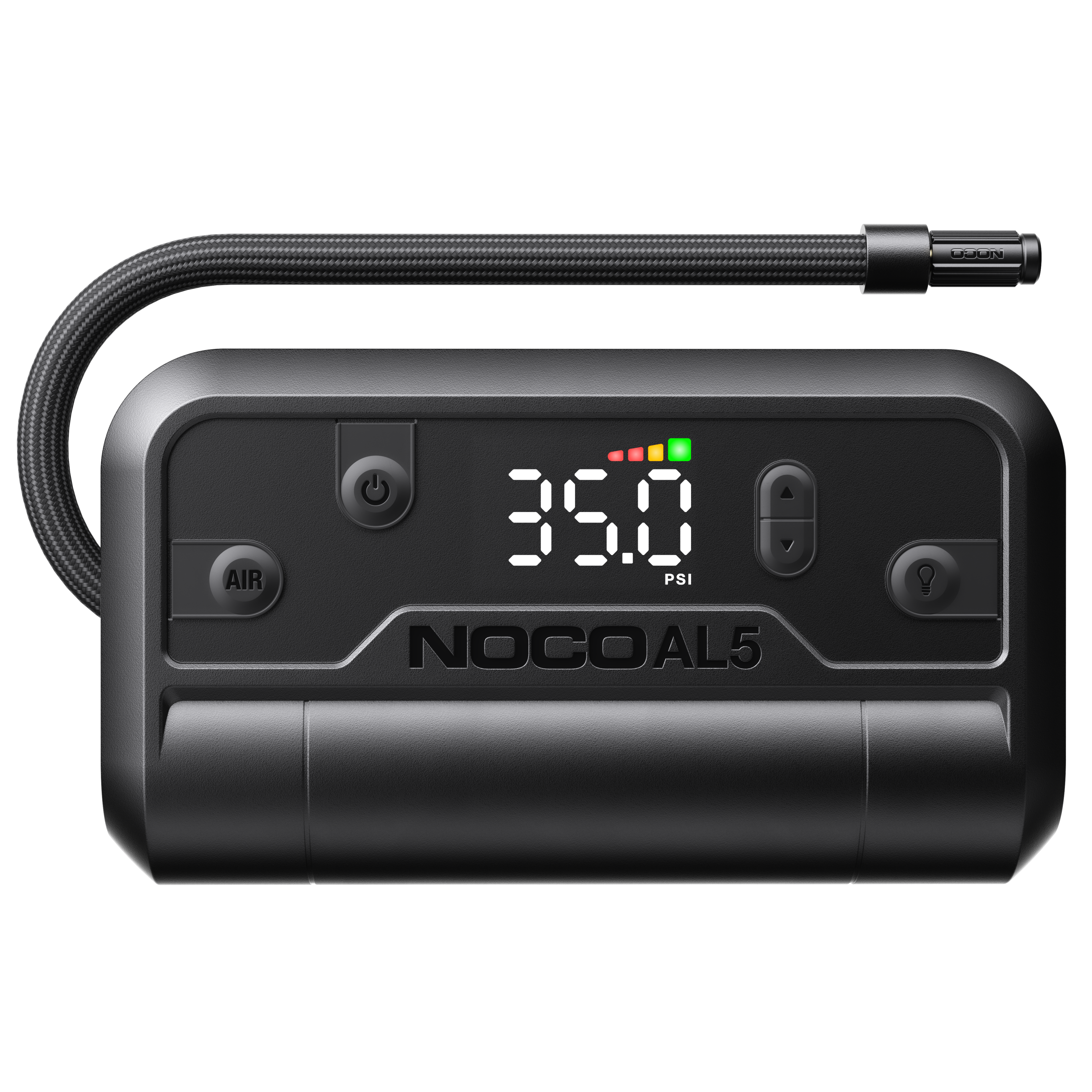
Air Lithium
Learn More about Air Lithium
Air
Learn more about Air
Boost Air
Learn more about Boost Air
Share on Facebook

Share on X

Share on Pinterest
Comment(s)
Recent Posts