
NLX31 Support
June 19, 2024
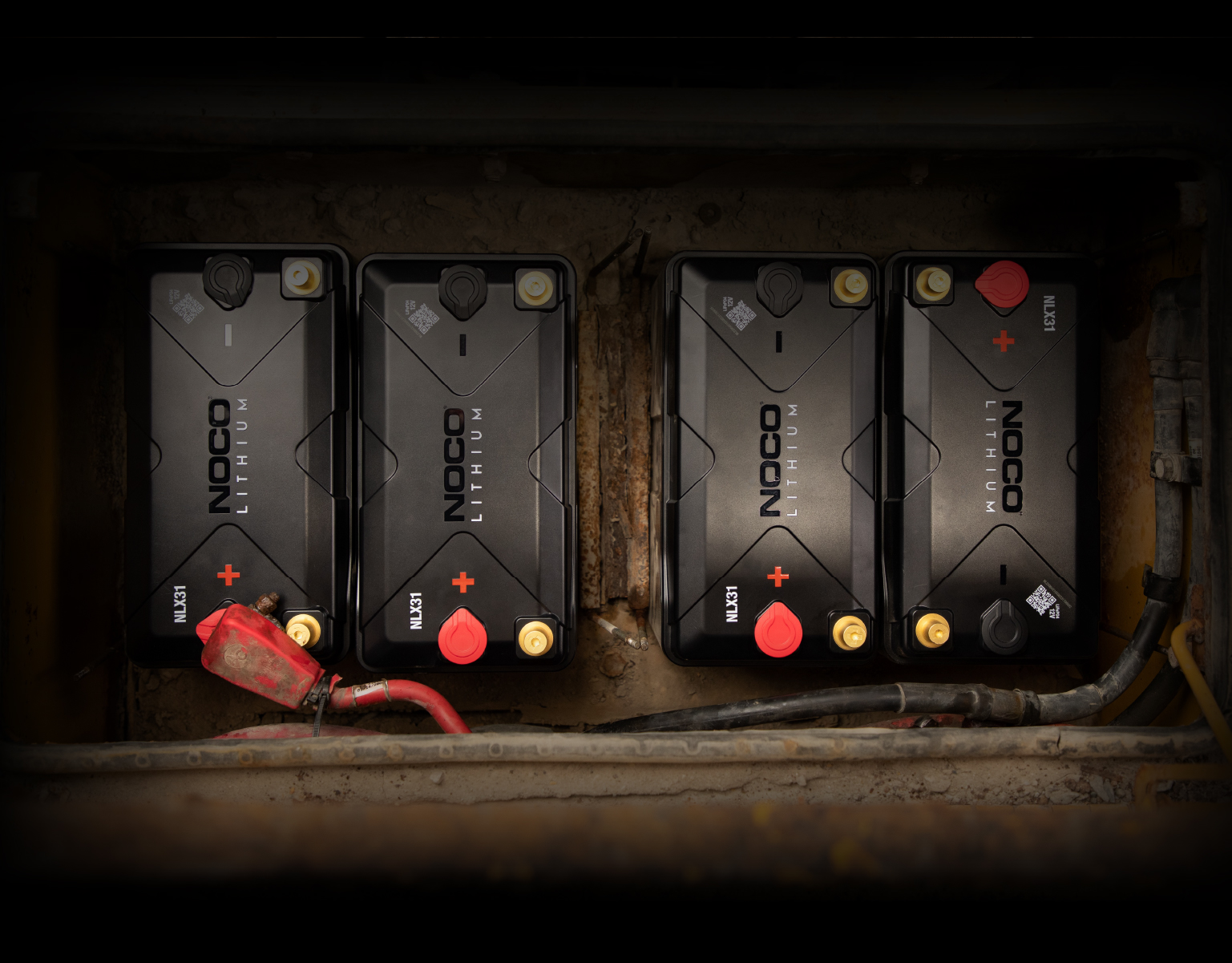
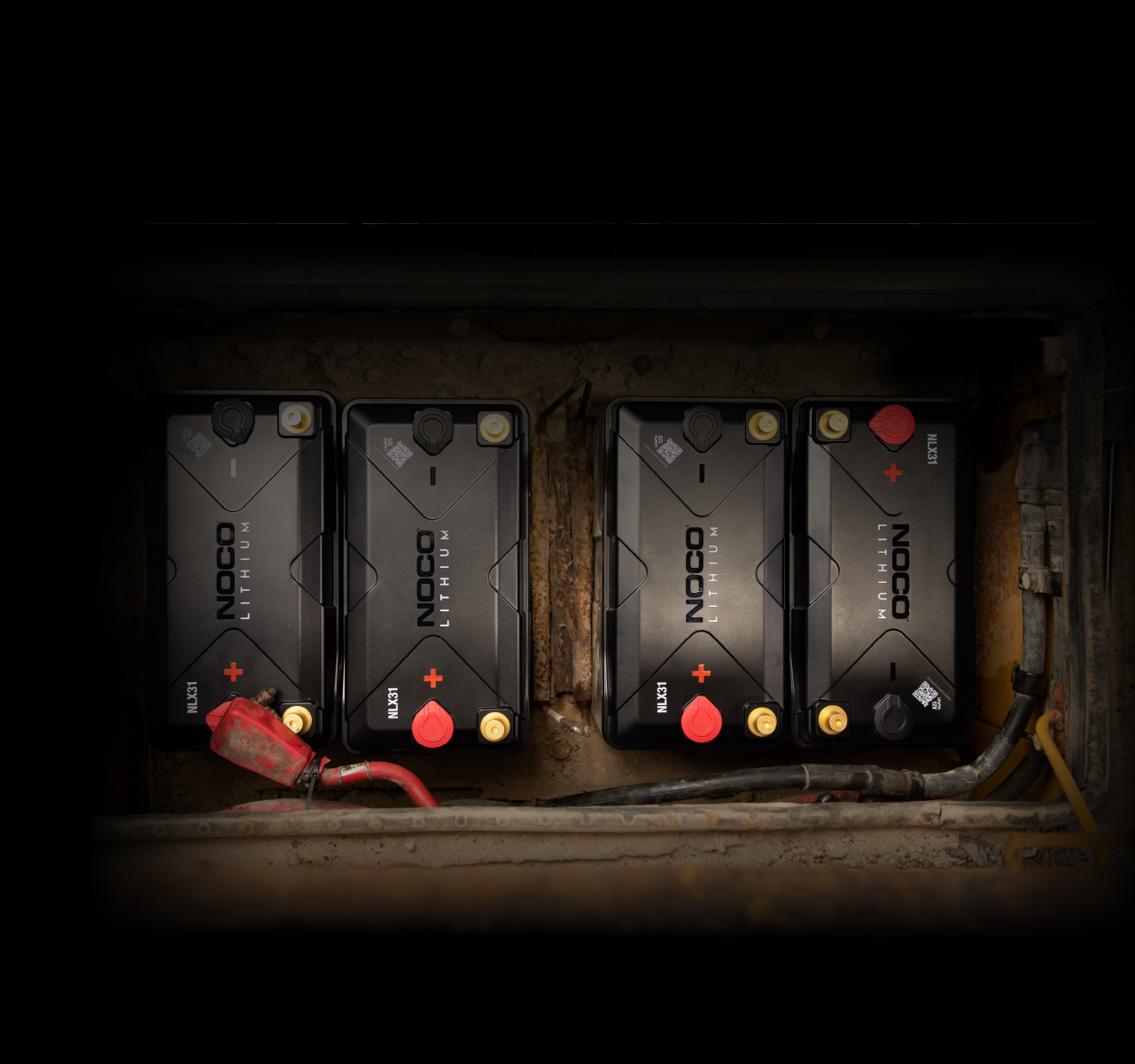

NLX31
Support.
USER GUIDEDATASHEETVIDEOS

Overview of NOCO NLX Dual-Purpose Lithium Batteries
Introducing the NLX Series, dual-purpose lithium iron phosphate batteries that combine a starter battery's power with a deep-cycle battery's cycle life. It's better than lead-acid in almost every way.
Overview Of
INSTALLATION FEATURES.
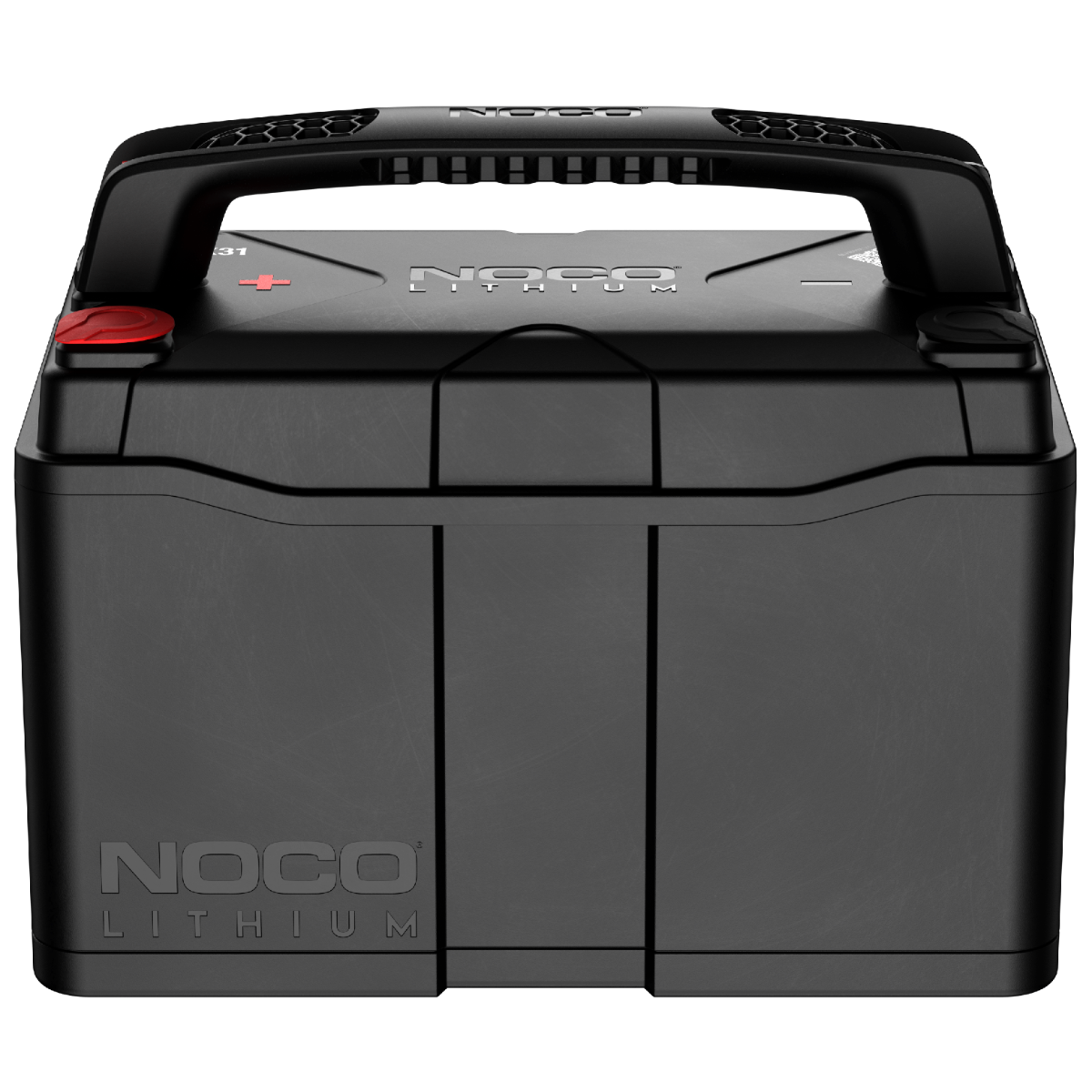
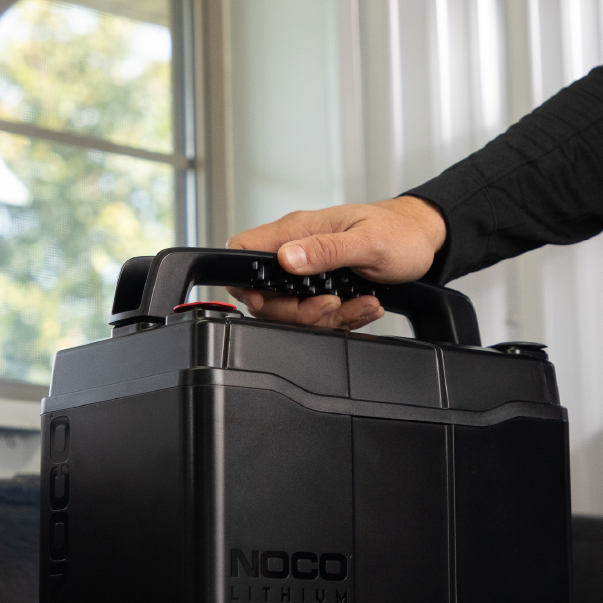
The handle is useful for carrying and placing the battery in your application. See below for how to remove the battery handle from the battery. Terminals can be accessed underneath the original location of the battery handle. Terminals can also be placed towards the front of the battery. NLX batteries are built to be flexible and adaptive to your needs.
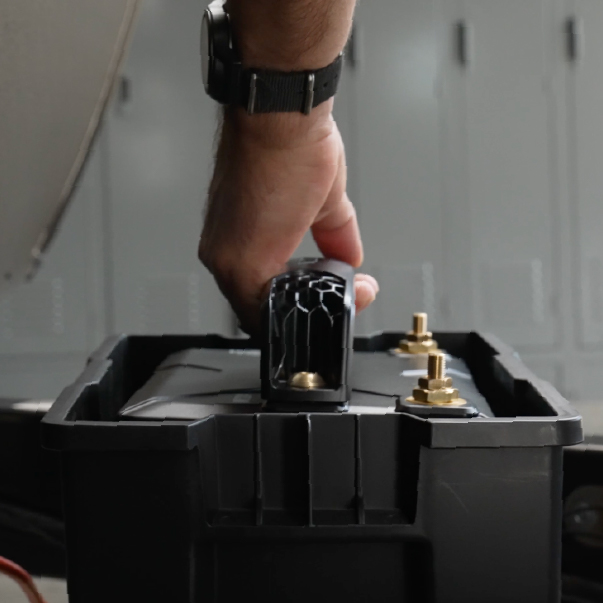
Carrying Handle.
Use the battery handle to carry your battery and then lower it into place for your application. It is not necessary to leave handle before installing but is helpful for hard to reach areas.
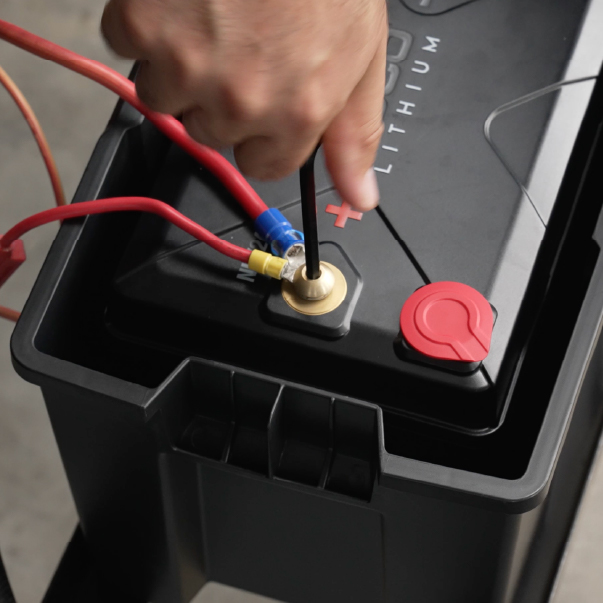
Middle Terminals.
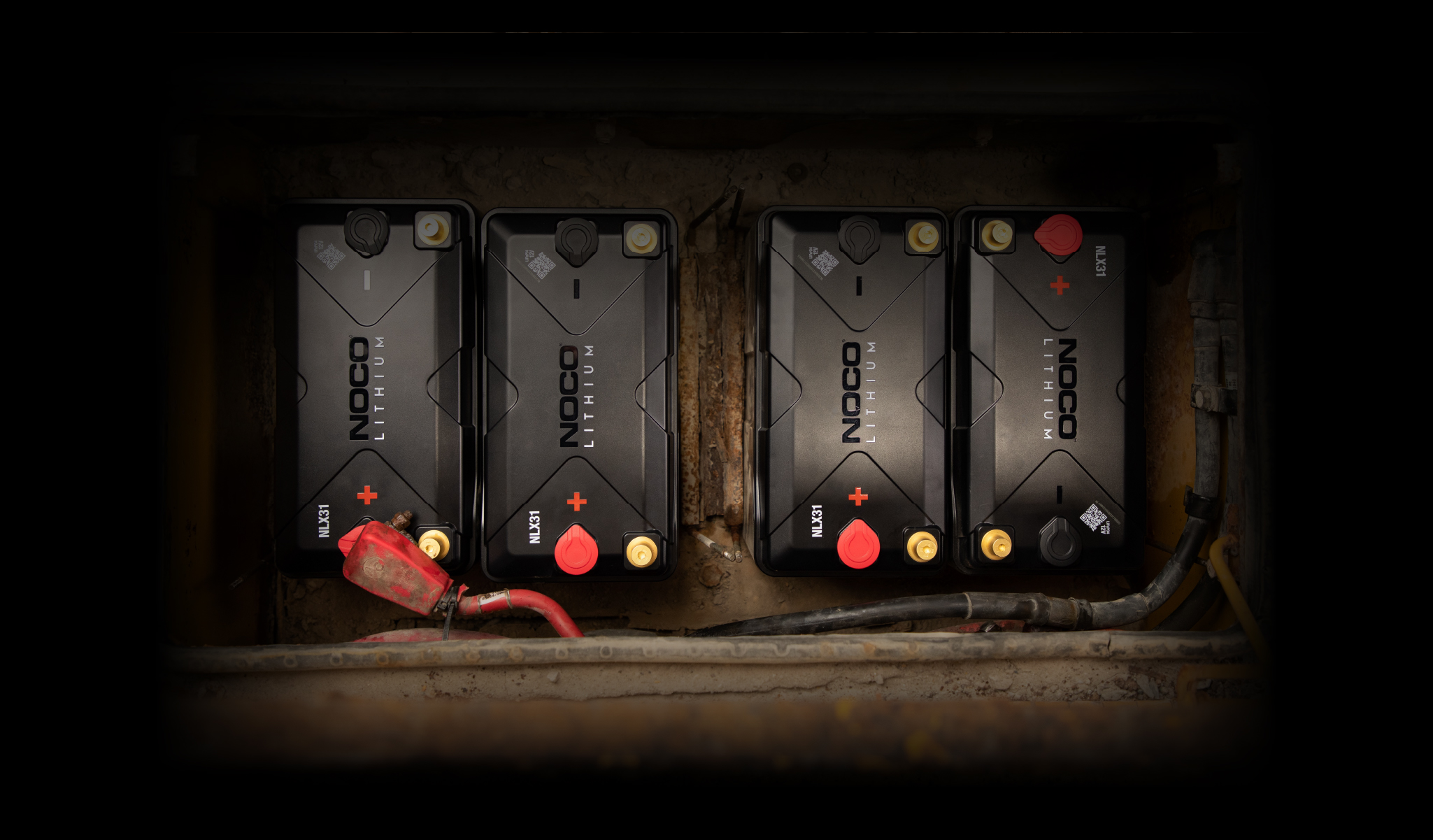
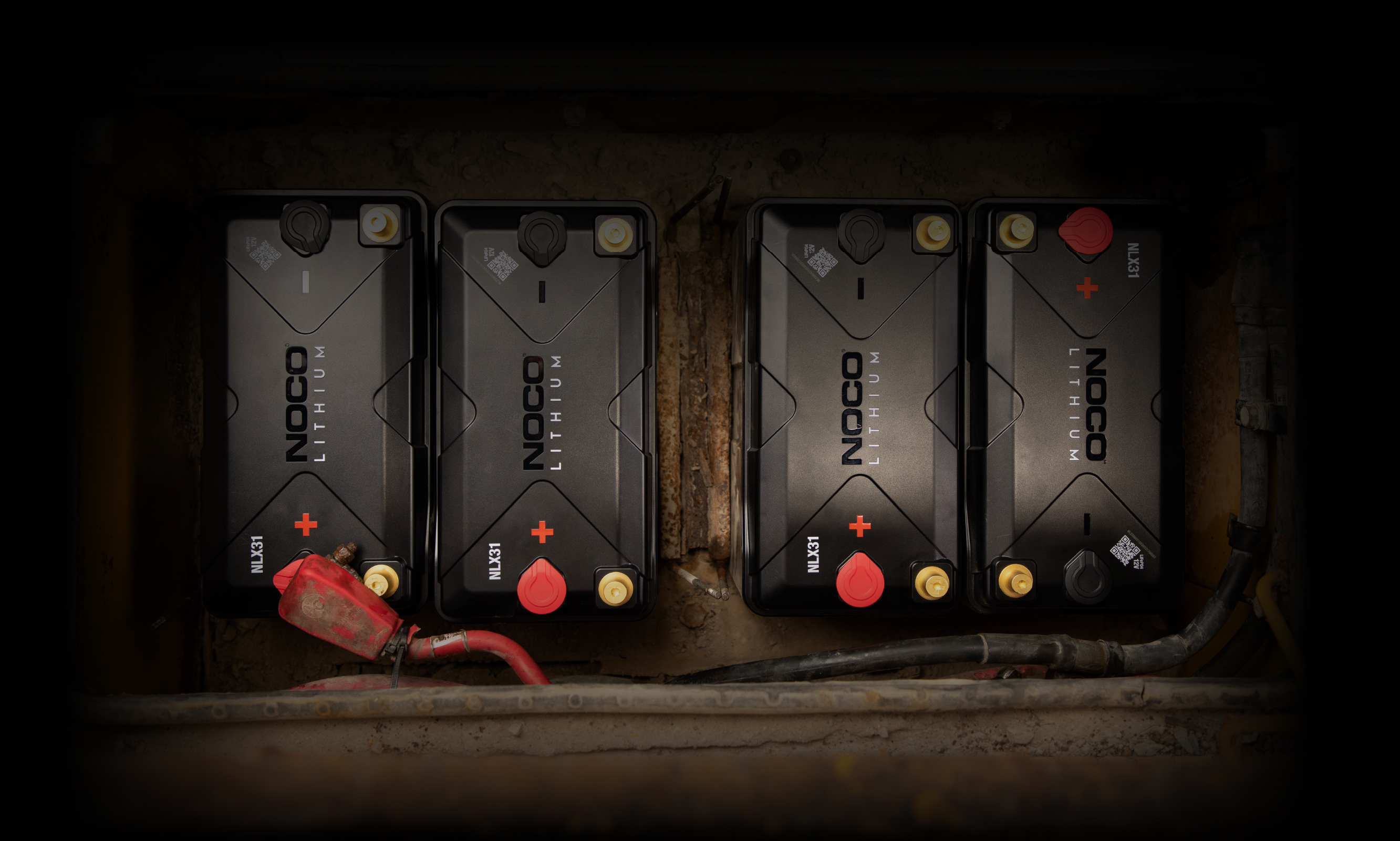
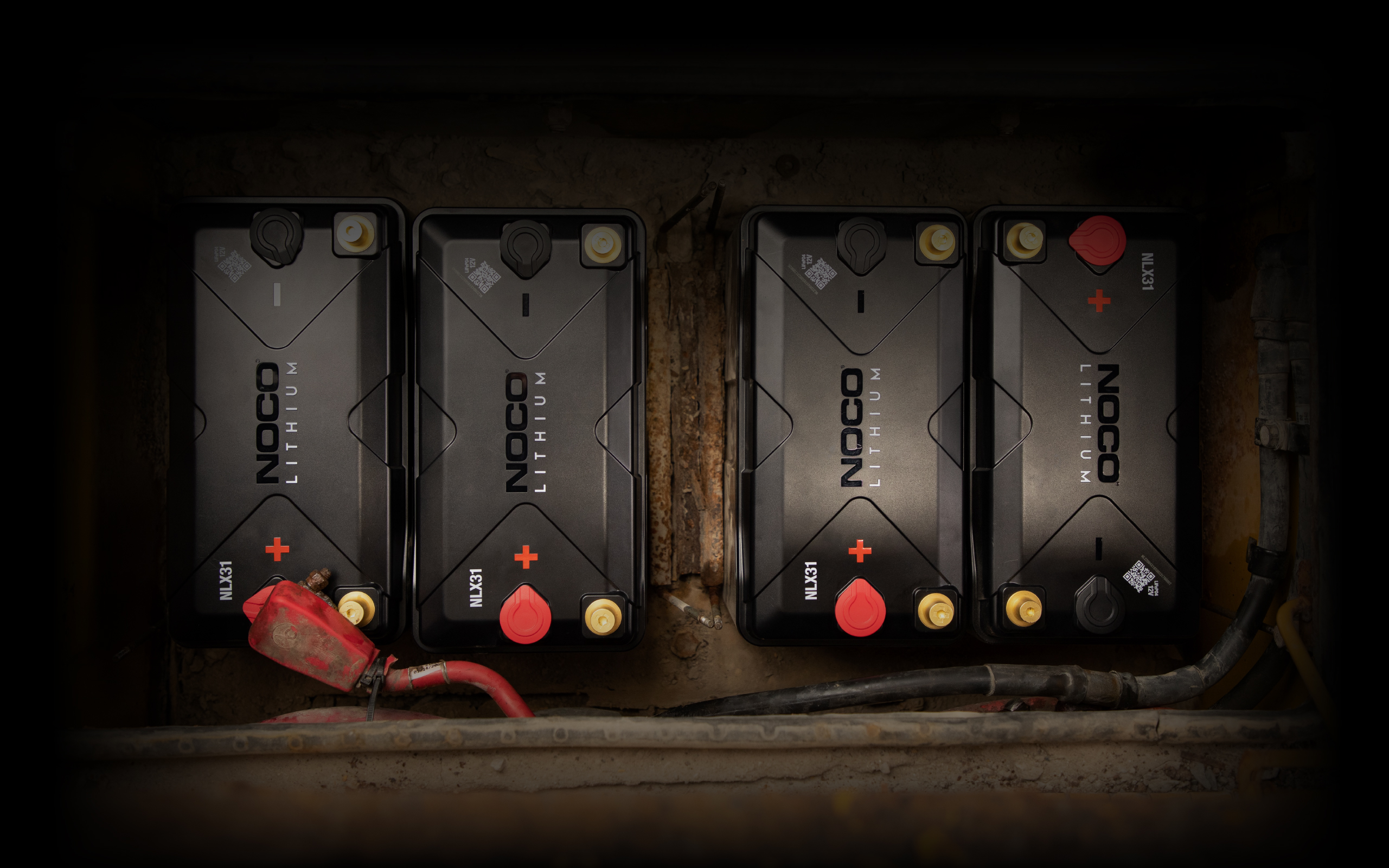
Underneath battery handle is a set of terminals, to which a variety of terminals (included) can connect. Cover unused front terminals with terminal covers (included).
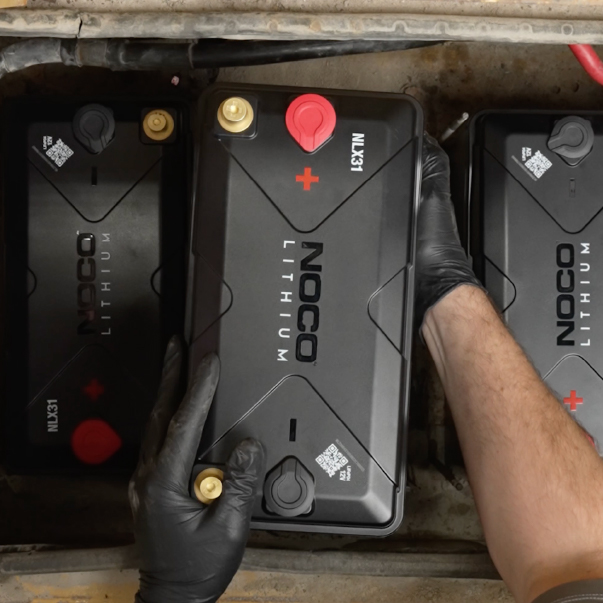
Front Terminals.
The battery also has two front terminal options. Feel free to keep attached or remove the handle for your application. Cover unused middle terminals with terminal covers (included).
Preparing Your Battery.
REMOVING THE HANDLE.
The NLX Handle can assist with lowering the battery into your application, removing it from your application, or carrying. Here is how to remove the handle of your NLX battery. We advise removing the handle once the battery is placed into your application.
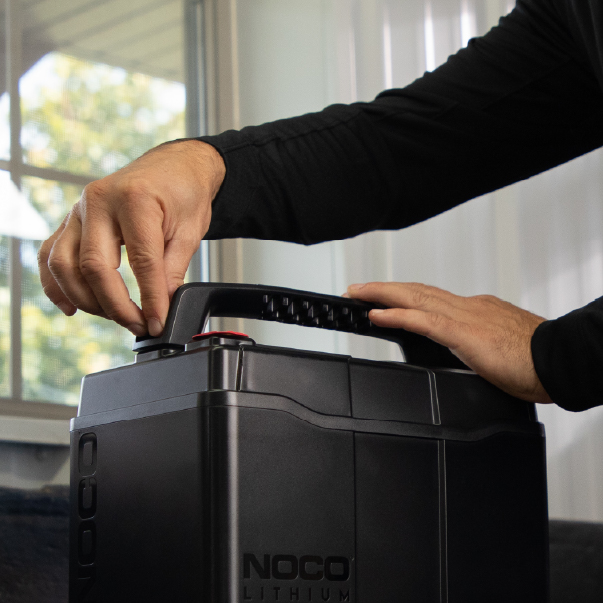
Step 01
Remove caps to access handle bolts underneath.
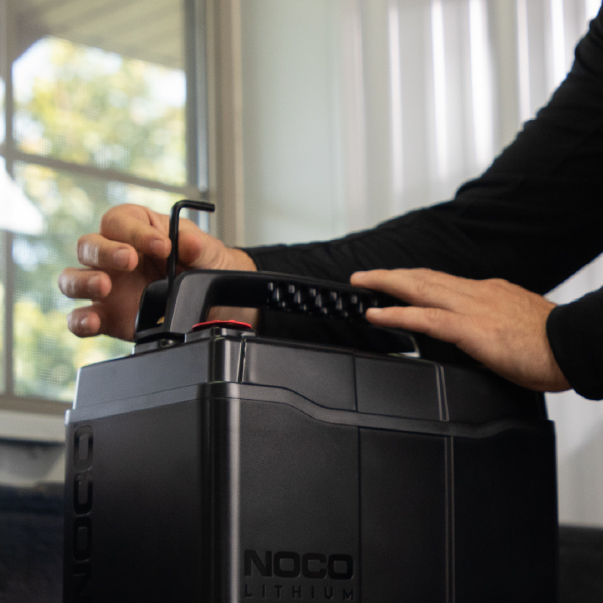
Step 02
Use a hex key (included) to unscrew the bolt that secures the handle on battery.
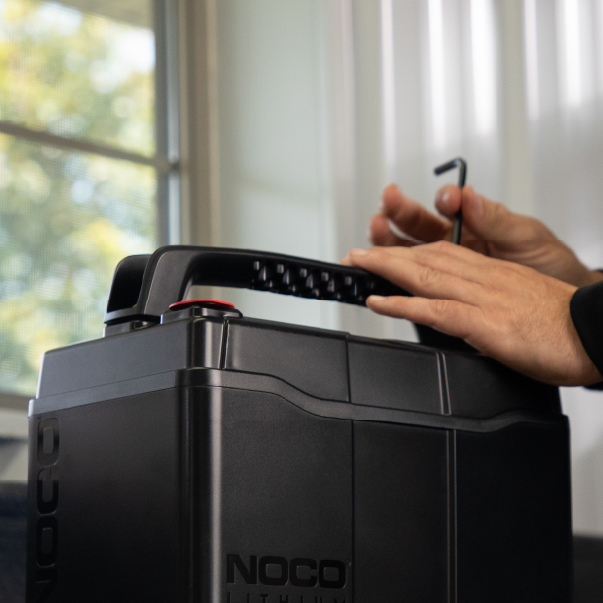
Step 03
Similarly, unscrew the second bolt on the other side.
Step 04
Lift up the handle to remove.
NLX DUAL-PURPOSE
5 YEAR WARRANTY.
All NOCO Lithium Dual-Purpose batteries come with a Limited 5-Year Warranty. Register your product after purchasing to qualify for the applicable warranty.
REGISTER PRODUCTVIEW WARRANTY
Share on Facebook

Share on X

Share on Pinterest
Comment(s)
Recent Posts