
The warranty is 3 years from the proof of purchase or manufacture date (based on serial number).
GENIUS4 Support
June 18, 2024

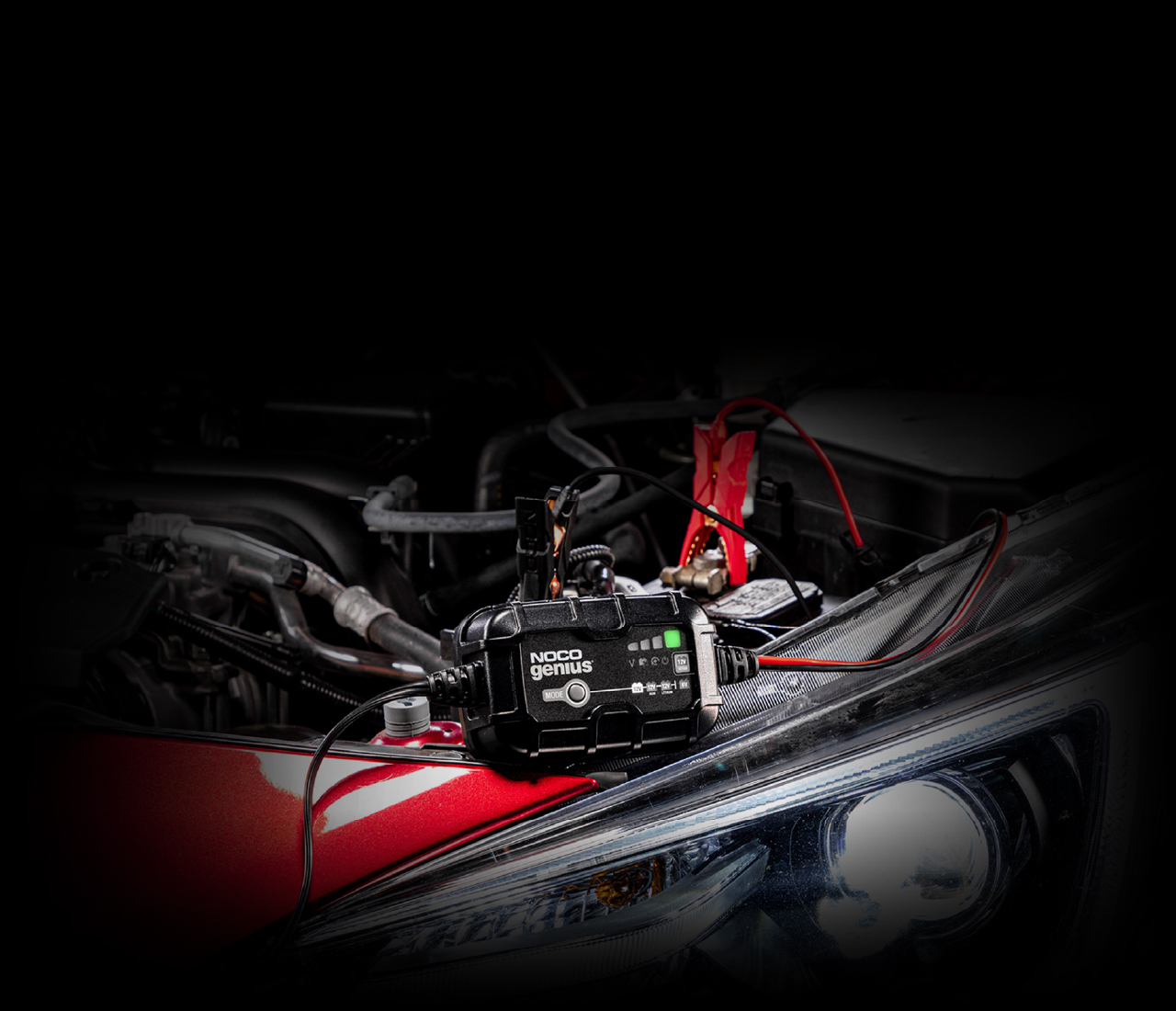
GENIUS4
Support.
User GuideAdvanced Diagnostics.
GENIUS4
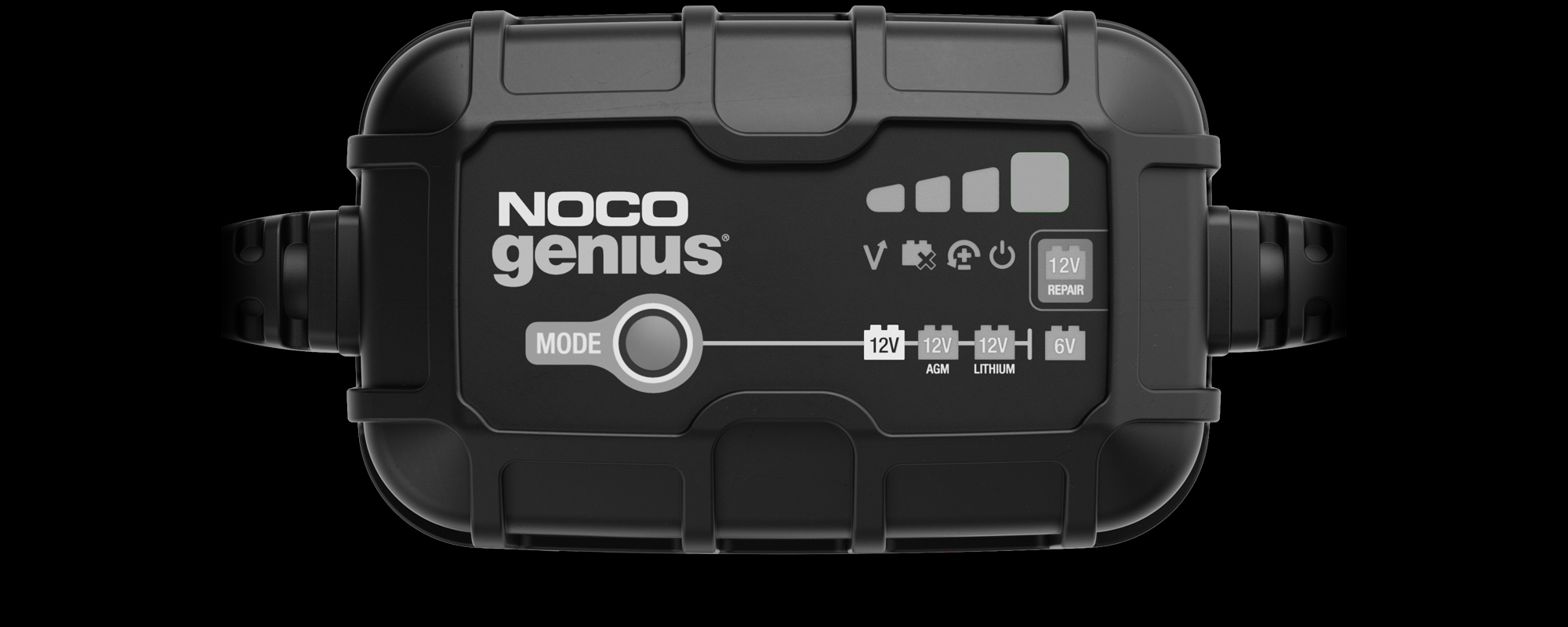
High Voltage
The battery voltage is too high for the selected charge mode. Check the battery and charge mode.
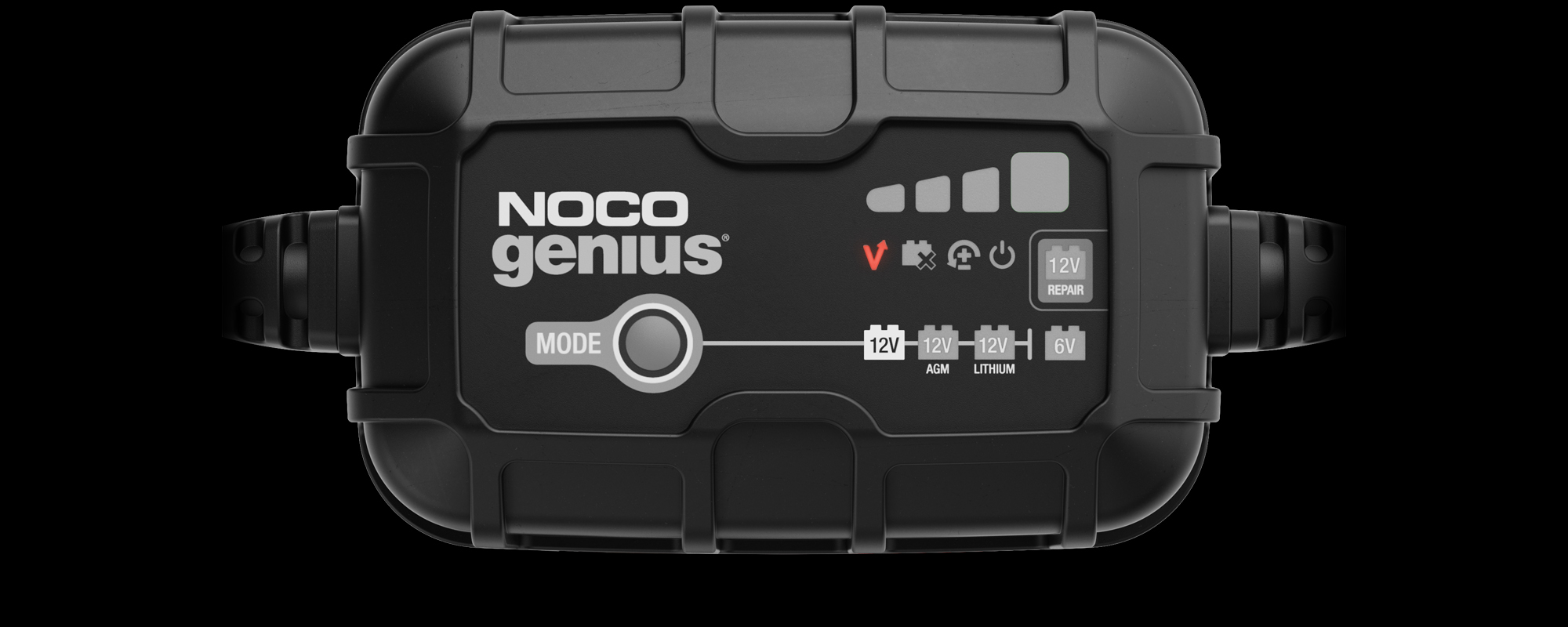

Bad Battery
There is a possible battery short or the battery will not hold a charge. Have the battery checked by a professional.

Reverse Polarity
Charger is connected to the battery in reverse. Reverse the connections.
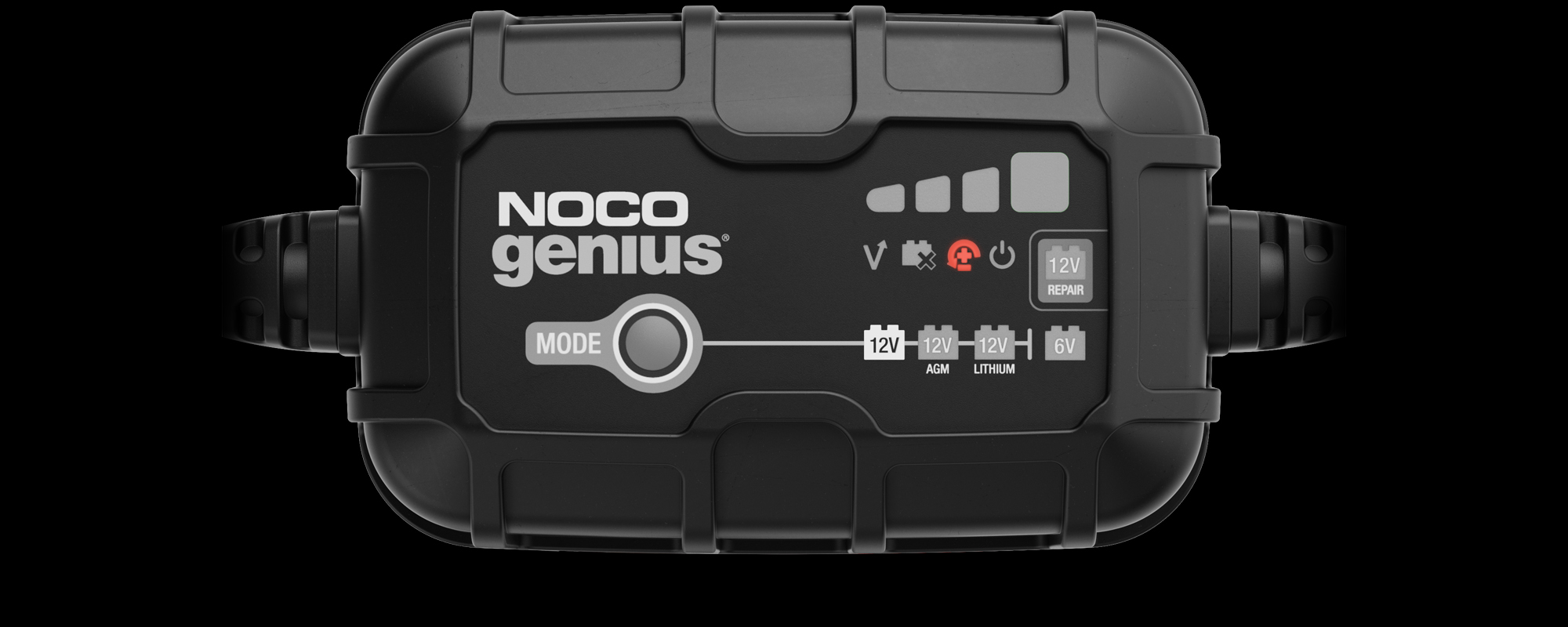

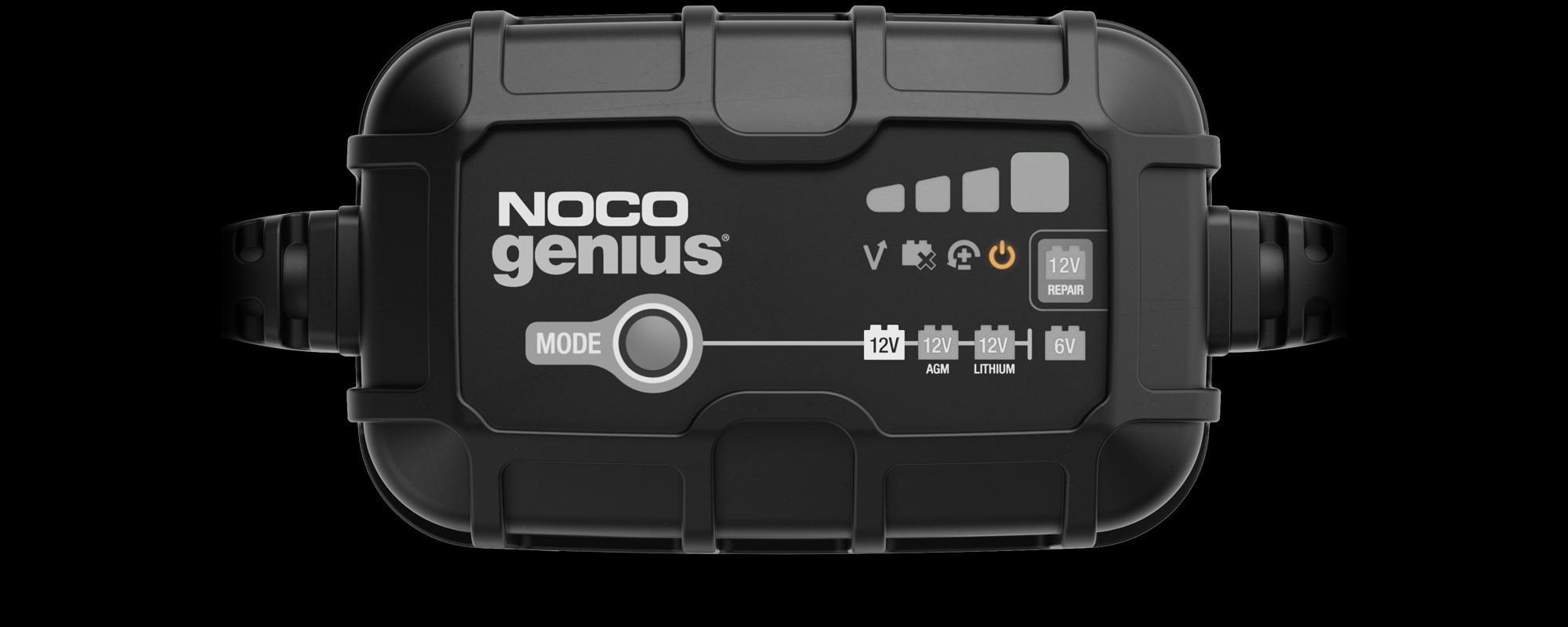
Standby Mode
The charger is in standby mode or the battery voltage is too low for the charger to detect.

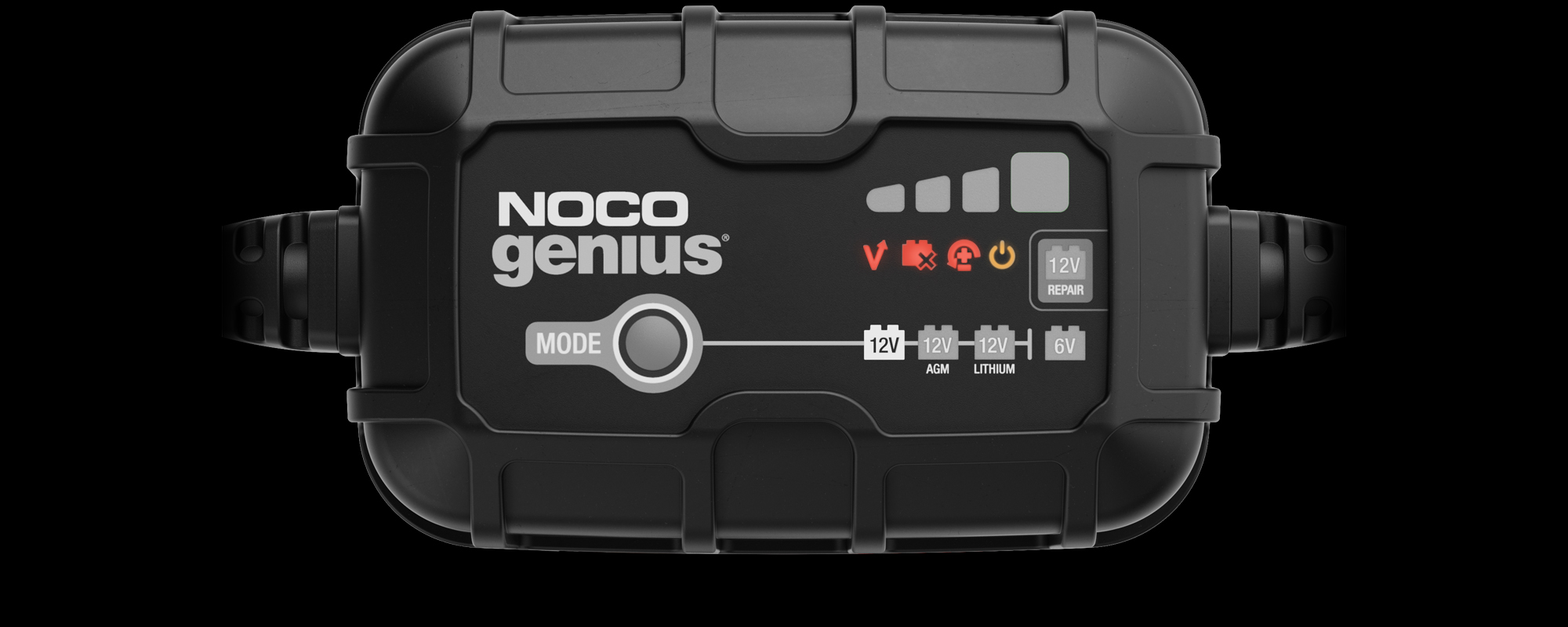
Temperature
All Error LED’s will flash. Internal / external temperature is too high / low. Charger will resume once the temperature is back within operating limits.

Advanced Charging.
GENIUS4
12V Mode
Used for 12V wet cell, gel, enhanced flooded, maintenance- free, & calcium batteries.
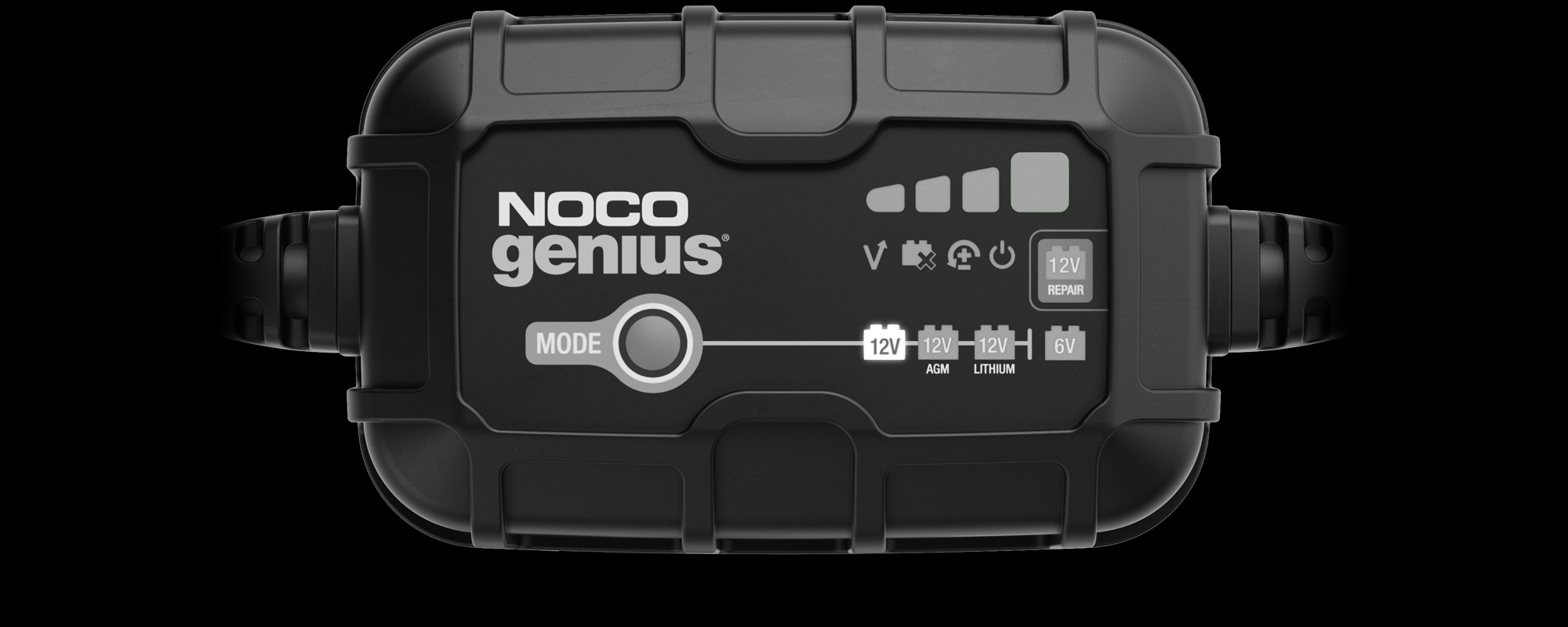

12V AGM Mode
Used for 12V AGM batteries.
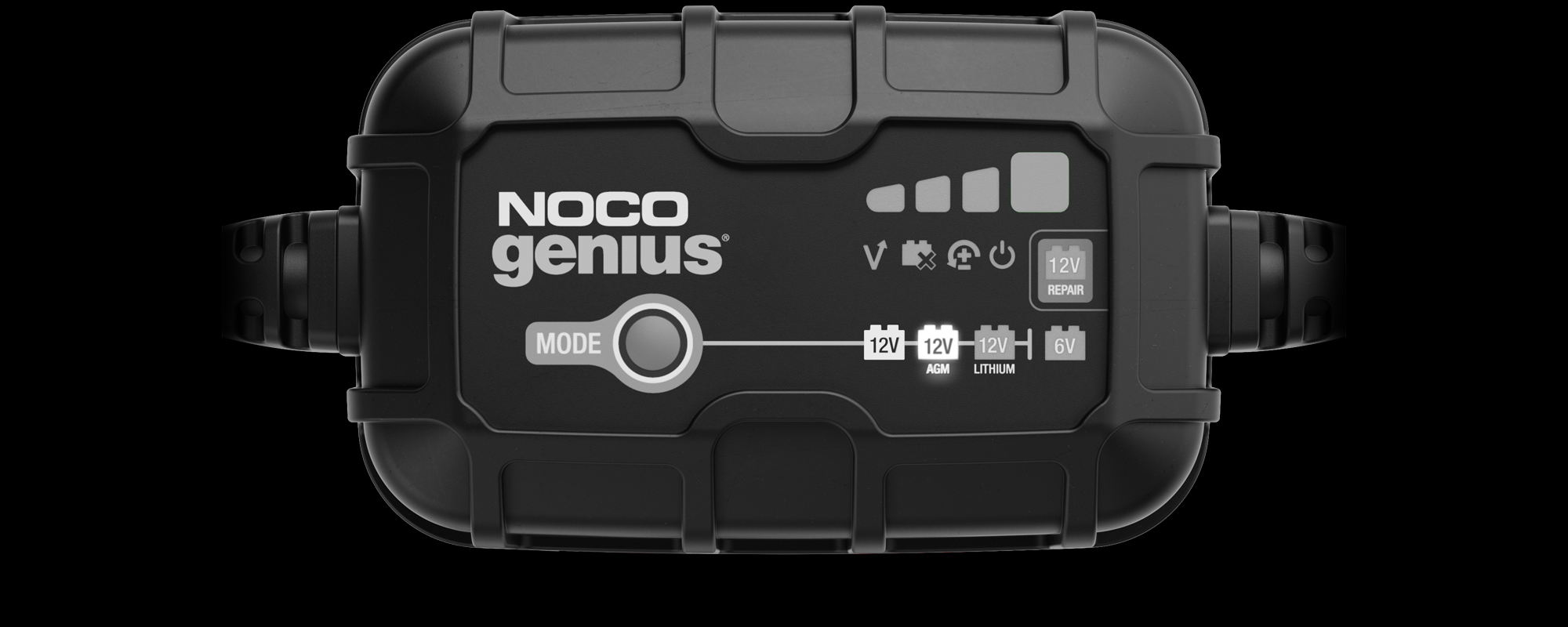

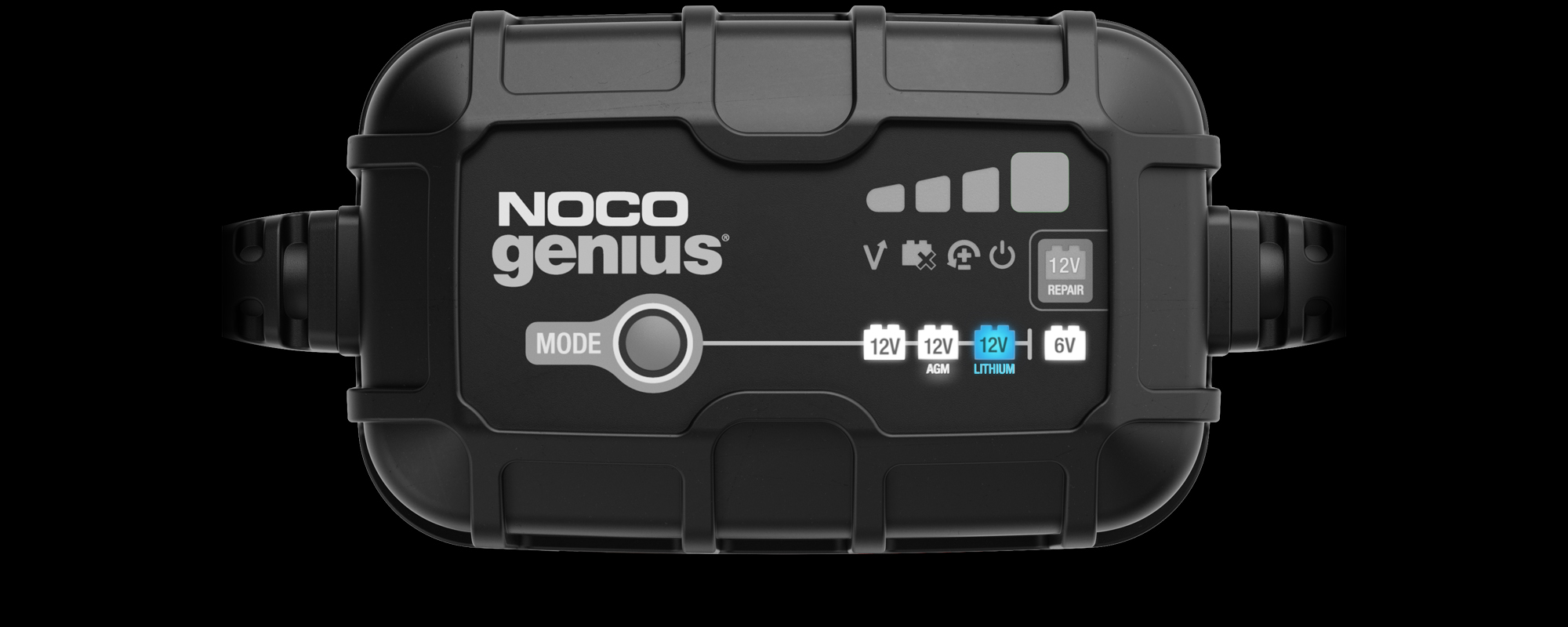
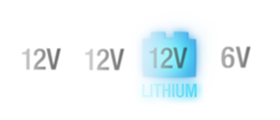
12V Lithium Mode
Used for 12V lithium- ion batteries (including lithium iron phosphate). Only for batteries with Battery Management Systems (BMS).
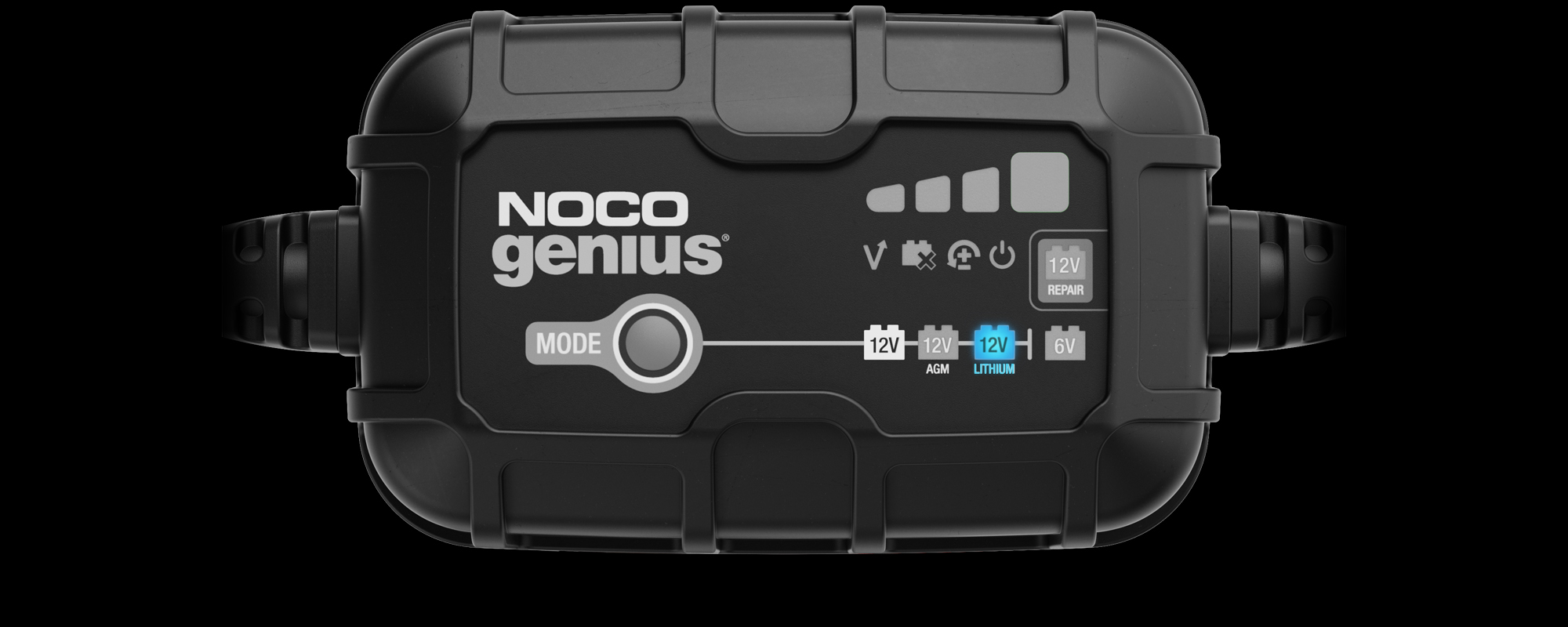

6V Mode
Used for 6V wet cell, gel, enhanced flooded, maintenance-free, & calcium batteries.
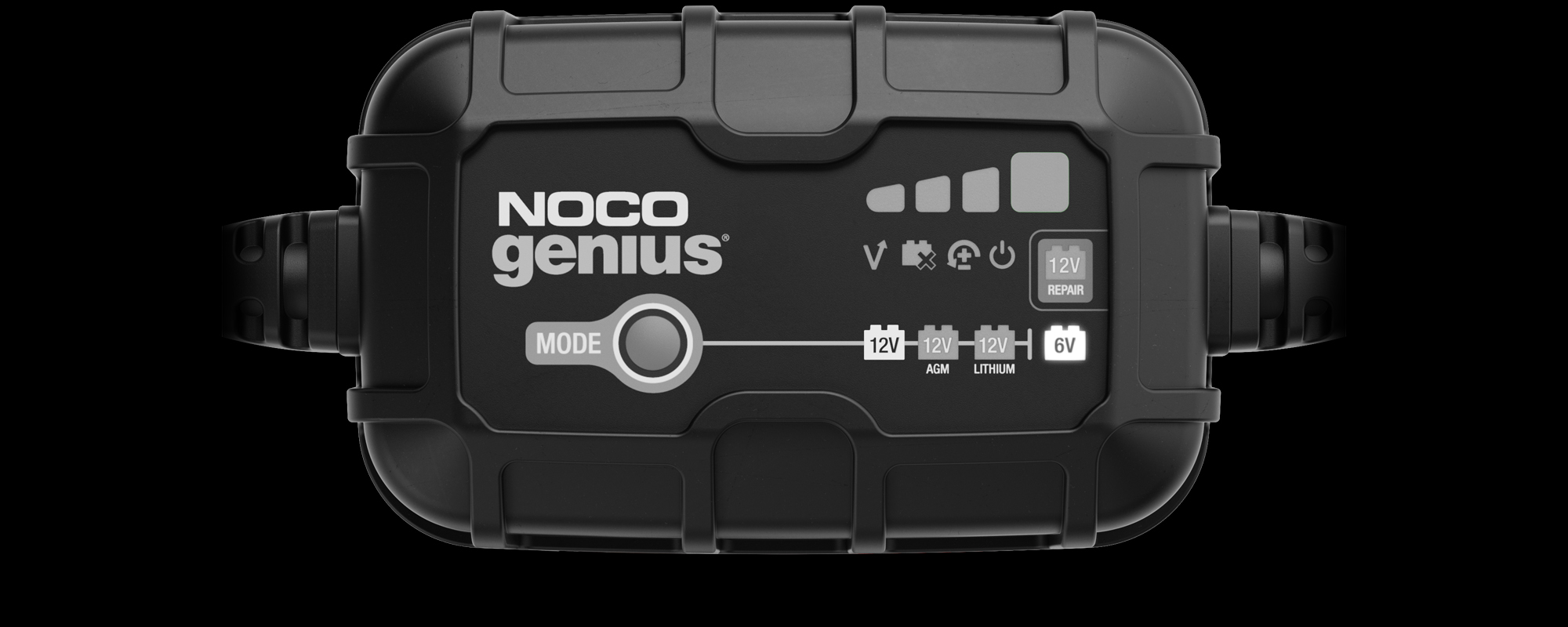

12V Repair Mode
Used to repair old, idle, damaged, stratified, or sulfated batteries.
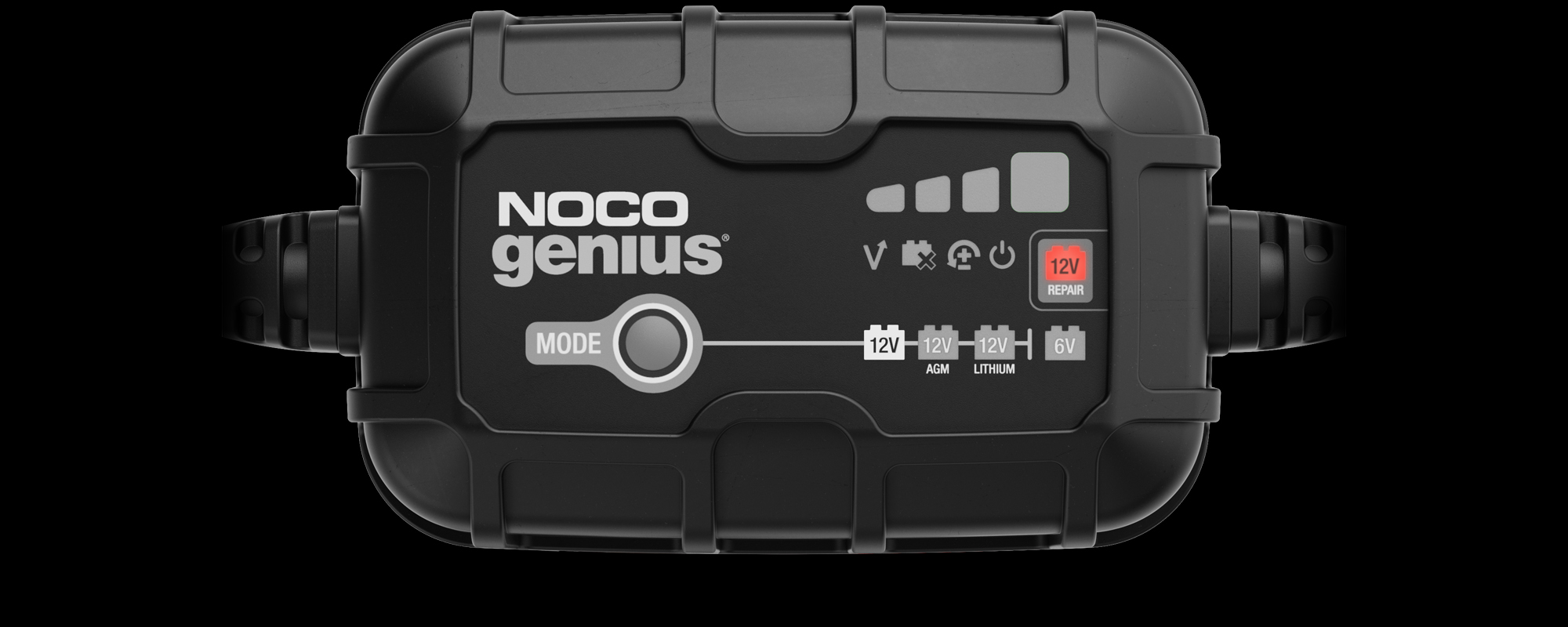

Force Mode
Used to charge batteries below 1V. All charge mode LED’s will flash and the selected mode will illuminate.
Charge Levels.
GENIUS4
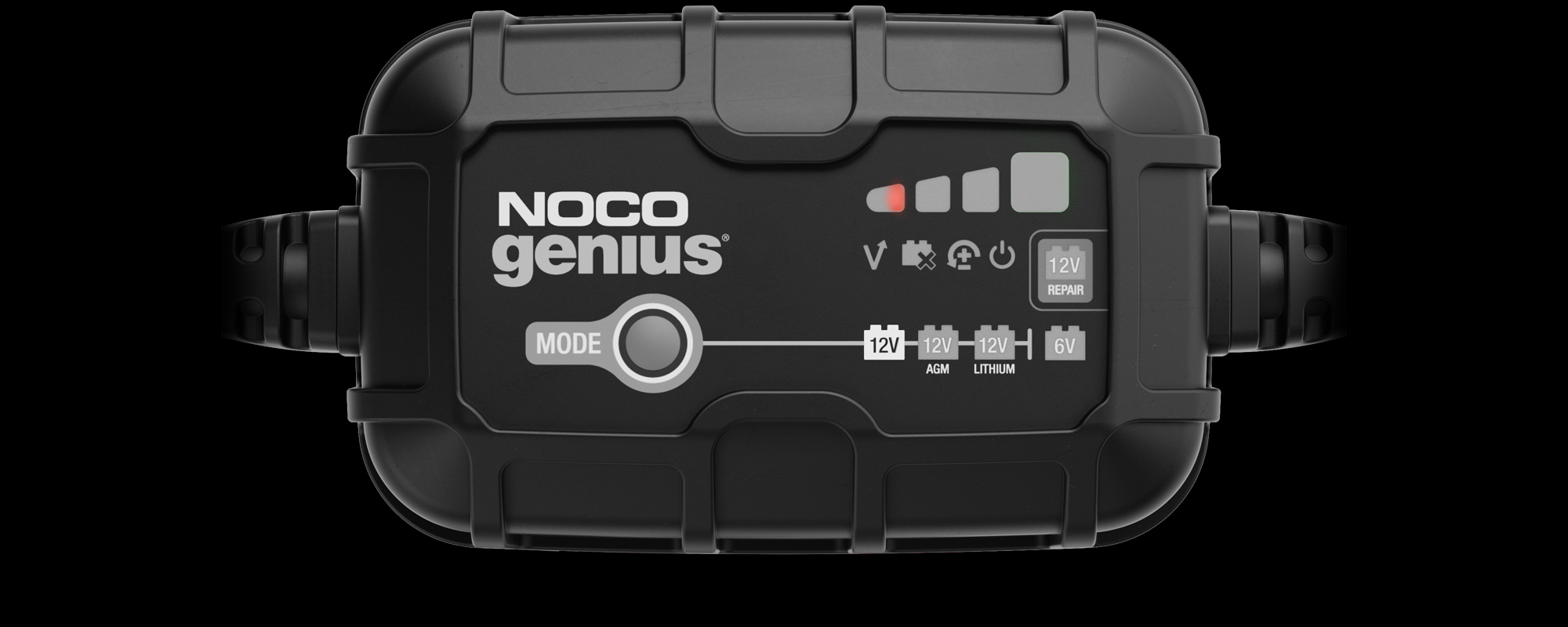
25% Charged
Pulsing Red 25% - The battery is less than 25% charged.

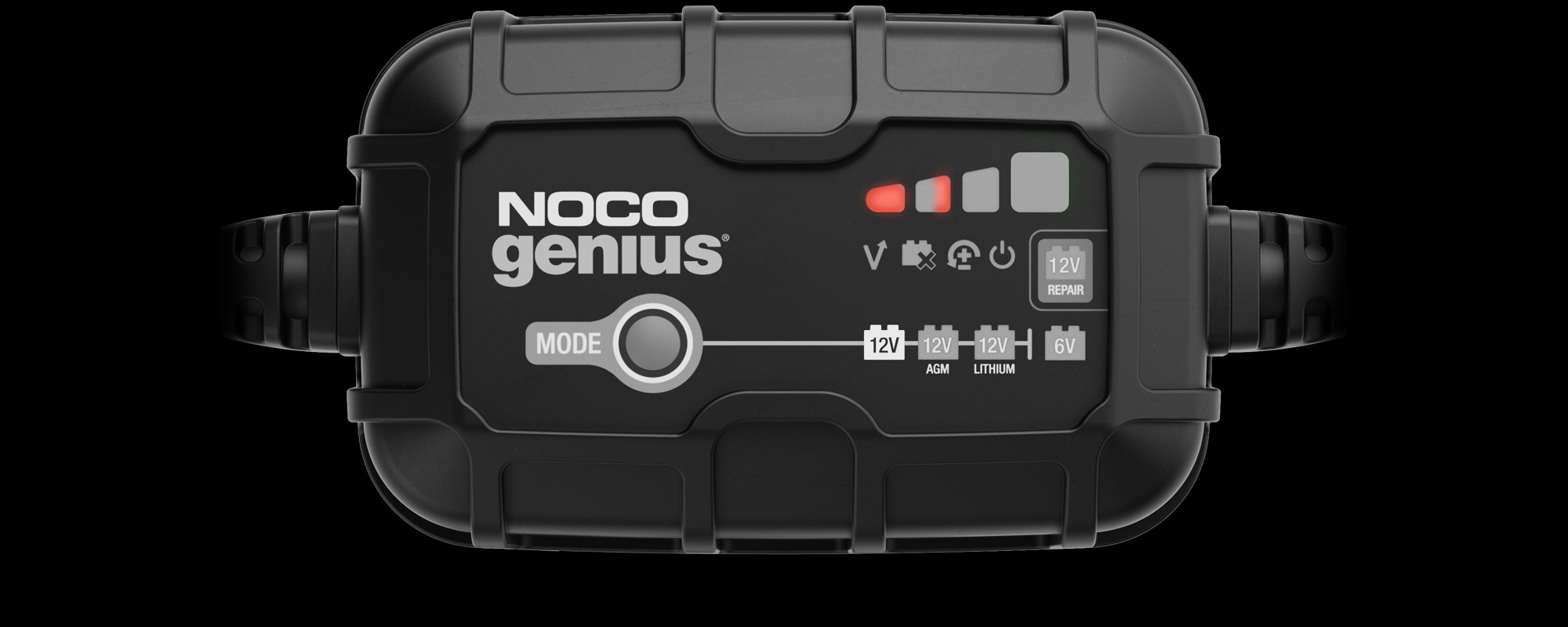
50% Charged
Pulsing Red 50% - The battery is less than 50% charged.

75% Charged
Pulsing Orange - The battery is less than 75% charged.
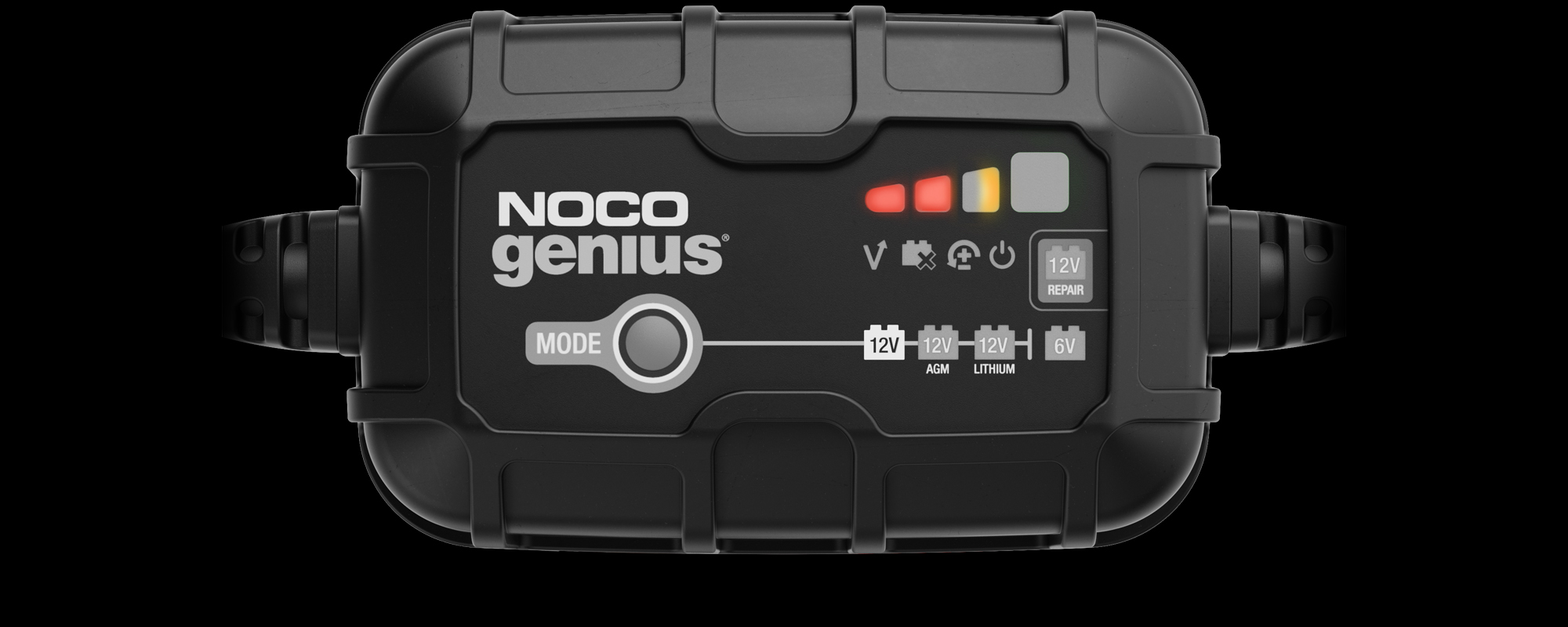

100% Charged
Pulsing Green - Bulk Charge complete, optimizing battery for extended life.
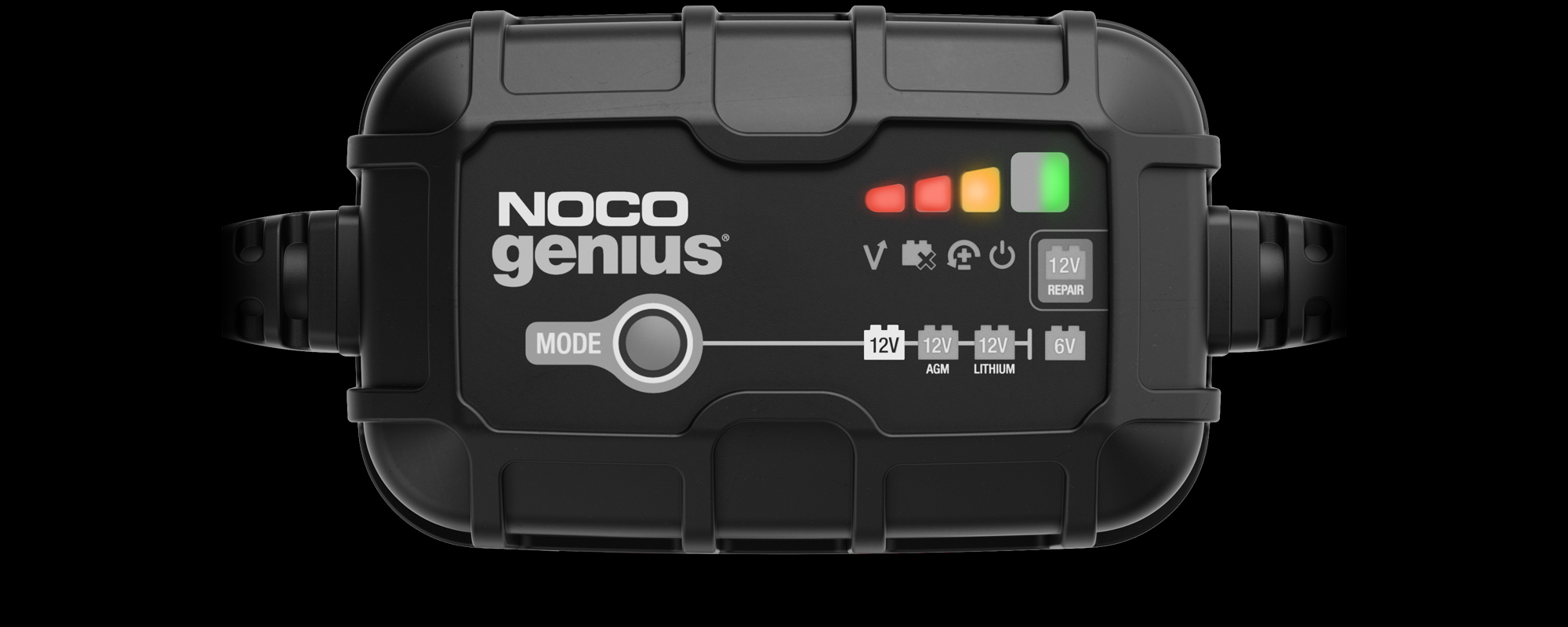

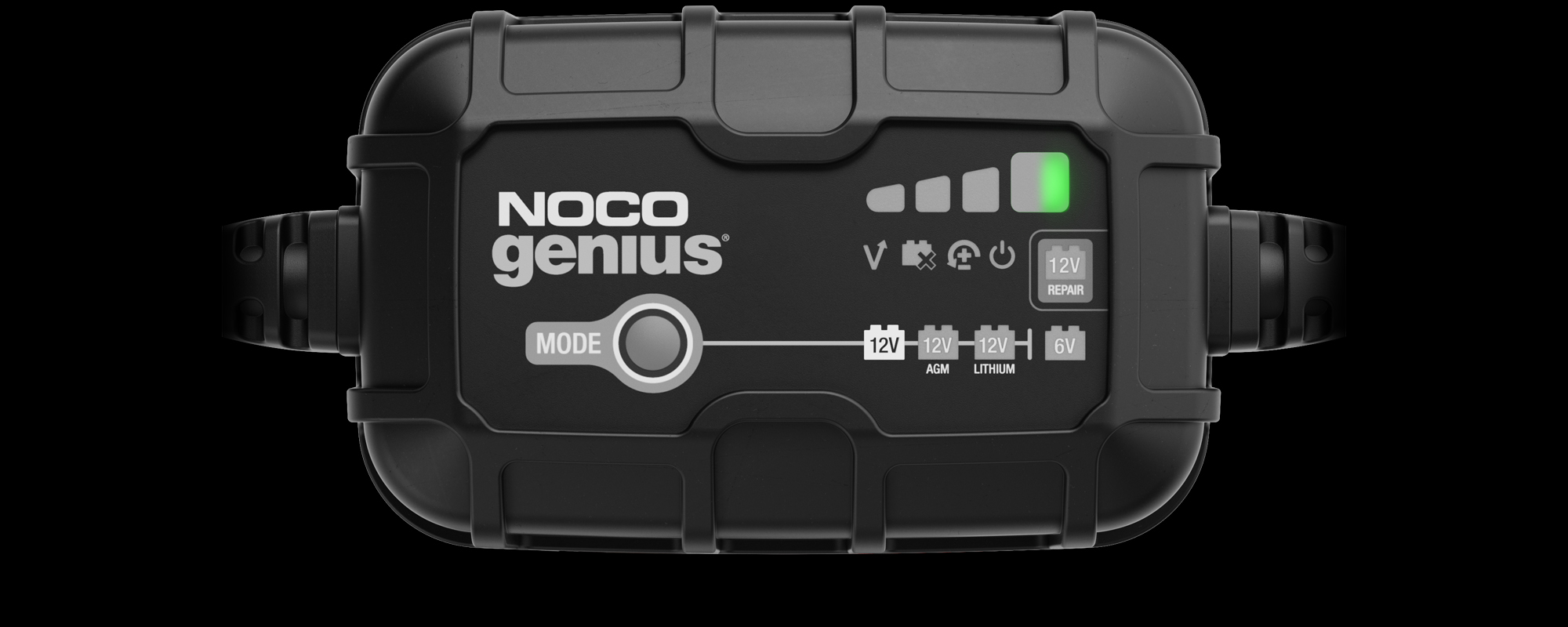
Maintenance
Slow Pulsing Green - After the battery is fully charged, the charger will continue to provide ongoing maintenance and optimization until disconnected.

DO MORE WITH GENIUS
ACCESSORIES.
NOCO GENIUS Battery Chargers are compatible with a variety of accessories to expand your capabilities. Get complete protection with the universal EVA protection case for GENIUS. The following X-Connect accessories are compatible with the all-new GENIUS series:
40
gc001
https://ws-magento.no.co/media/catalog/product/cache/72bcfd6b8d873c0f7f5519c3d714292c/g/c/gc001.png
GC001
GC001
X-Connect Battery Clamps
25.950000
19.950000
19.95
https://ws-magento.no.co/media/rmg/product_label_image/
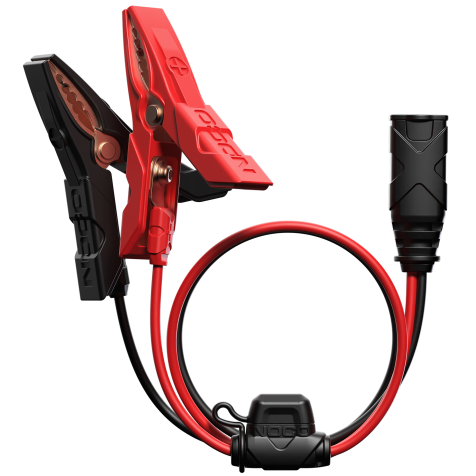
GC001
GC001
MSRP: $25.95 You save 23%
$19.95
41
gc002
https://ws-magento.no.co/media/catalog/product/cache/72bcfd6b8d873c0f7f5519c3d714292c/g/c/gc002.png
GC002
GC002
X-Connect Eyelet Terminal Connector
19.950000
15.950000
15.95
https://ws-magento.no.co/media/rmg/product_label_image/
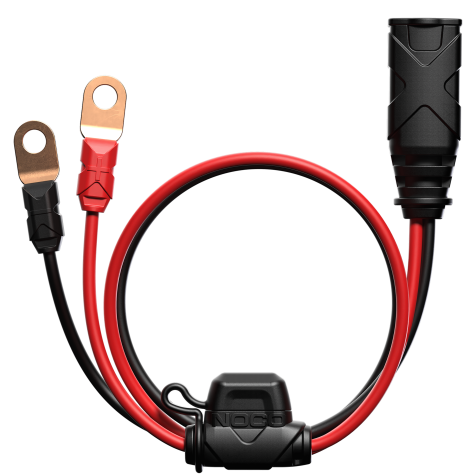
GC002
GC002
MSRP: $19.95 You save 20%
$15.95
42
gc003
https://ws-magento.no.co/media/catalog/product/cache/72bcfd6b8d873c0f7f5519c3d714292c/g/c/gc003.png
GC003
GC003
12V Male Plug
25.950000
19.950000
19.95
https://ws-magento.no.co/media/rmg/product_label_image/
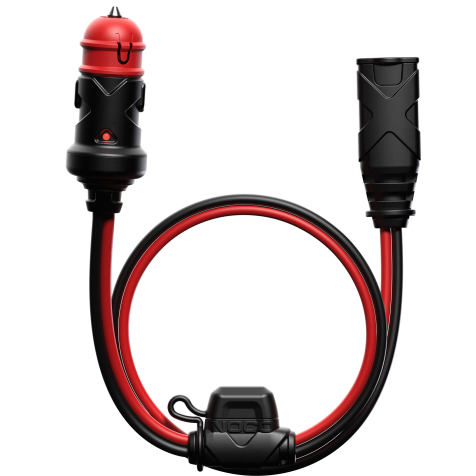
GC003
GC003
MSRP: $25.95 You save 23%
$19.95
43
gc004
https://ws-magento.no.co/media/catalog/product/cache/72bcfd6b8d873c0f7f5519c3d714292c/g/c/gc004.png
GC004
GC004
10' Extension Cable
29.950000
21.950000
21.95
https://ws-magento.no.co/media/rmg/product_label_image/
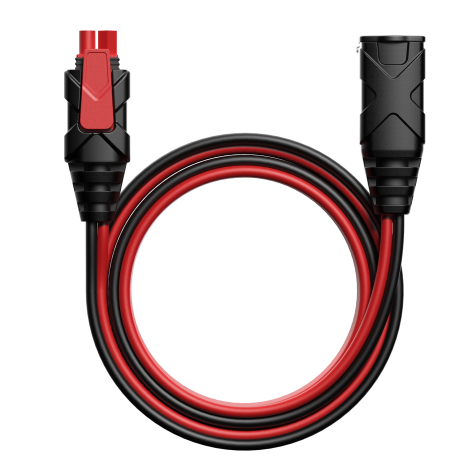
GC004
GC004
MSRP: $29.95 You save 26%
$21.95
44
gc008
https://ws-magento.no.co/media/catalog/product/cache/72bcfd6b8d873c0f7f5519c3d714292c/g/c/gc008.png
GC008
GC008
XL Eyelet Terminal Connector
17.950000
15.950000
15.95
https://ws-magento.no.co/media/rmg/product_label_image/
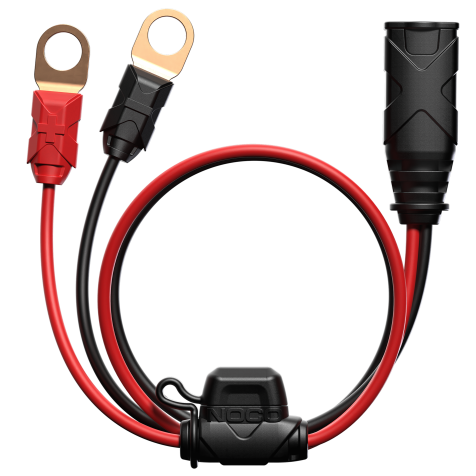
GC008
GC008
MSRP: $17.95 You save 11%
$15.95
45
gc009
https://ws-magento.no.co/media/catalog/product/cache/72bcfd6b8d873c0f7f5519c3d714292c/g/c/gc009.png
GC009
GC009
SAE Adapter
17.950000
15.950000
15.95
https://ws-magento.no.co/media/rmg/product_label_image/
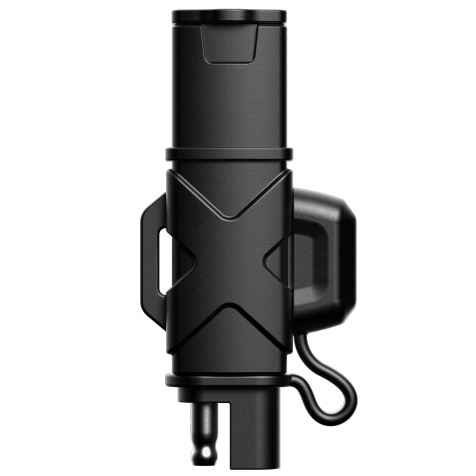
GC009
GC009
MSRP: $17.95 You save 11%
$15.95
46
gc014
https://ws-magento.no.co/media/catalog/product/cache/72bcfd6b8d873c0f7f5519c3d714292c/g/c/gc014.png
GC014
GC014
XL Battery Clamp Connector
29.950000
22.950000
22.95
https://ws-magento.no.co/media/rmg/product_label_image/
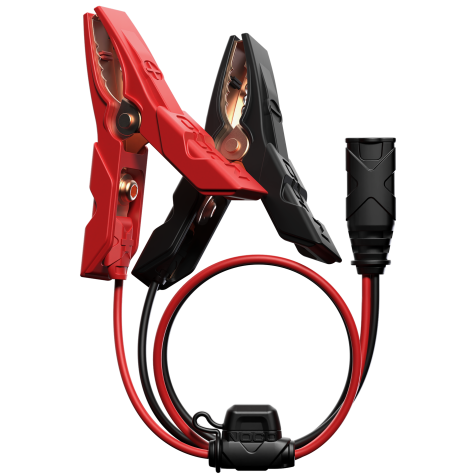
GC014
GC014
MSRP: $29.95 You save 23%
$22.95
47
gc040
https://ws-magento.no.co/media/catalog/product/cache/72bcfd6b8d873c0f7f5519c3d714292c/g/c/gc040.png
GC040
GC040
Genius Universal EVA Case
32.950000
24.950000
24.95
https://ws-magento.no.co/media/rmg/product_label_image/
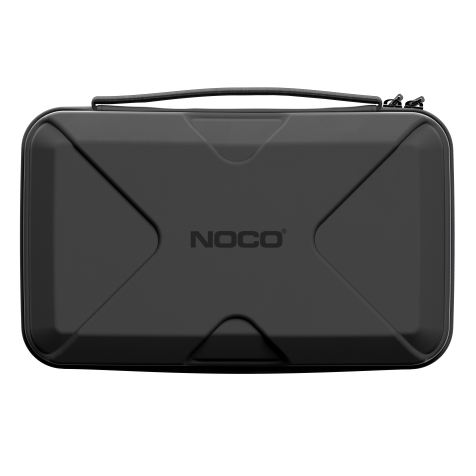
GC040
GC040
MSRP: $32.95 You save 24%
$24.95

Share on Facebook

Share on X

Share on Pinterest
Comment(s)
Recent Posts