GENIUS2D Support
GENIUS2D
SUPPORT.
USER GUIDE
DATASHEET
Advanced Diagnostics.
GENIUS2D
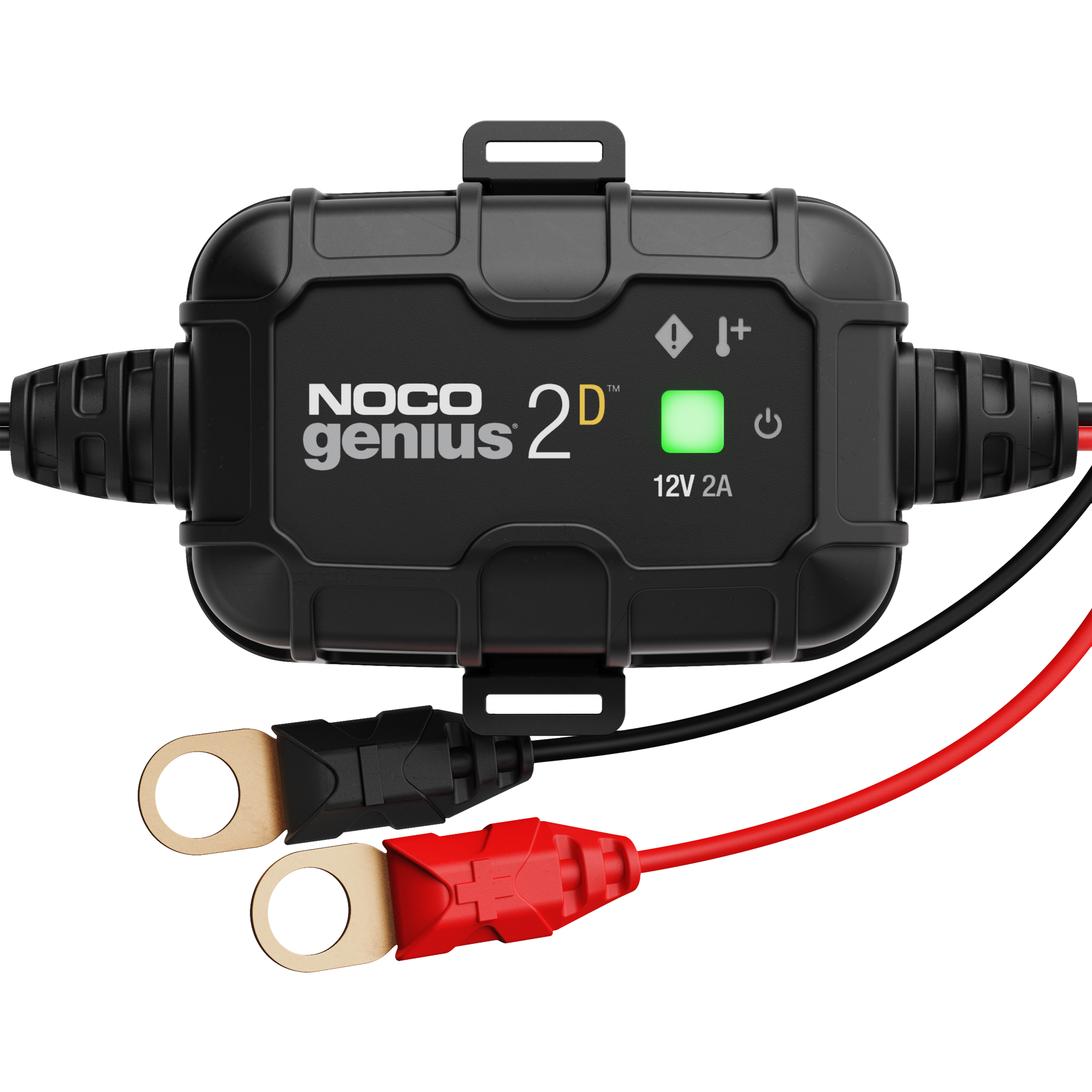
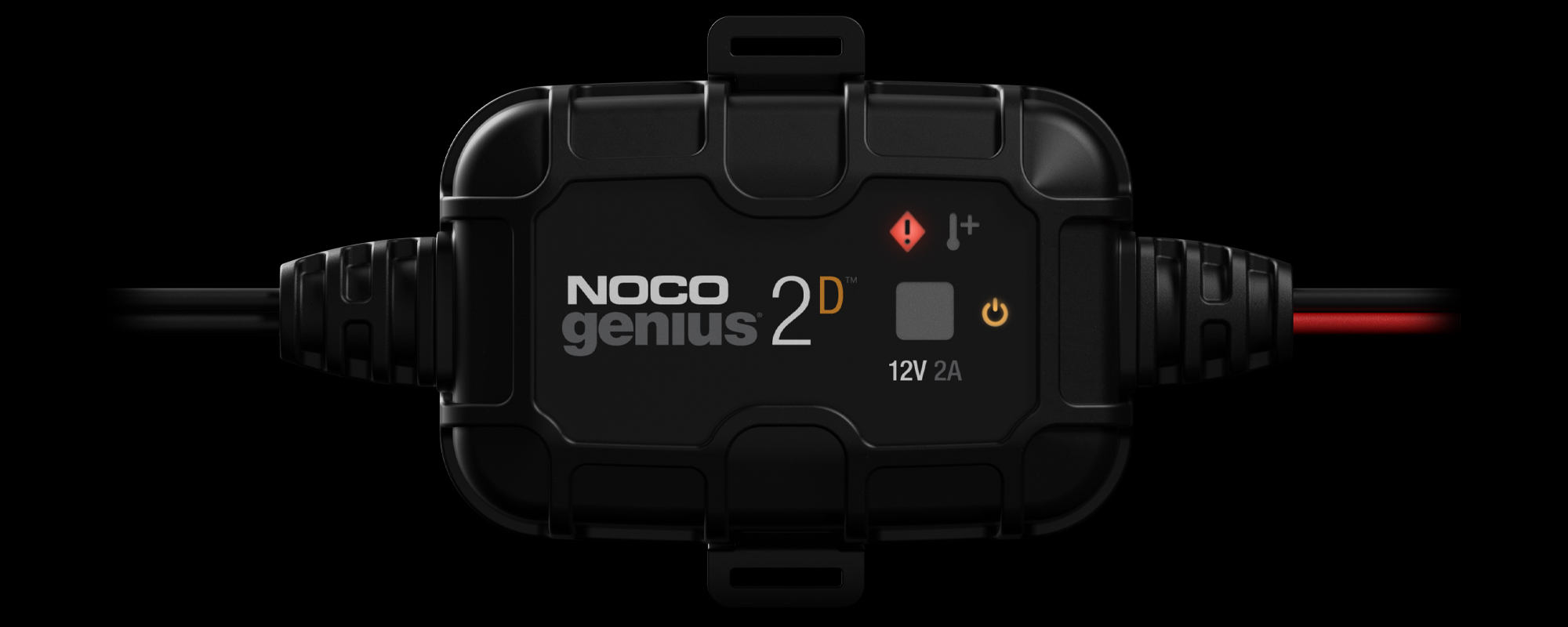
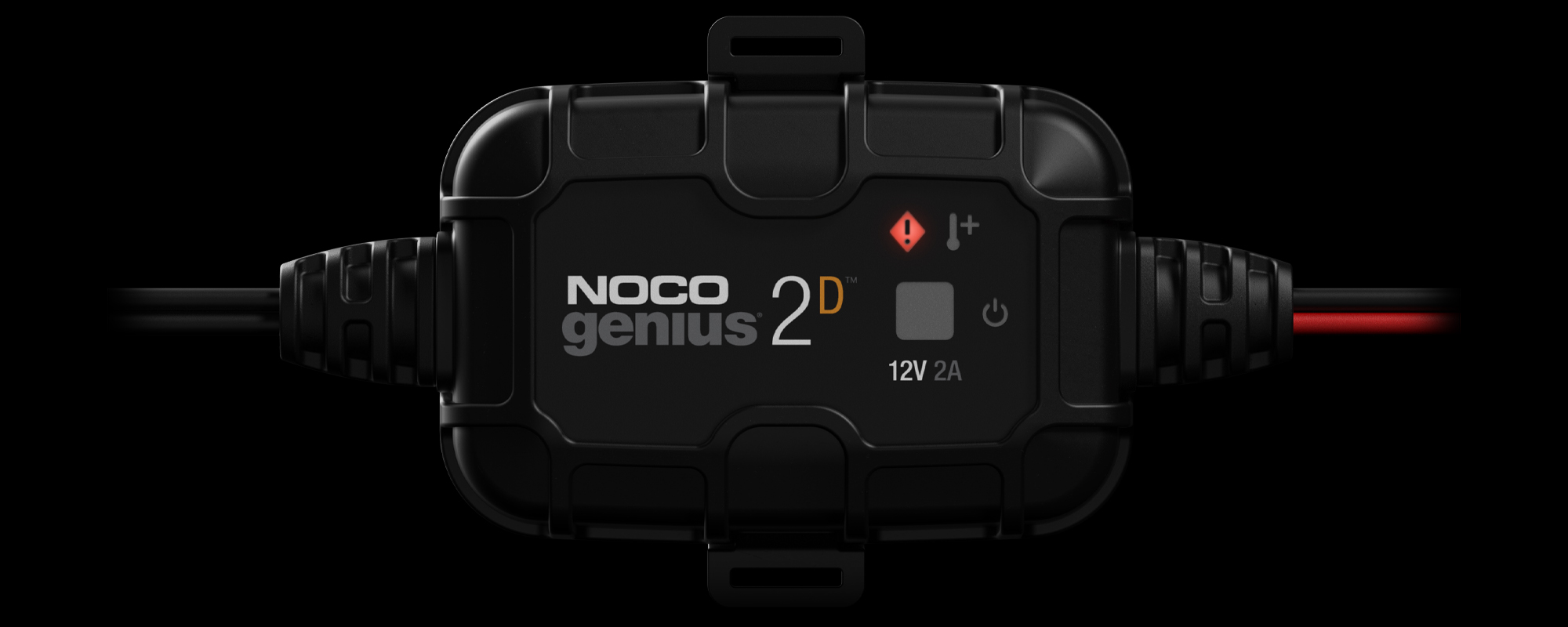
Reverse Polarity
Error LED will flash. Charger is connected to the battery in reverse / or battery voltage is too low to detect. Reverse the connections.
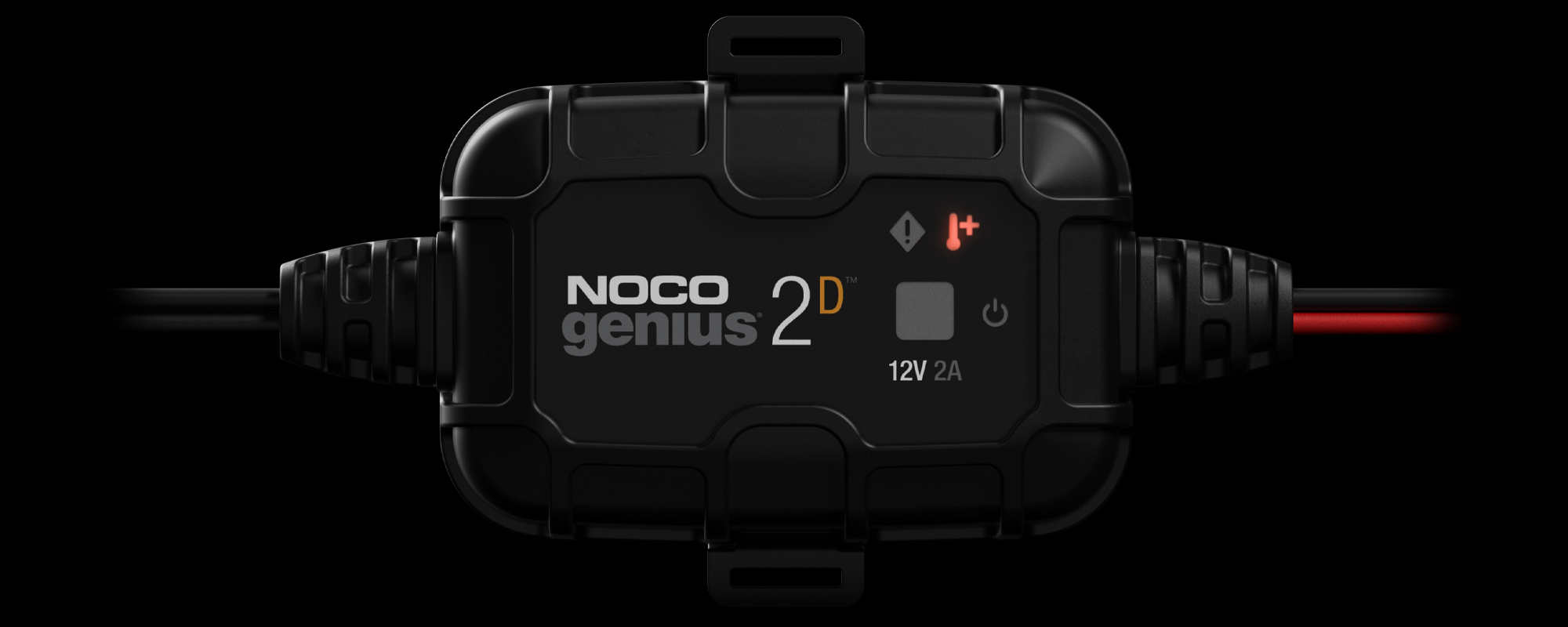
Temperature
Hot LED will flash. Internal / external temperature is too high. Charger will resume once the temperature is back within operating limits.
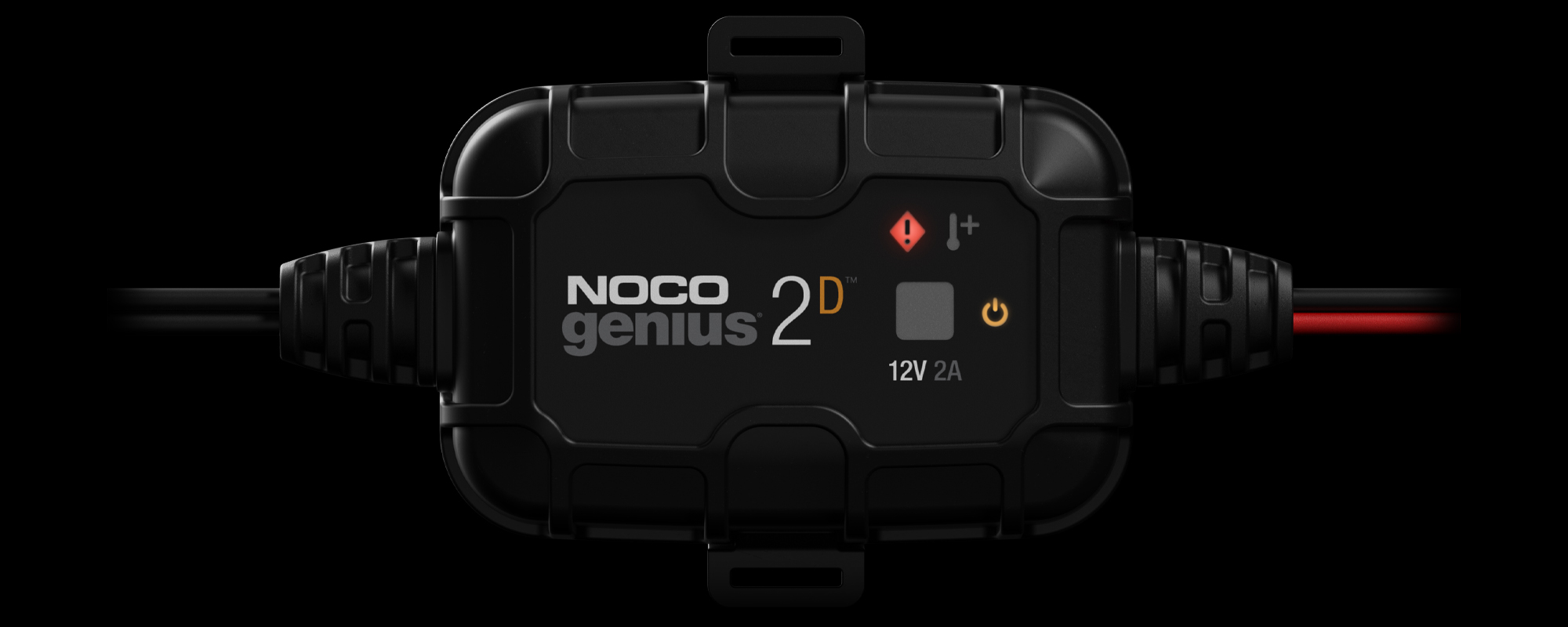
Bad Battery
Error and Standby LED single-flash. Battery will not hold a charge. Have the battery checked by a professional.
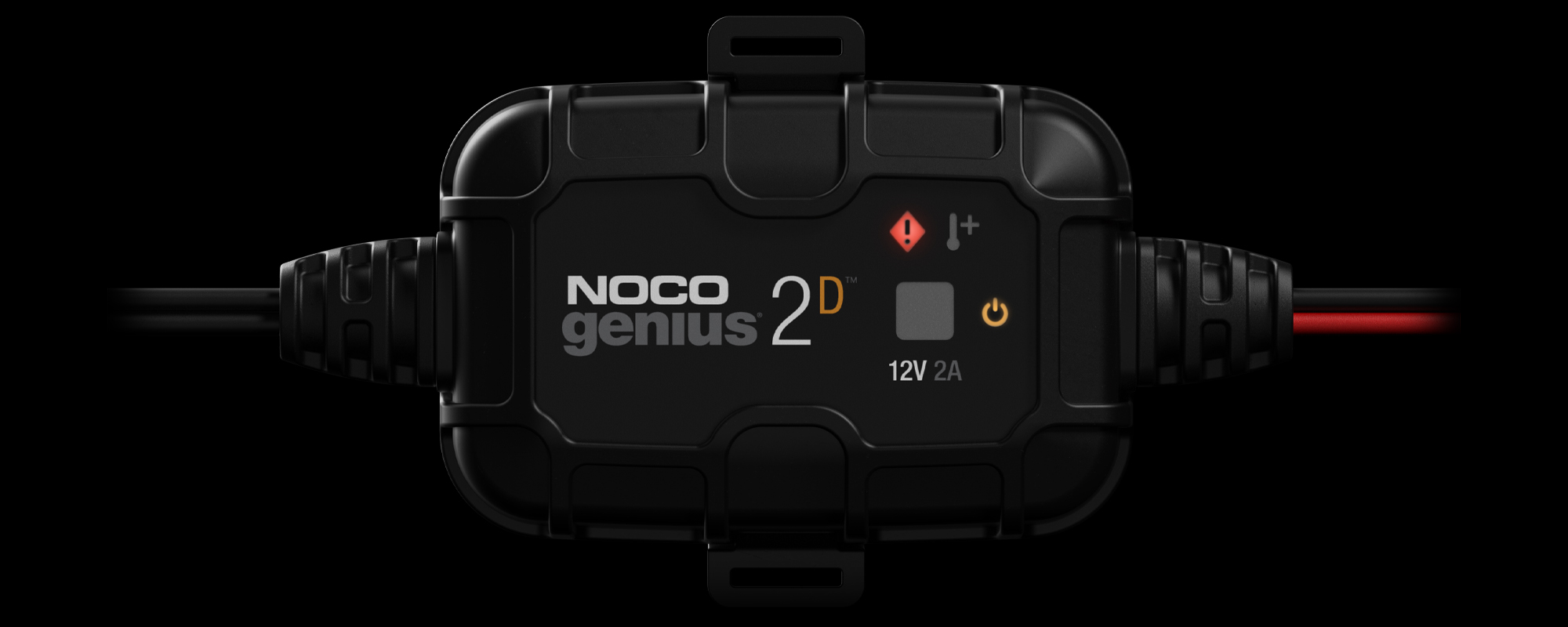
Battery Short
Error and Standby LED double-flash.There is a possible battery short, have the battery checked by a professional.

High Voltage
Error and Standby LED triple-flash. The battery voltage is too high for the selected charge mode. Check the battery.
Advanced Charging.
GENIUS2D
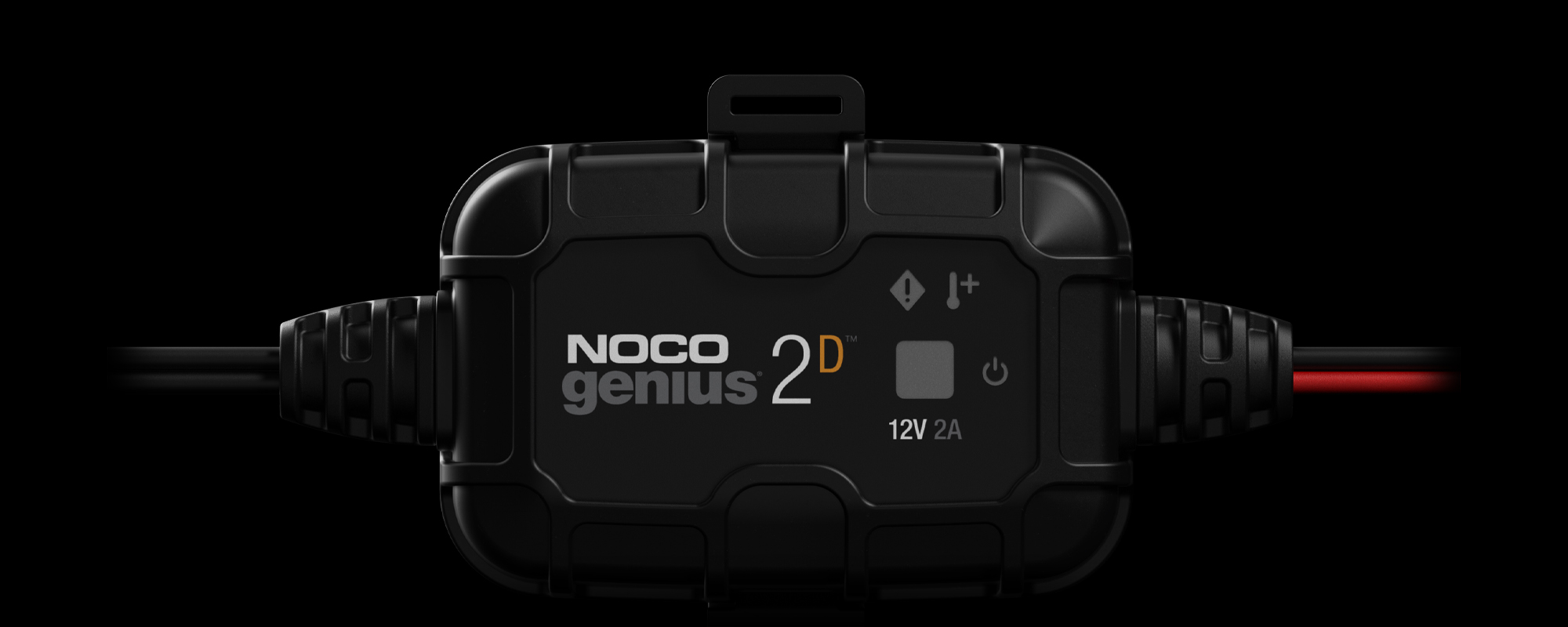
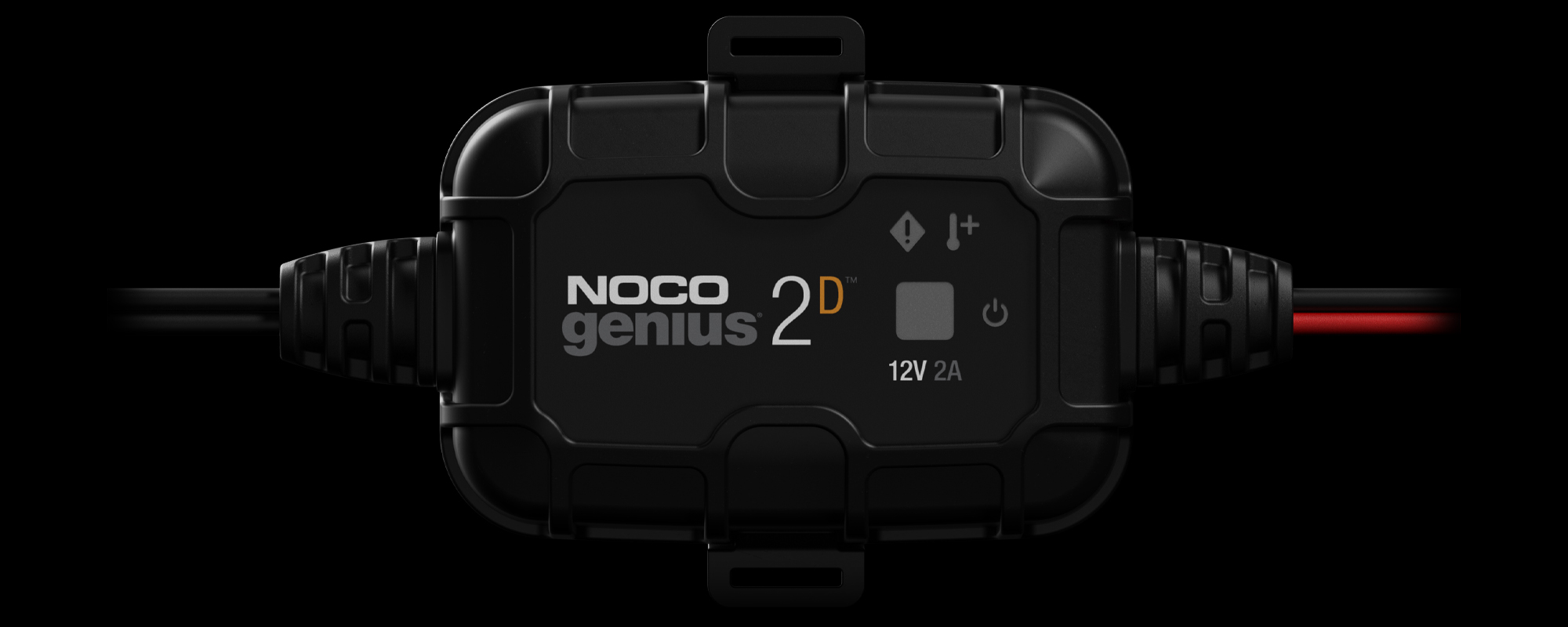
Below 75% Charged
Pulsing Red - The battery is less than 75% charged.
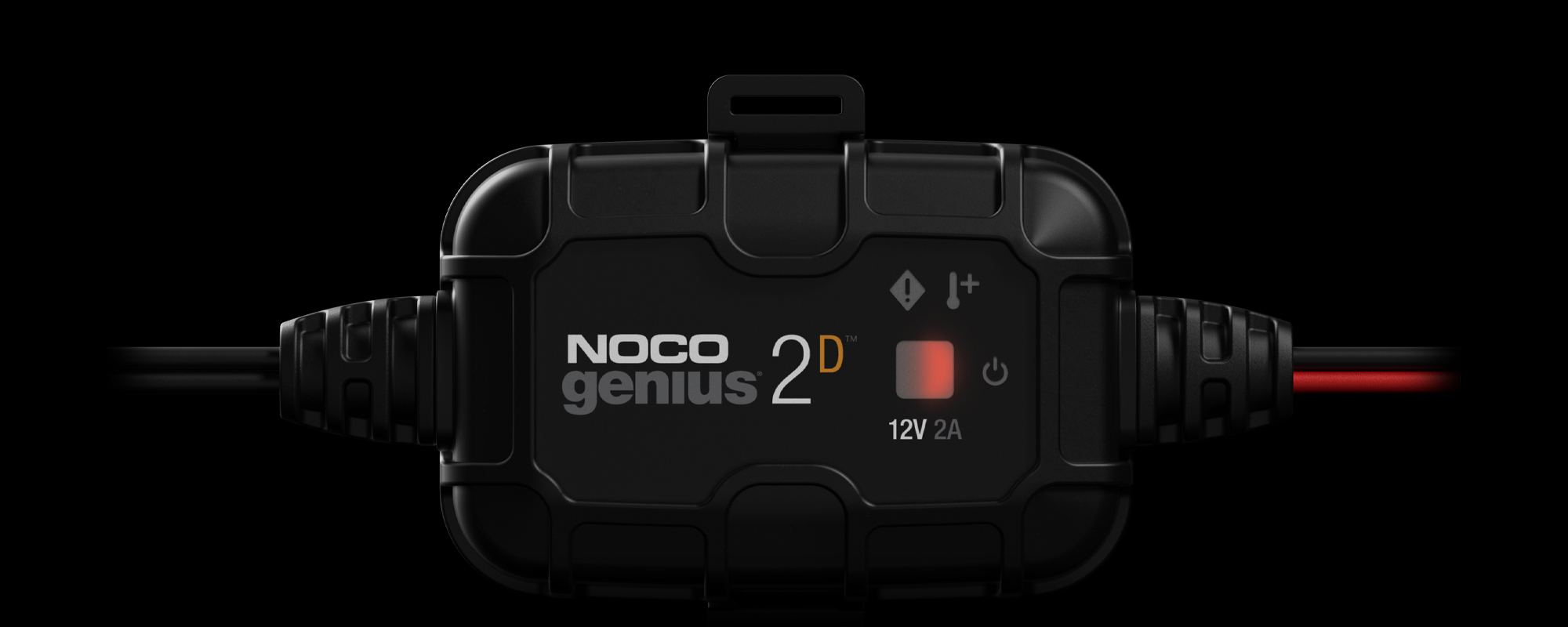
Above 75% Charged
Pulsing Green - Bulk Charge complete, optimizing battery for extended life.
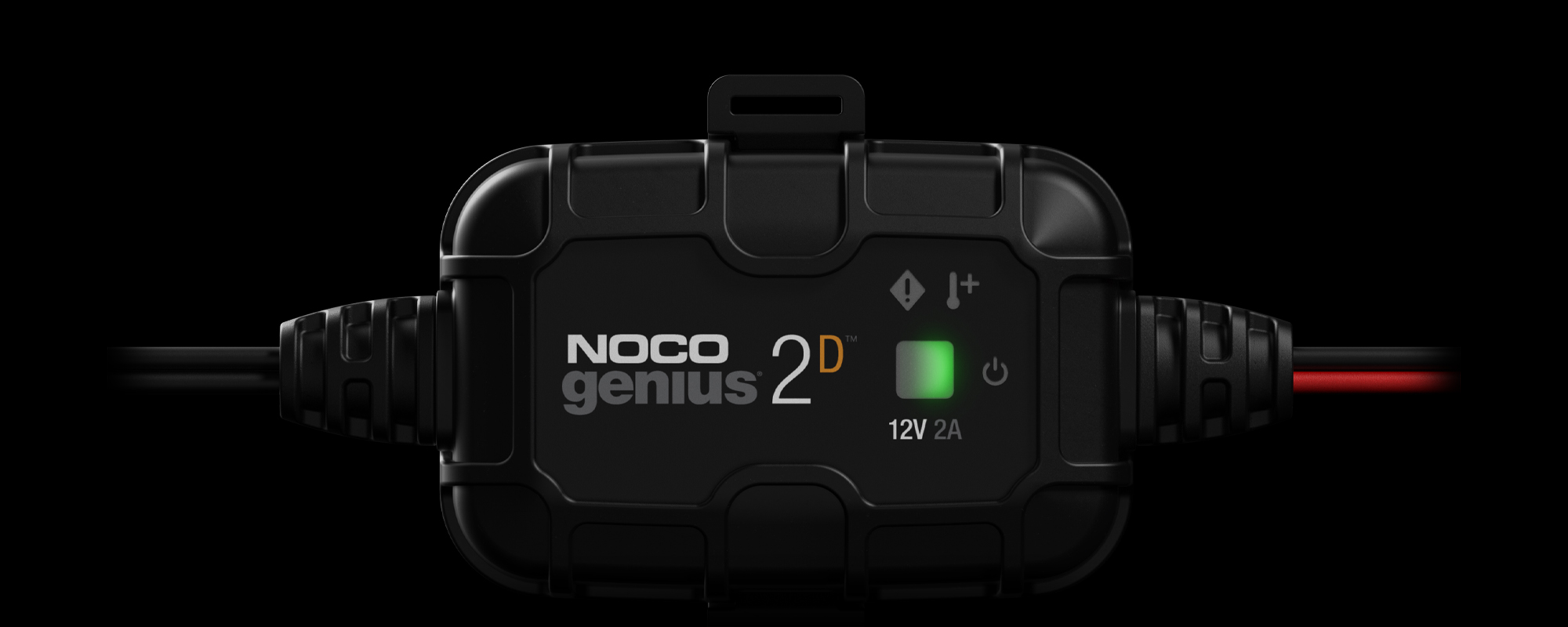
100% Charged
Solid Green - The battery is 100% charged.
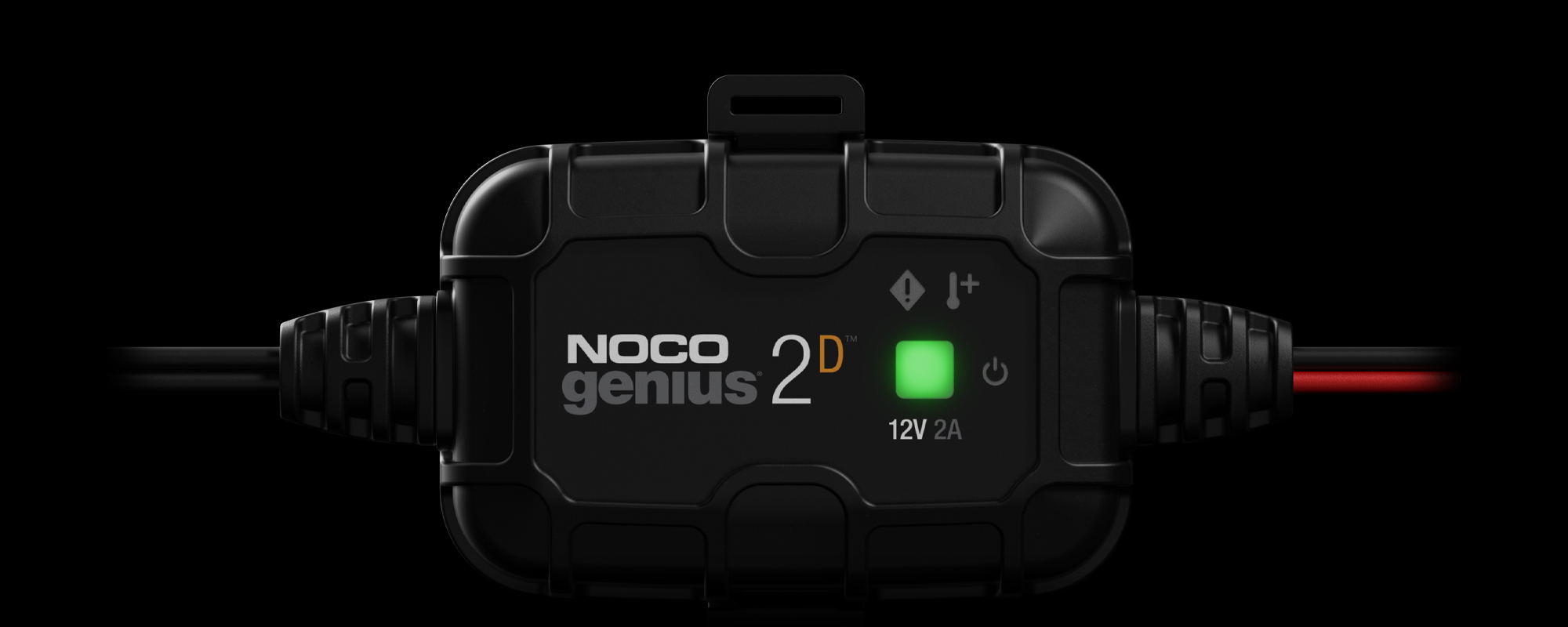
Maintenance
Slow Pulsing Green - After the battery is fully charged, the charger will continue to provide ongoing maintenance and optimization until disconnected.
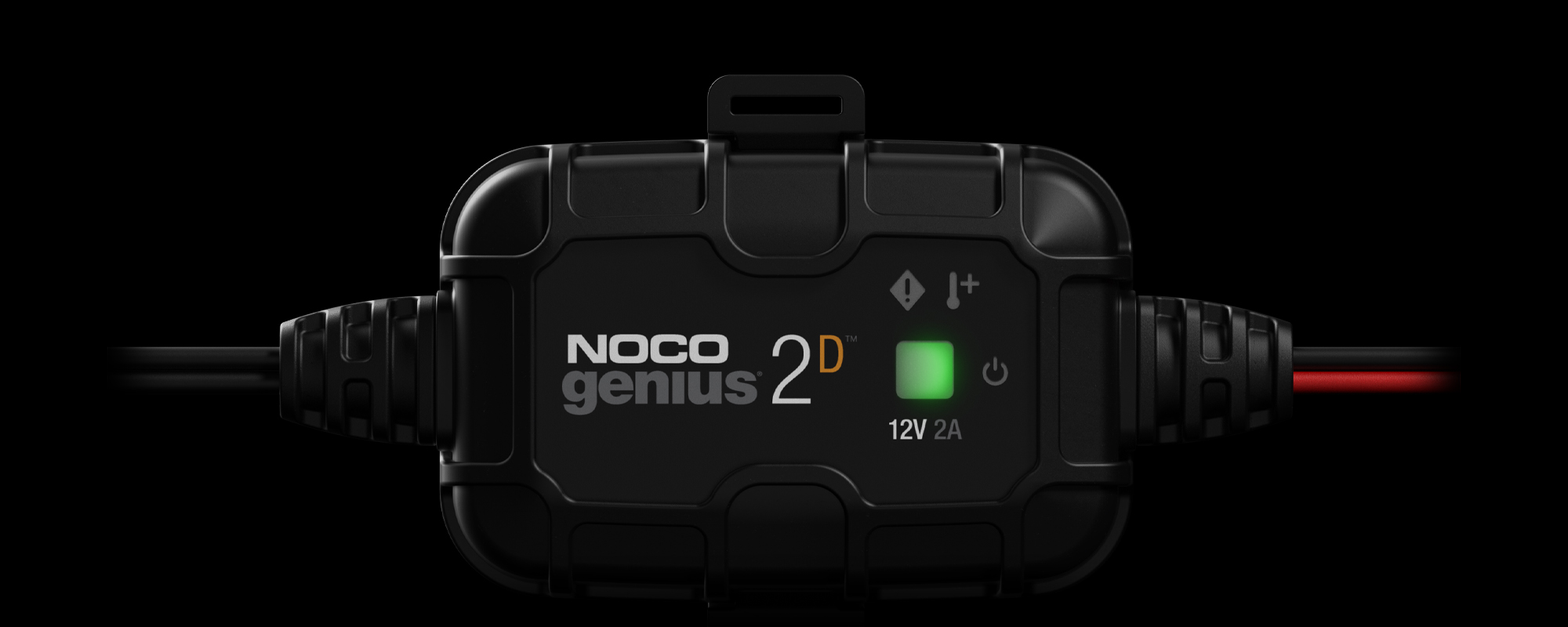
SIMPLE INSTALLATION.
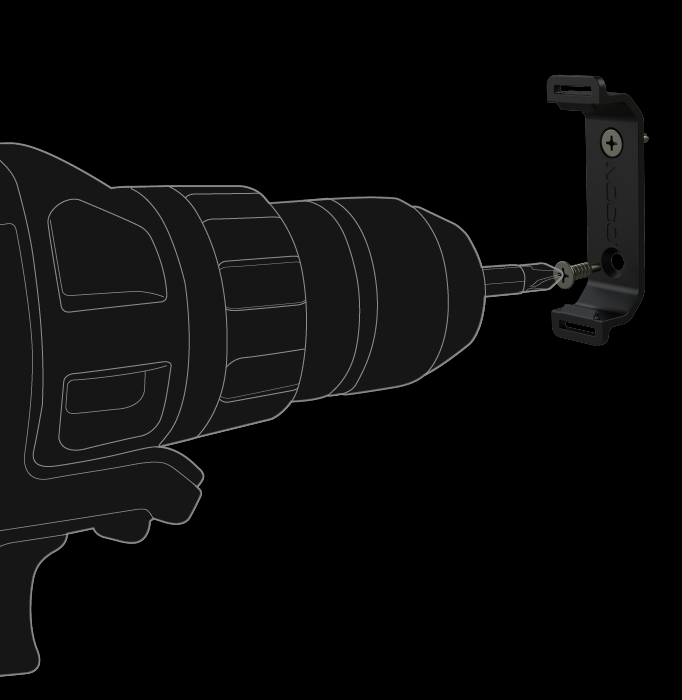
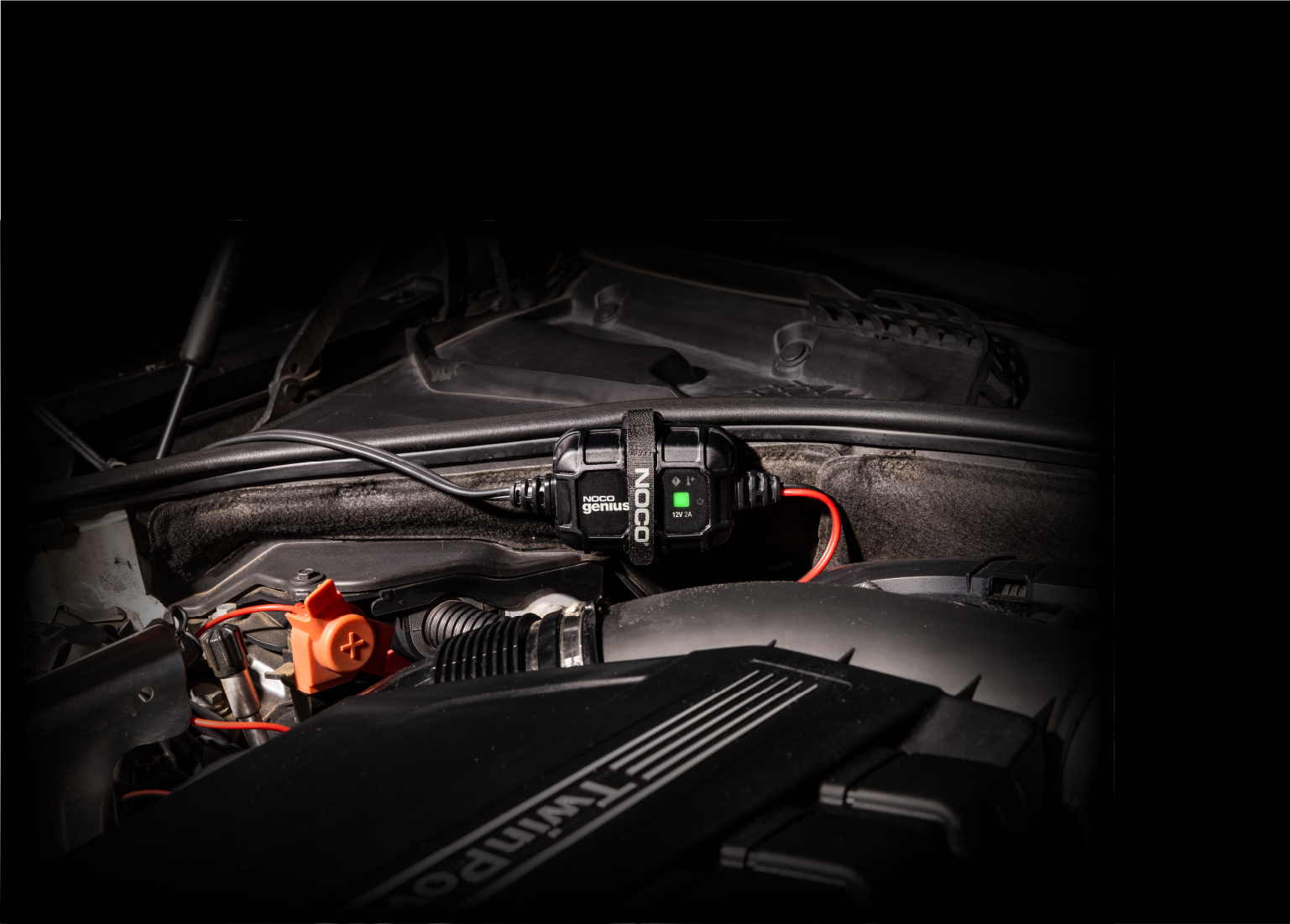
SECURE BRACKET.
Use a drill to secure the mounting bracket using self-tapping screws (included).
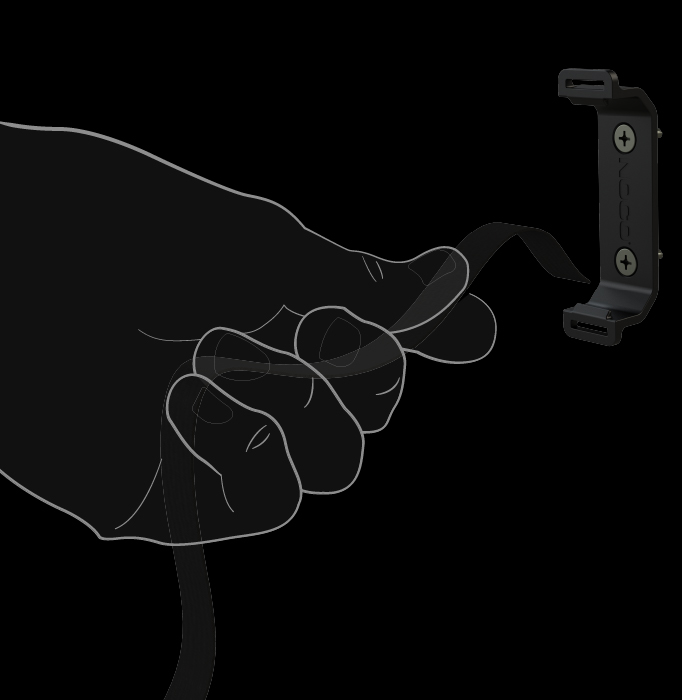
ATTACH STRAP.
Loop the velcro mounting strap into the mounting bracket.
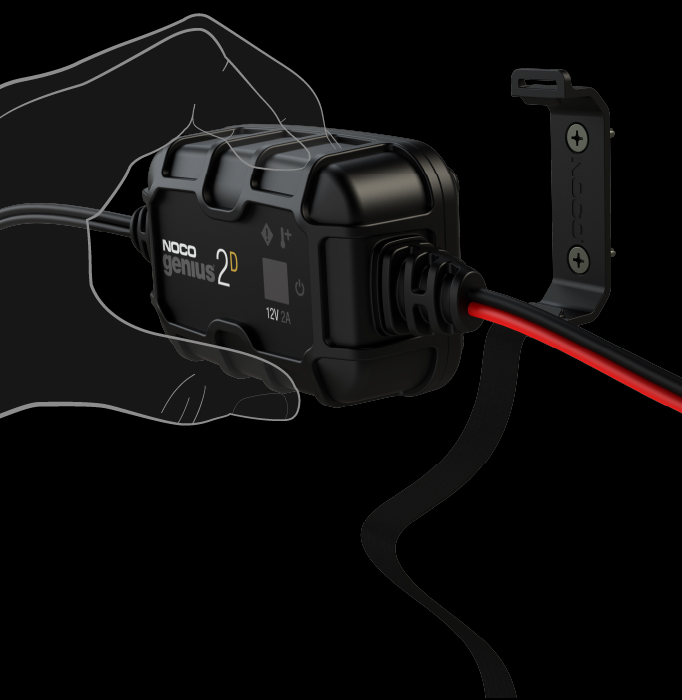
MOUNT GENIUS2D.
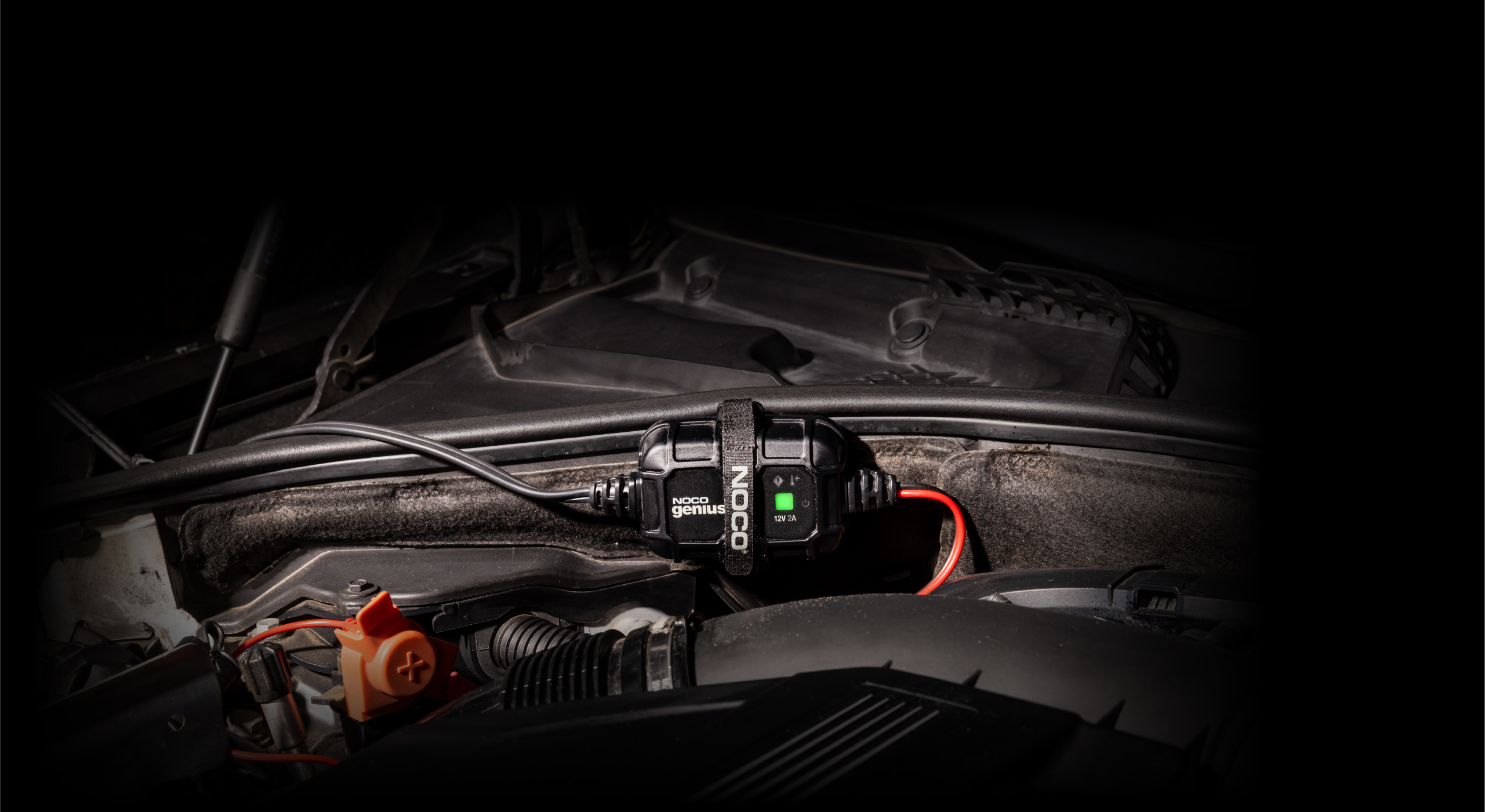
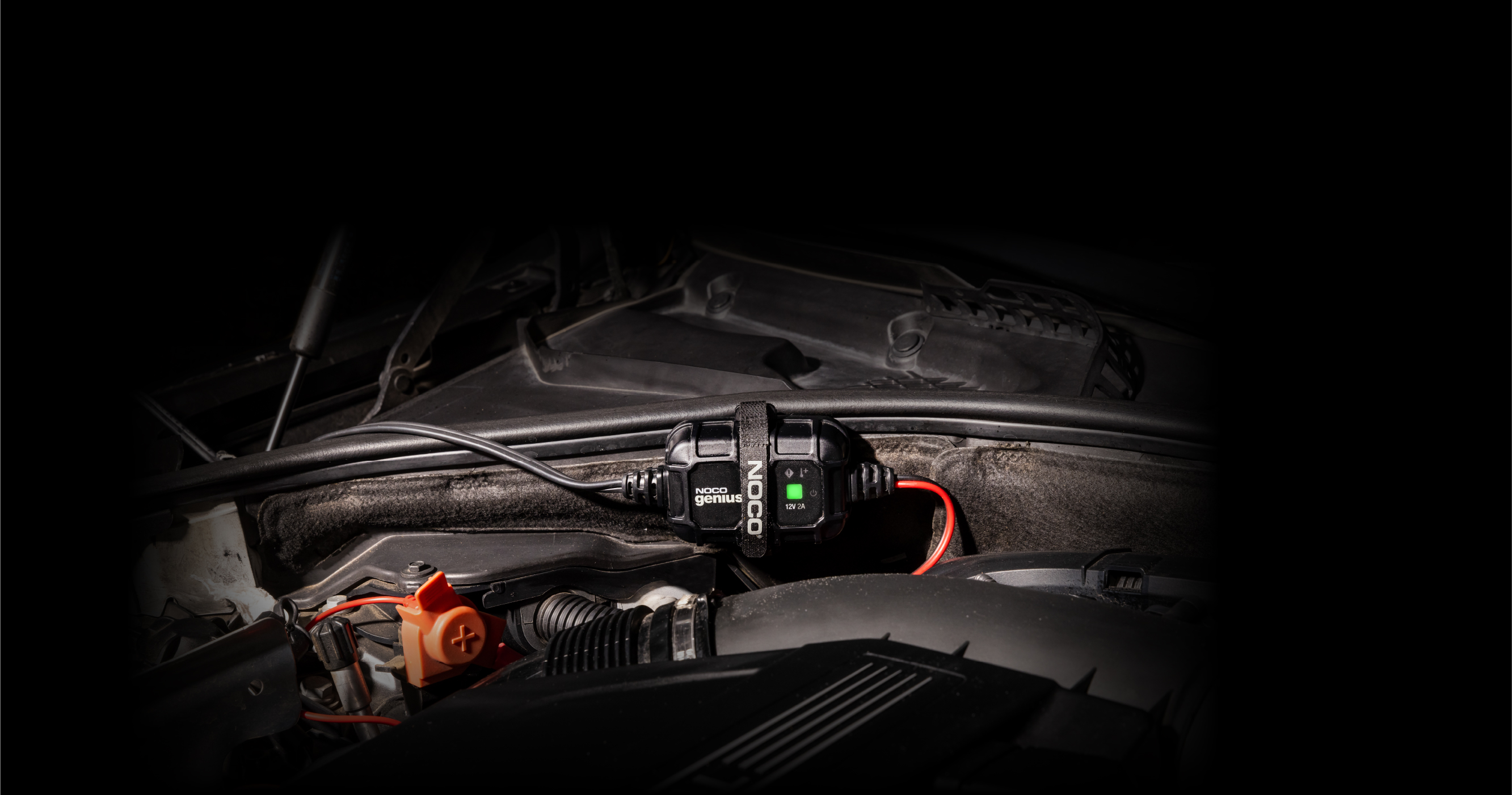
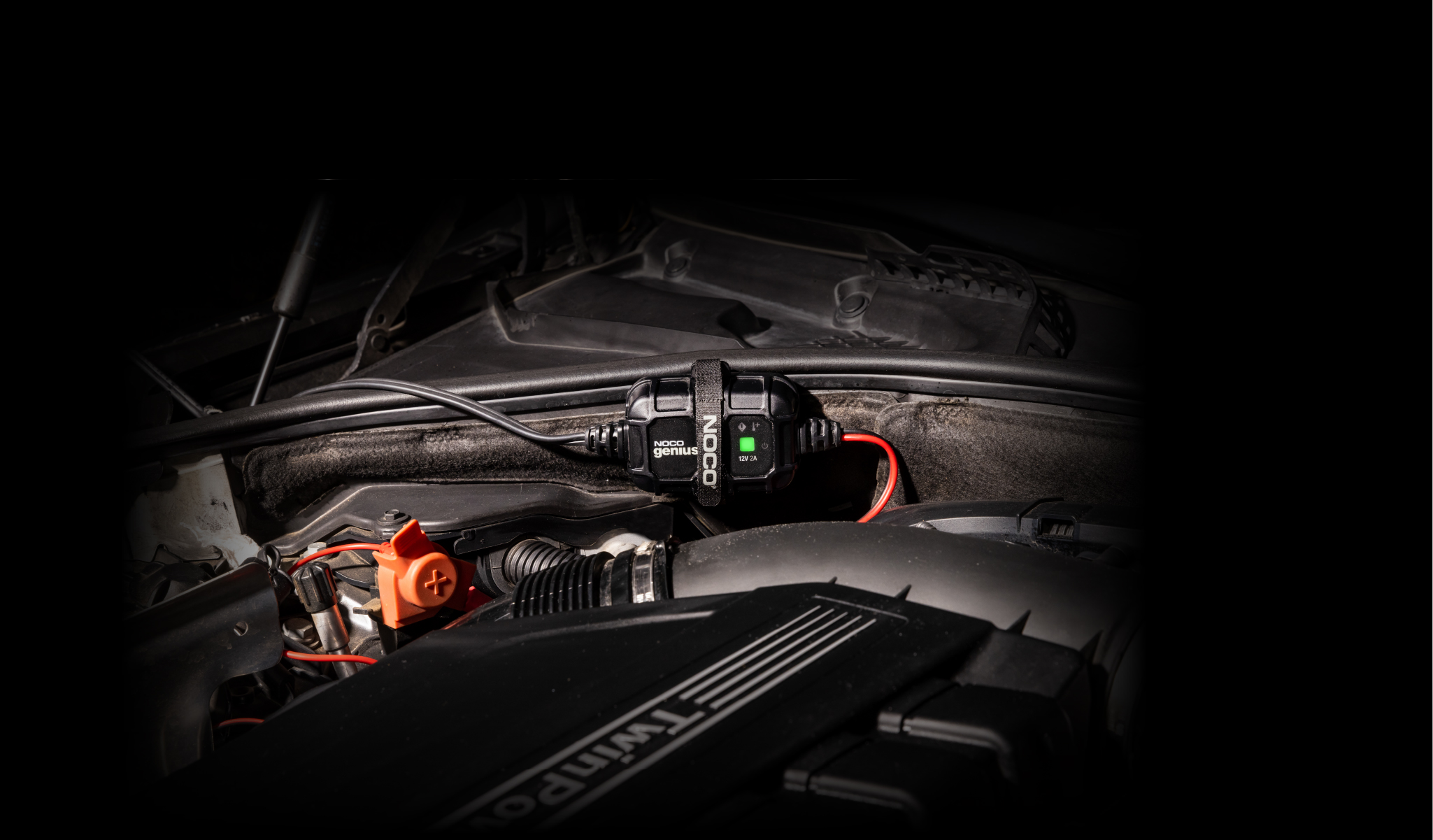
Clip the Genius 2D charger into the mounting bracket.
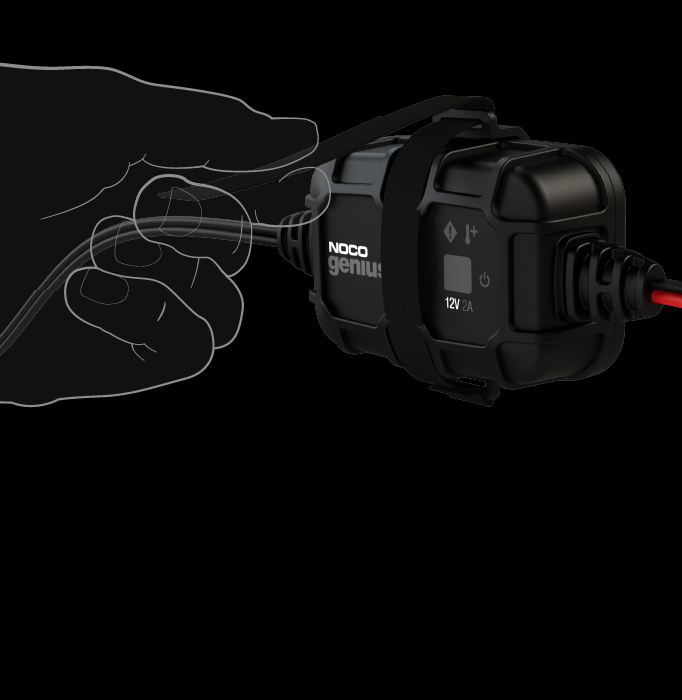
FASTEN STRAPS.
Fasten the Genius 2D charger using the velcro mounting strap.
FAQ
GENIUS2D
Charging
What is the charging current of Genius?
GENIUS1 1 Amp DC
GENIUS2 2 Amps DC
GENIUS5 5 Amps DC
GENIUS10 10 Amps DC
GENIUS2X2 2 Amps DC (2 Banks)
GENIUS2X4 2 Amps DC (4 Banks)
GENIUS2D 2 Amps DC
What is the power consumption of Genius?
GENIUS1 15 Watts (Max)
GENIUS2 30 Watts (Max)
GENIUS5 75 Watts (Max)
GENIUS10 150 Watts (Max)
GENIUS2X2 30 Watts (Max) x 2 Banks
GENIUS2X4 30 Watts (Max) x 4 Banks
GENIUS2D 28 Watts (Max)
What battery voltages is Genius compatible with?
GENIUS1 6V 12V Wet, Gel, MF, CA, EFB, AGM, Lithium
GENIUS2 6V 12V Wet, Gel, MF, CA, EFB, AGM, Lithium
GENIUS5 6V 12V Wet, Gel, MF, CA, EFB, AGM, Lithium
GENIUS10 6V 12V Wet, Gel, MF, CA, EFB, AGM, Lithium
GENIUS2X2 6V 12V Wet, Gel, MF, CA, EFB, AGM, Lithium
GENIUS2X4 6V 12V Wet, Gel, MF, CA, EFB, AGM, Lithium
GENIUS2D –– 12V Wet, Gel, MF, CA, EFB, AGM
What are the charging times for GENIUS2D?

These are proximate charging times for a battery at 50% depth of discharge.

 BATTERY SIZE 
GENIUS2D
8 Amp Hour 2 hours
12 Amp Hour 3 hours
20 Amp Hour
Motorcycle Battery
6 hours
40 Amp Hour
Lawn Mower Battery
10 hours


What charging modes are available on the GENIUS2D?

The GENIUS2D has two automatic modes that begin charging only when both the battery and power are connected. Do not operate the charger until you confirm that the GENIUS2D charger is compatible with your battery type and voltage.


Standby The charger is connected to AC power but no battery is detected, and the charger is not charging. Energy Save is activated during this mode, drawing microscopic power from the electrical outlet.
12V NORM For charging 12-volt Wet Cell, Gel Cell, Enhanced Flooded, Maintenance-Free, Calcium batteries and AGM.


Can I run a load on the battery while charging?

It is not recommended to run a load on the batteries while they are being charged.

Can Genius charge a Lead-Carbon battery?

Genius can be used to charge Lead-Carbon batteries by using 12V Mode.

Which Genius charger is best for my battery?

Selecting the appropriate charger for your battery will depend on its Amp-Hour (Ah) capacity size. This is usually listed on the battery label at the 20-hour rate, for example: “100 AH @ 20HR”. Check your battery for its rated Amp-hour capacity.


GENIUS1 Up to 30 Ah
GENIUS2 Up to 40 Ah
GENIUS5 Up to 120 Ah
GENIUS10 Up to 230 Ah
GENIUS2X2 Up to 40 Ah
GENIUS2X4 Up to 40 Ah
GENIUS2D Up to 40 Ah


Charge Modes
How do I use Force Mode on GENIUS2D?

The NOCO GENIUS2D does not include the Force Mode feature due to the nature of the product. If you require a charger with Force mode, consider other models in the GENIUS Series.

 
LEDs
The green LED went straight to flashing instead of going solid, is that normal?

It is normal functionality for Genius to go sometimes go straight to Maintenance Mode after normal charging is complete.

View above to learn more about the Charge LEDs on Genius.

What does the Overvoltage Error LED mean?

If the Overvoltage LED is illuminated, this means the battery's voltage is too high for the charge mode that is selected. For example, if you have a 12V battery and have selected a 6V charging mode selected.

All the Error LEDs are flashing. What is wrong?

If the Overvoltage, Bad Battery, and Standby LEDs are flashing together, either the charger's internal temperature is too hot, or the ambient temperature is too cold for operation. If the charger's internal temperature is too hot, the charger will stop displaying the error and resume function after the charger cools down. If the ambient temperature is too cold, the charger will resume function when the ambient temperature rises.

Specifications
How much does Genius weigh?
GENIUS1 0.77 lbs (0.35 kg)
GENIUS2 1.10 lbs (0.50 kg)
GENIUS5 1.50 lbs (0.68 kg)
GENIUS10 3.33 lbs (1.51 kg)
GENIUS2X2 1.1 lbs (0.5kg)
GENIUS2X4 3.9 lbs (1.77kg)
GENIUS2D 0.50 lbs (0.23 kg)
What type of fuse do Genius chargers use?

Genius uses a Mini® Blade fuse which can be purchased at hardware or automotive stores.

GENIUS1 2 AMP MINI ® Blade Fuse
GENIUS2 4 AMP MINI® Blade Fuse
GENIUS5 10 AMP MINI® Blade Fuse
GENIUS10 20 AMP MINI® Blade Fuse
GENIUS2X2 4 AMP MINI® Blade Fuse
GENIUS2X4 4 AMP MINI® Blade Fuse
GENIUS2D 4 AMP MINI® Blade Fuse
How long is the warranty on Genius?

The warranty is 3 years from the proof of purchase or manufacture date (based on serial number). 

Where can I find the serial number on Genius?

All NOCO Genius Chargers are marked with a unique serial identification number, usually found stamped on the side or edge of the unit. Click the link below to find the serial number location on each model.

Locating the Serial Number on Genius

What is the IP rating of Genius?
GENIUS1 IP60
GENIUS2 IP65
GENIUS5 IP65
GENIUS10 IP65
GENIUS2X2 IP60
GENIUS2X4 IP60
GENIUS2D IP65
Troubleshooting
Where can I obtain the user manual for Genius?
GENIUS1 User Guide
GENIUS2 User Guide
GENIUS5 User Guide
GENIUS10 User Guide
GENIUS2X2 User Guide
GENIUS2X4 User Guide
GENIUS2D User Guide
Genius is getting hot, is that normal?

Depending on the battery condition and size, Genius can get up to 85°C or 185°F while it is charging the battery. This would be considered normal operating conditions.

What does the Bad Battery Error LED mean?

If the Bad Battery Error LED is illuminated, this means that the battery is not holding a charge, or there may be a short in the battery. We recommend taking the battery into a local battery shop for a thorough evaluation of its health and status.