

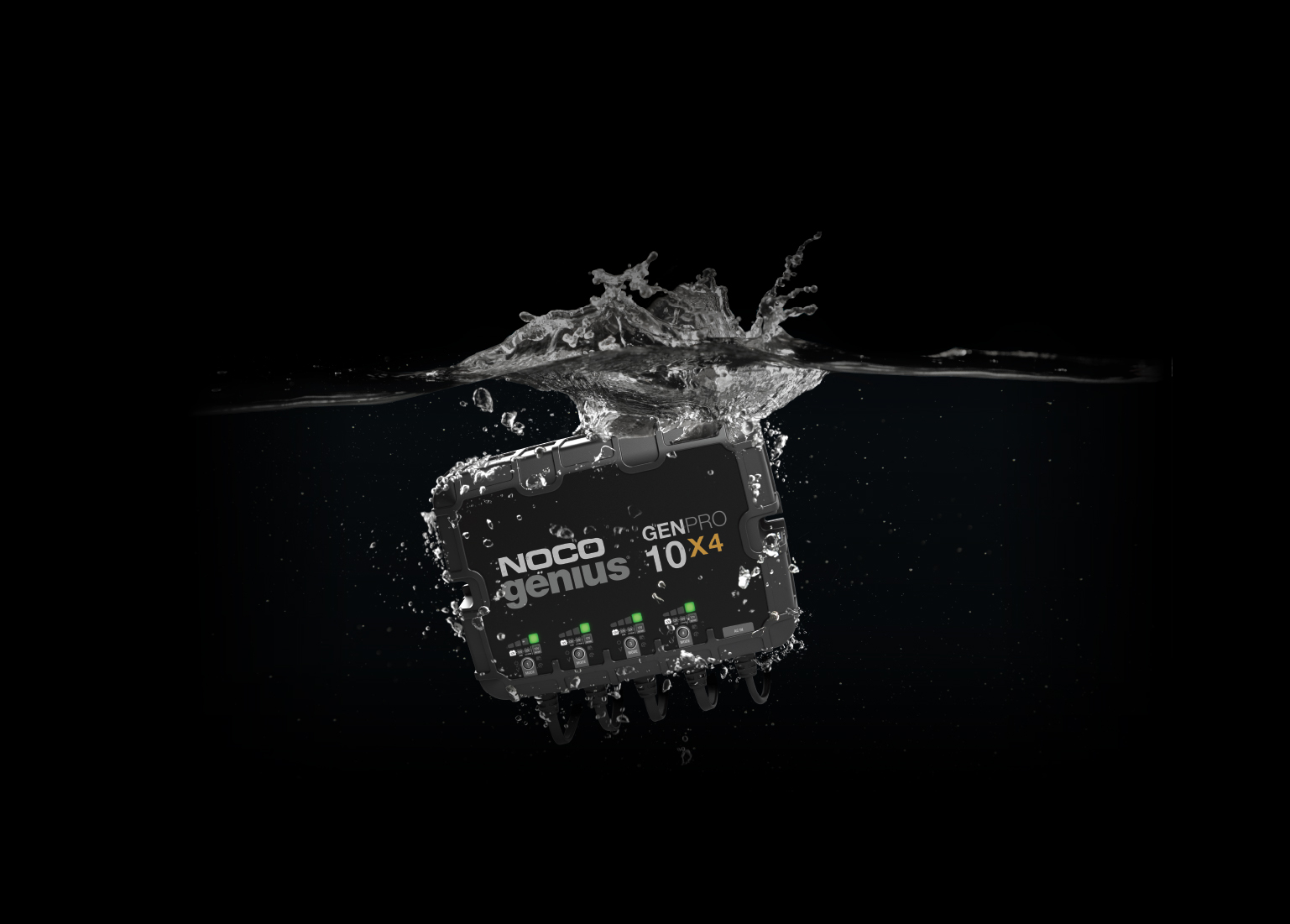
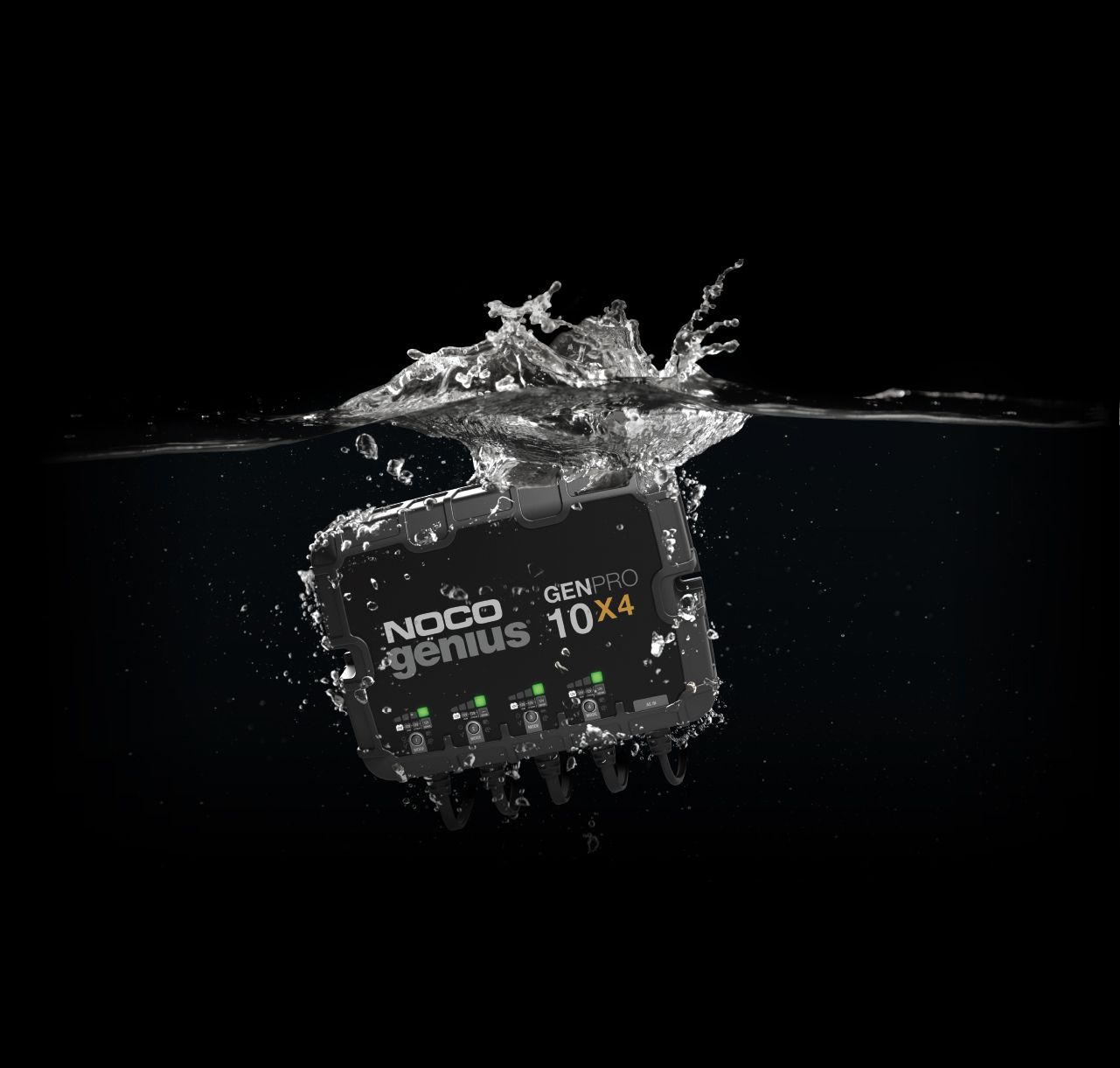
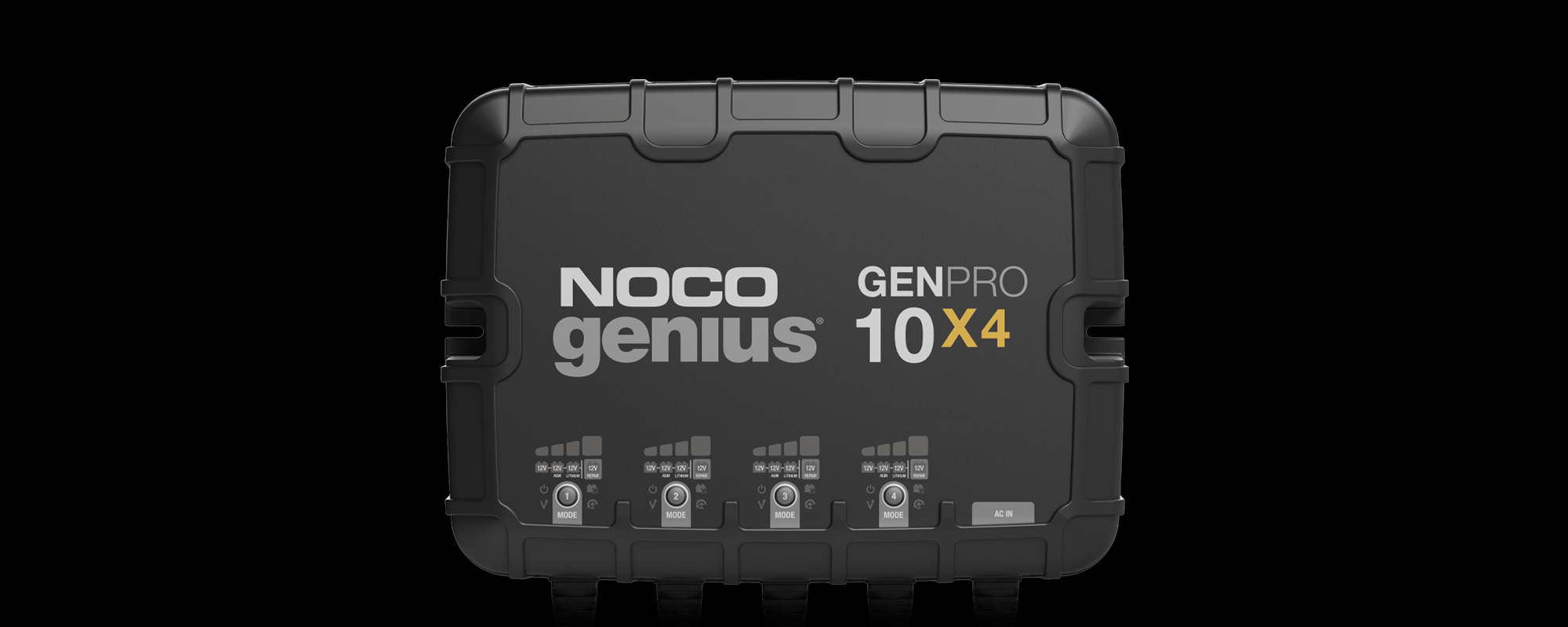
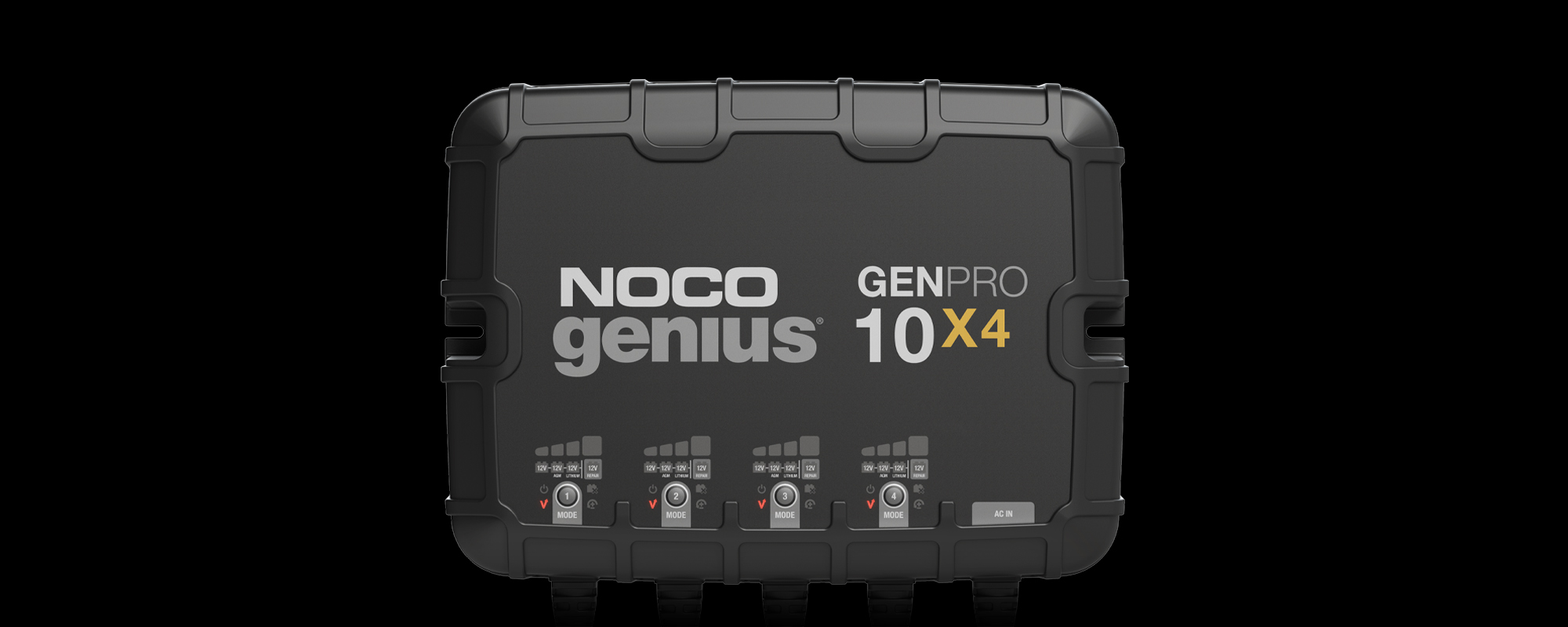




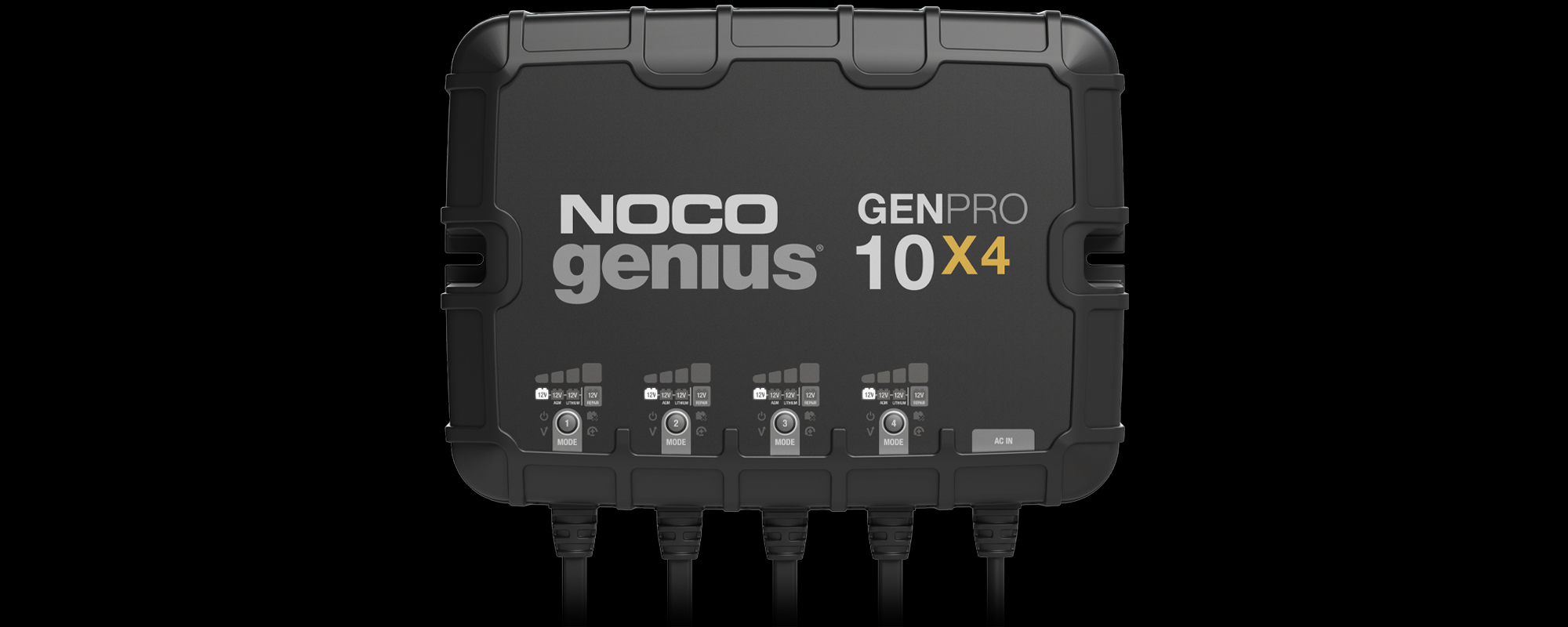

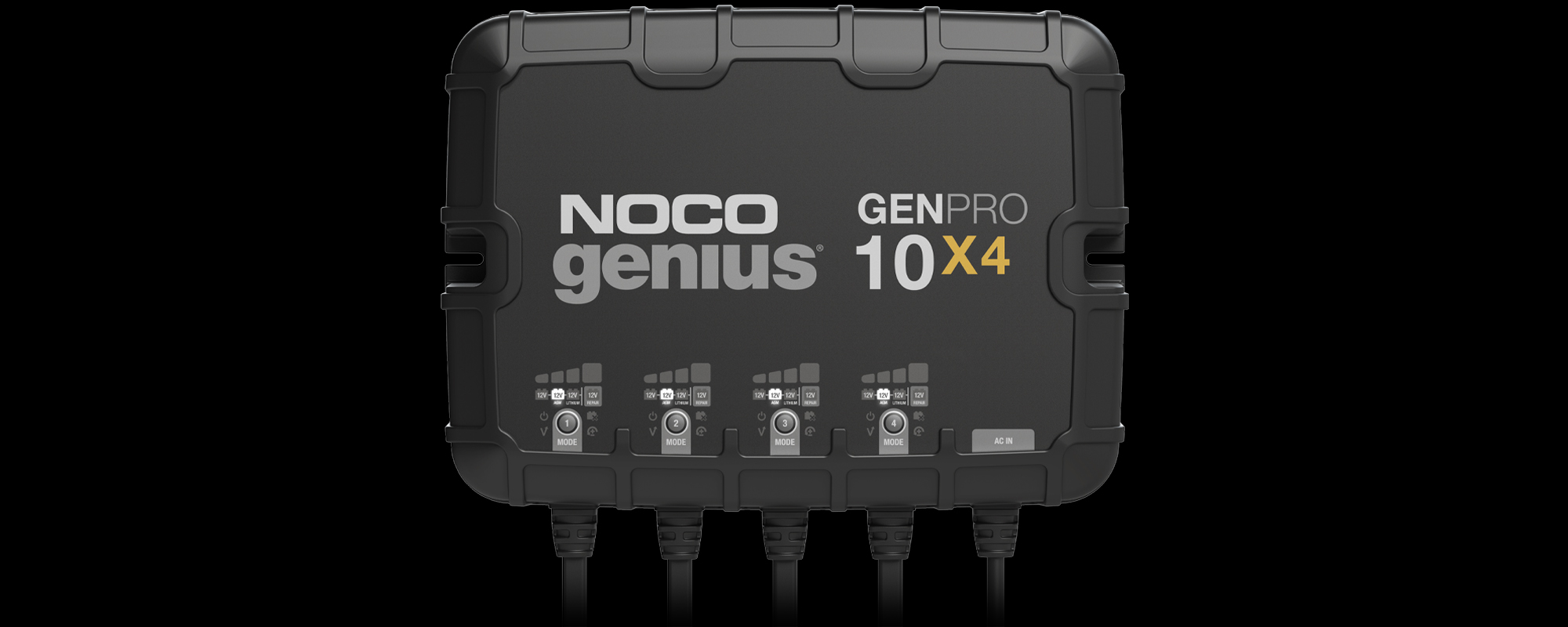

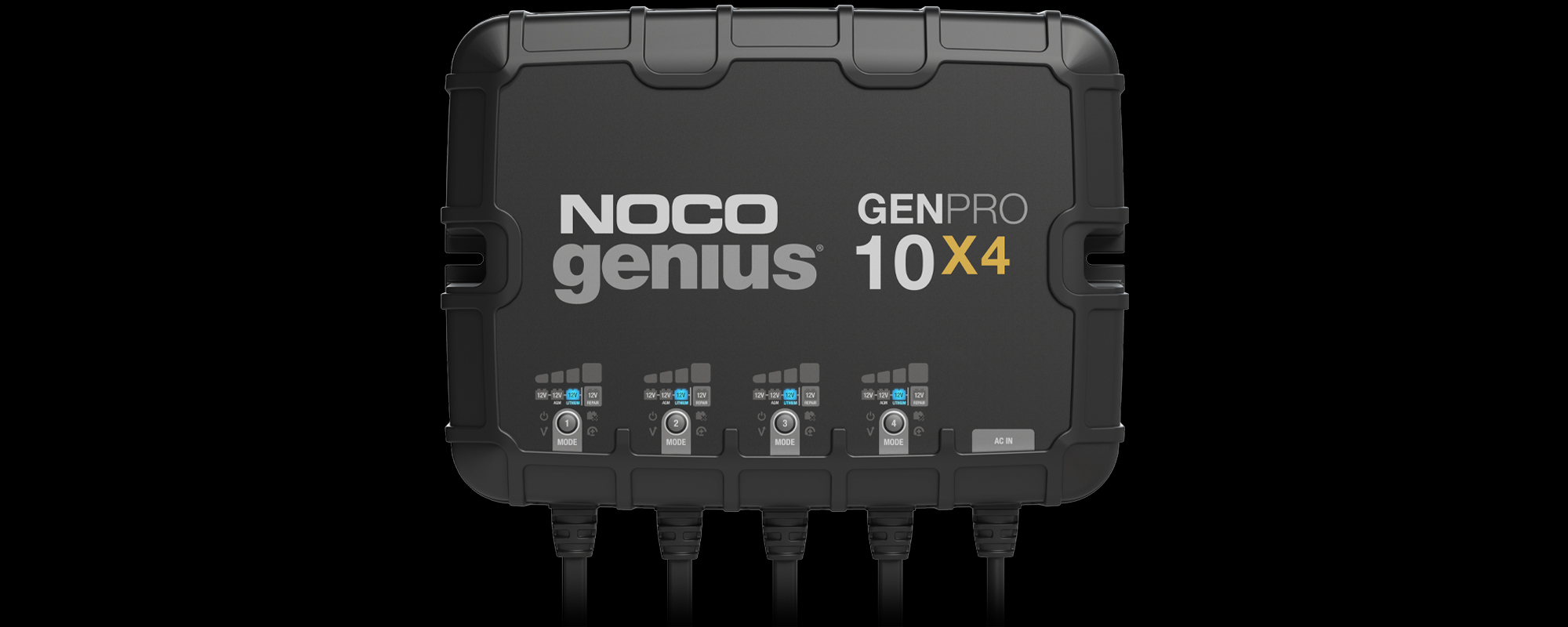

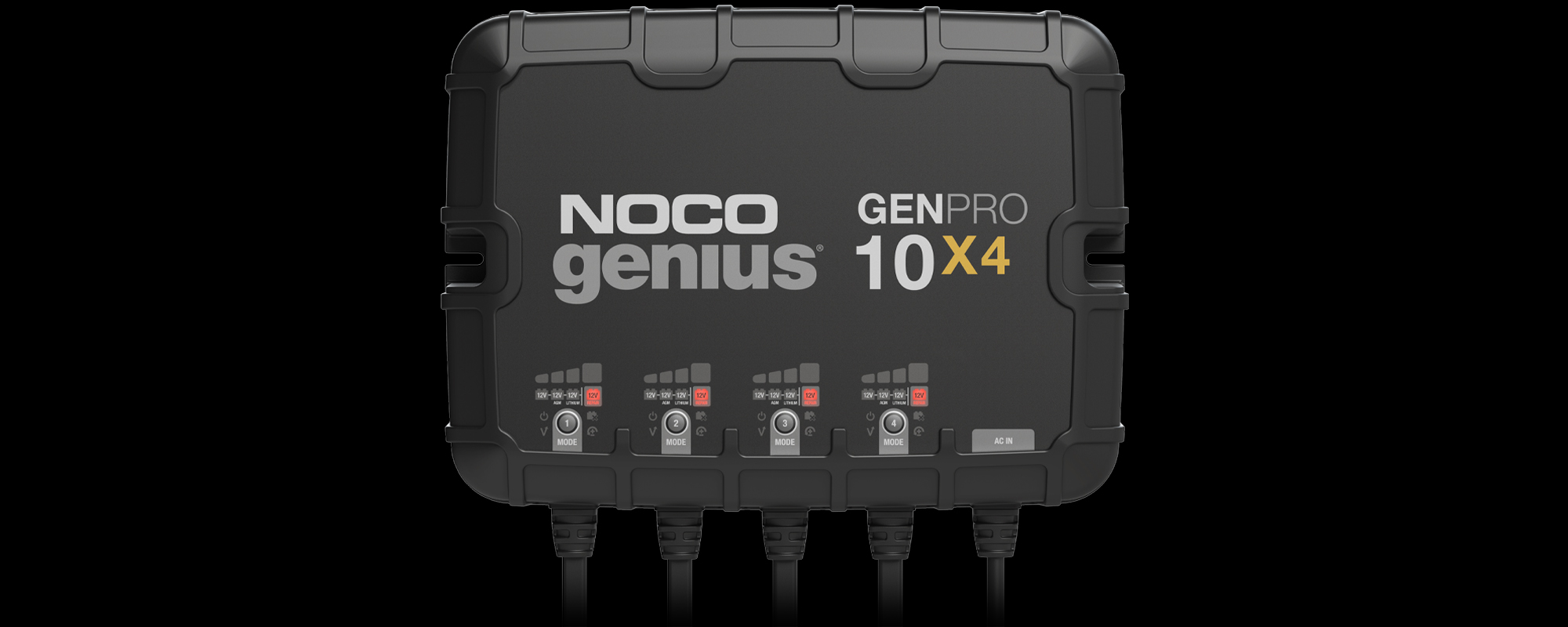

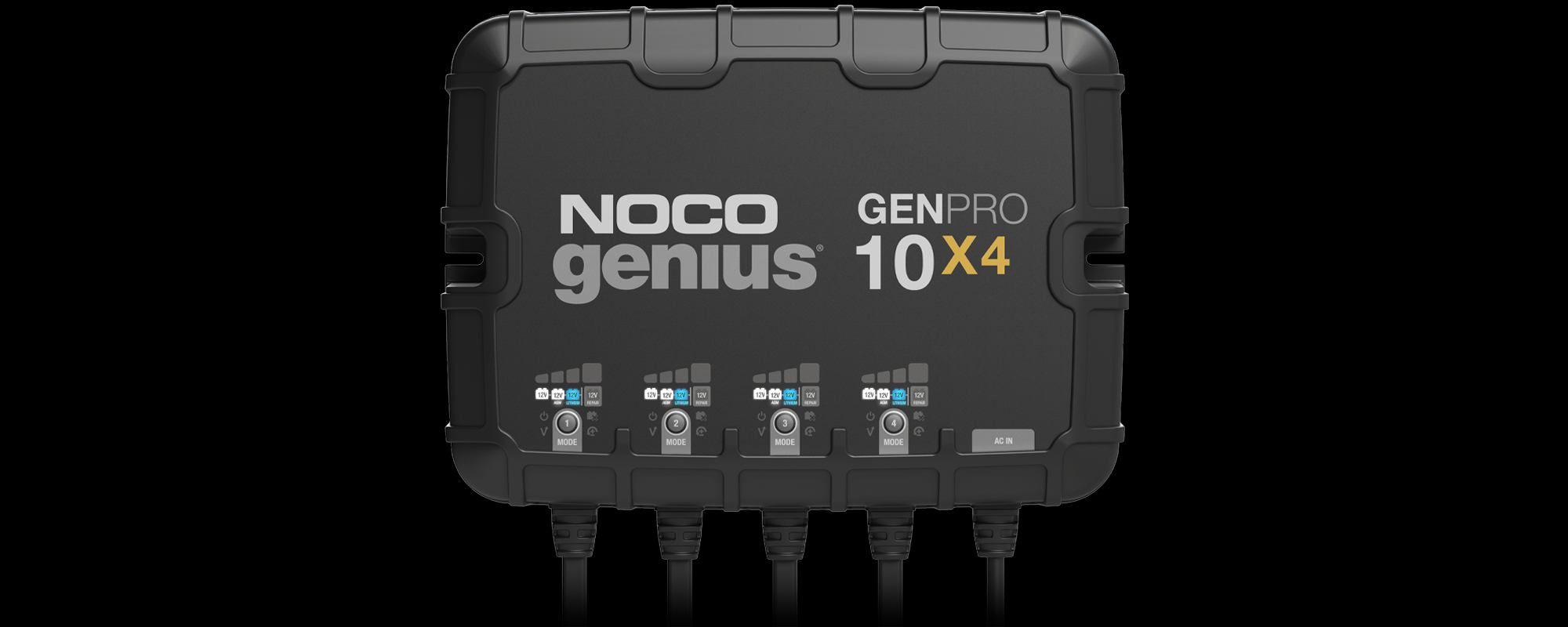
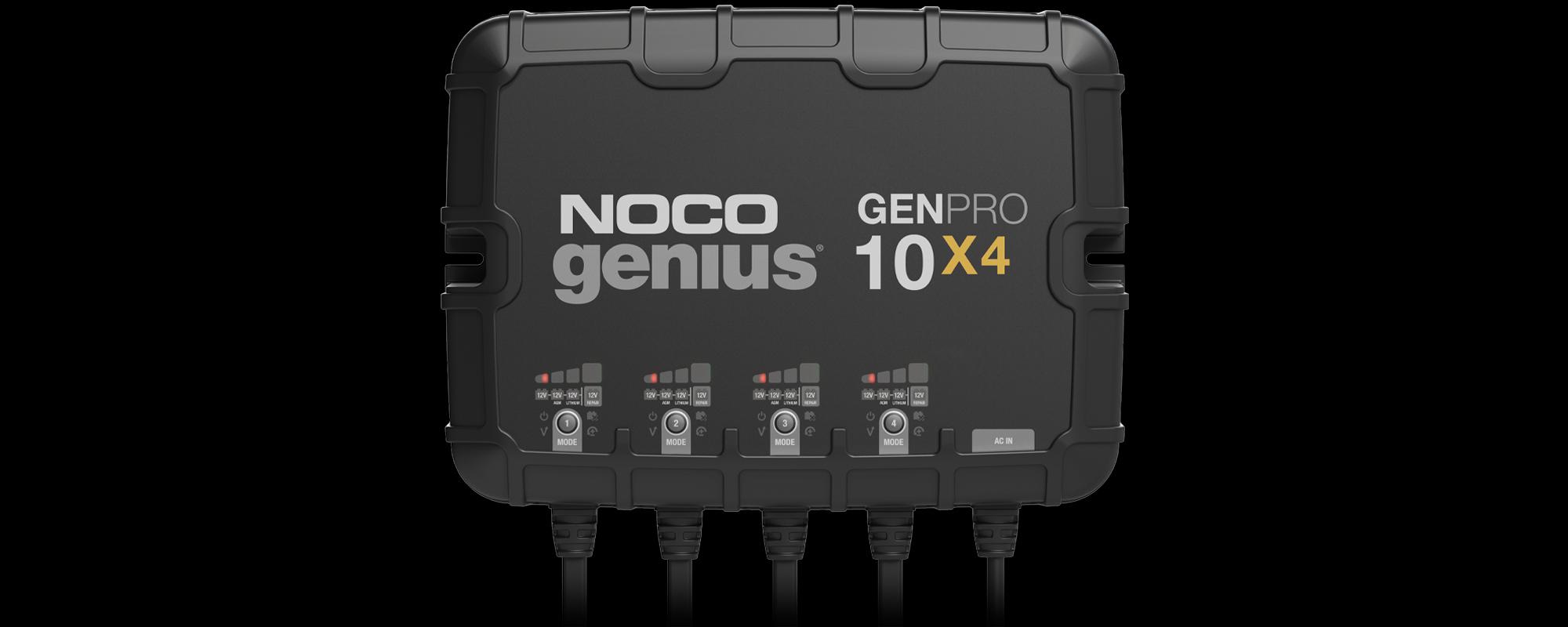

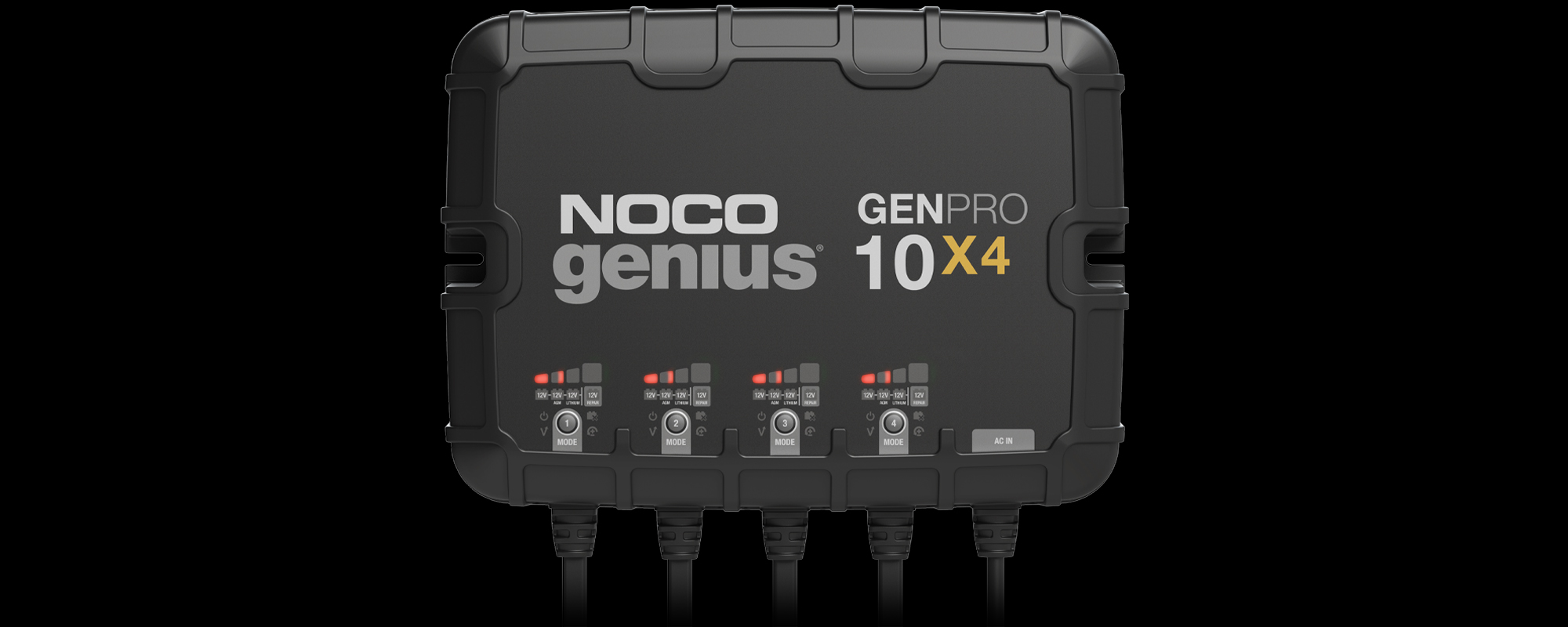

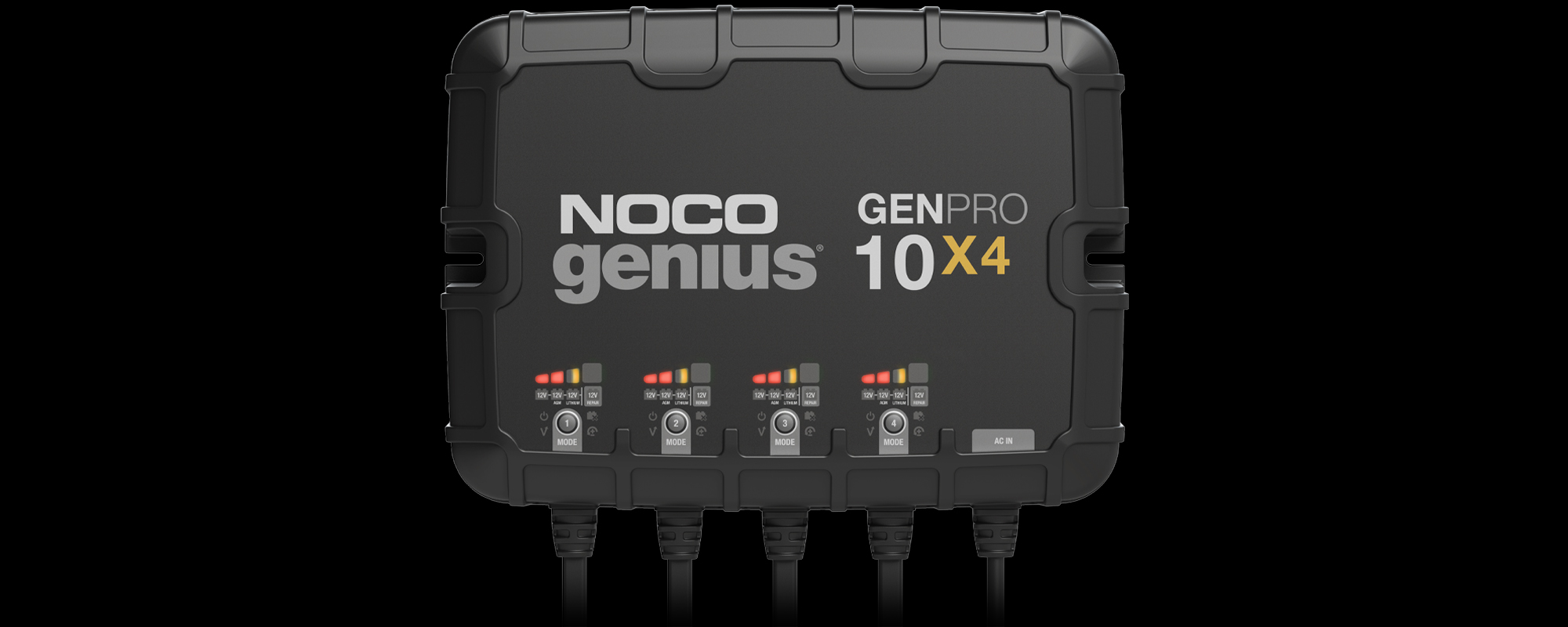

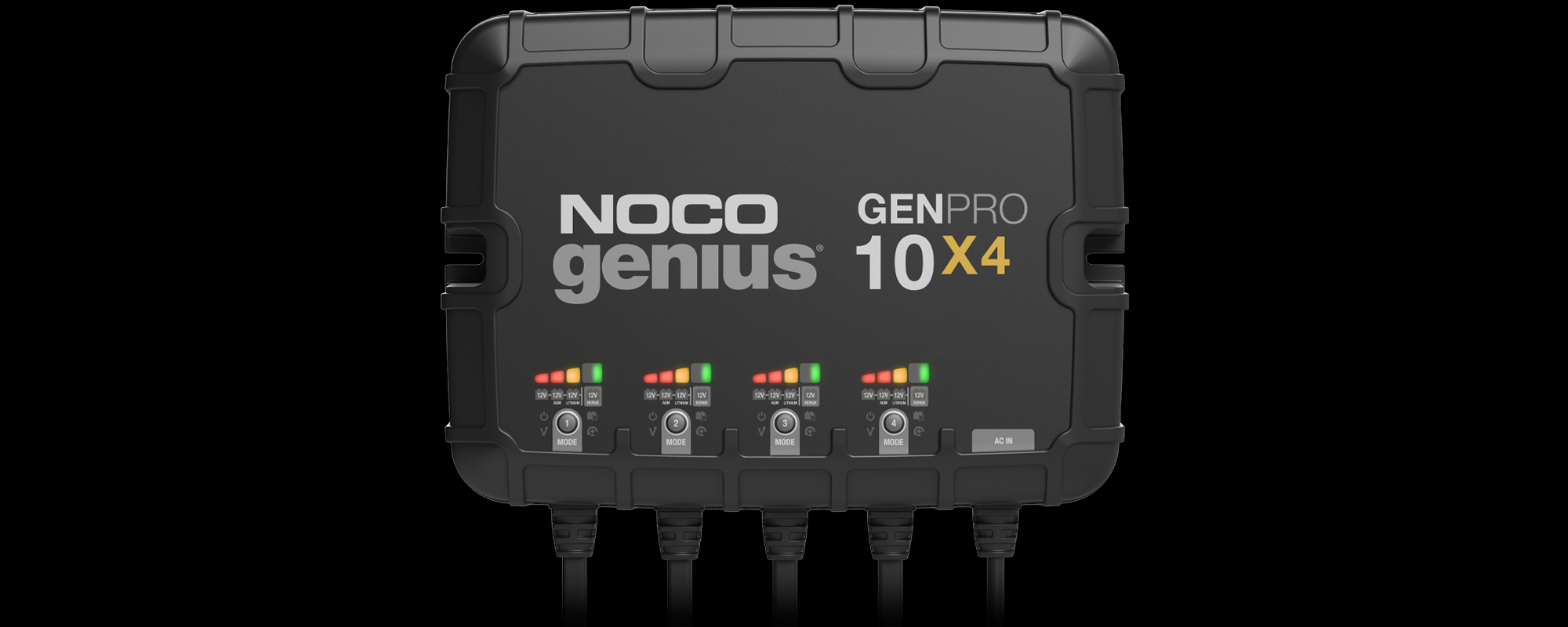

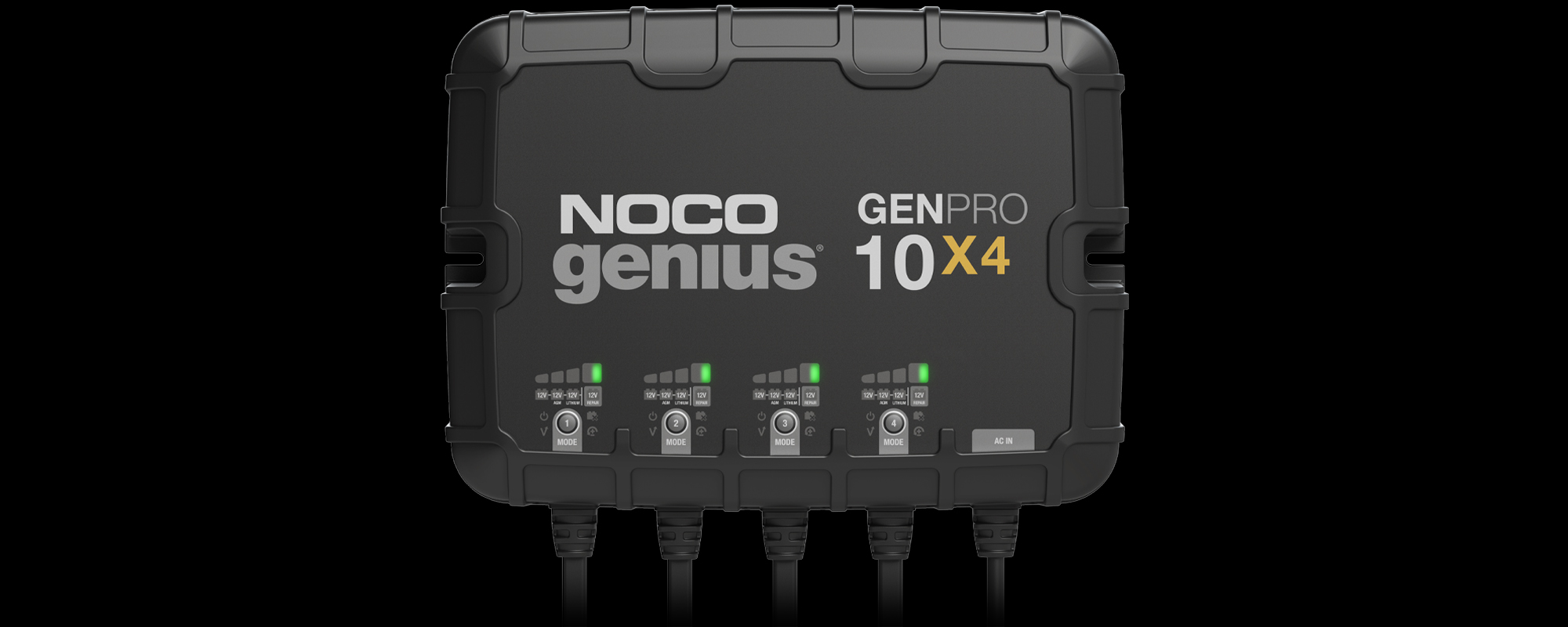


GENPRO10X4 Support


| GEN | 5 Amp DC per Bank |
| GENPRO | 10 Amps DC per Bank |
| GEN | 72 Watts (Max) per Bank |
| GENPRO | 150 Watts (Max) per Bank |
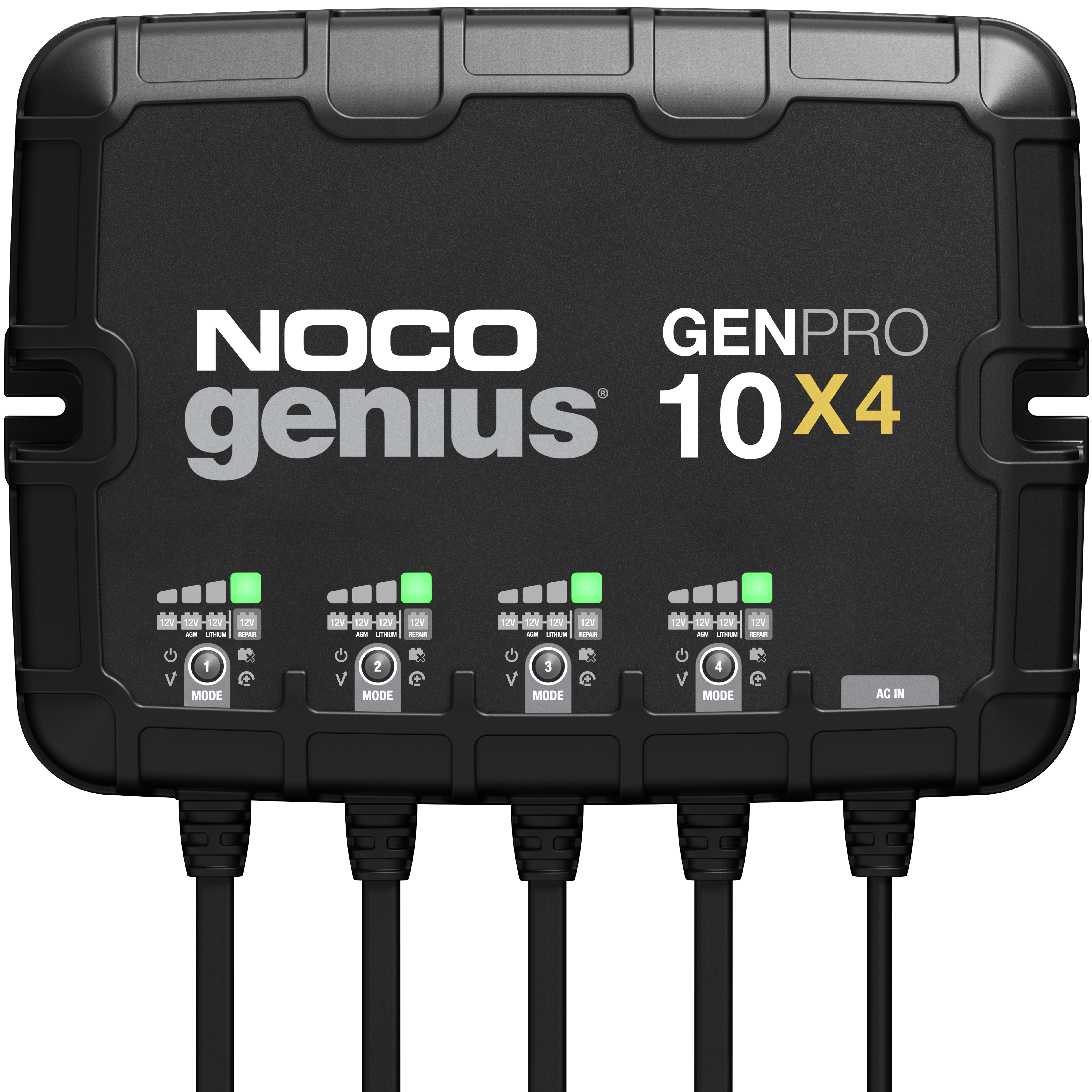
NOCO GEN & GENPRO chargers are compatible with 12V batteries, including all types of 12V lead-acid and lithium-ion batteries.
These are proximate charging times for a battery at 50% depth of discharge.
GEN |
GENPRO |
|
| 20 Amp Hour Motorcycle Battery |
3 hours | 1.5 hours |
| 40 Amp Hour Lawn Mower Battery |
6 hours | 3 hours |
| 80 Amp Hour Full-Size Car Battery |
12 hours | 6 hours |
| 100 Amp Hour Truck Battery |
15 hour | 6 hours |
| 120 Amp Hour Diesel Truck Battery |
18 hours | 9 hours |
NOCO GEN & GENPRO are able to detect and charge dead batteries as low as 1-volt. For extremely dead batteries lower than 1-volt, manually turn on Force Mode to detect and charge batteries all the way down to zero volts.
Selecting the appropriate charger for your battery will depend on its Amp-Hour (Ah) capacity size. This is usually listed on the battery label at the 20-hour rate, for example: “100 AH @ 20HR”. Check your battery for its rated Amp-hour capacity.
| GEN | Up to 120 Amp-Hours |
| GENPRO | Up to 230 Amp-Hours |
It is not recommended to run a load on the batteries while they are being charged.
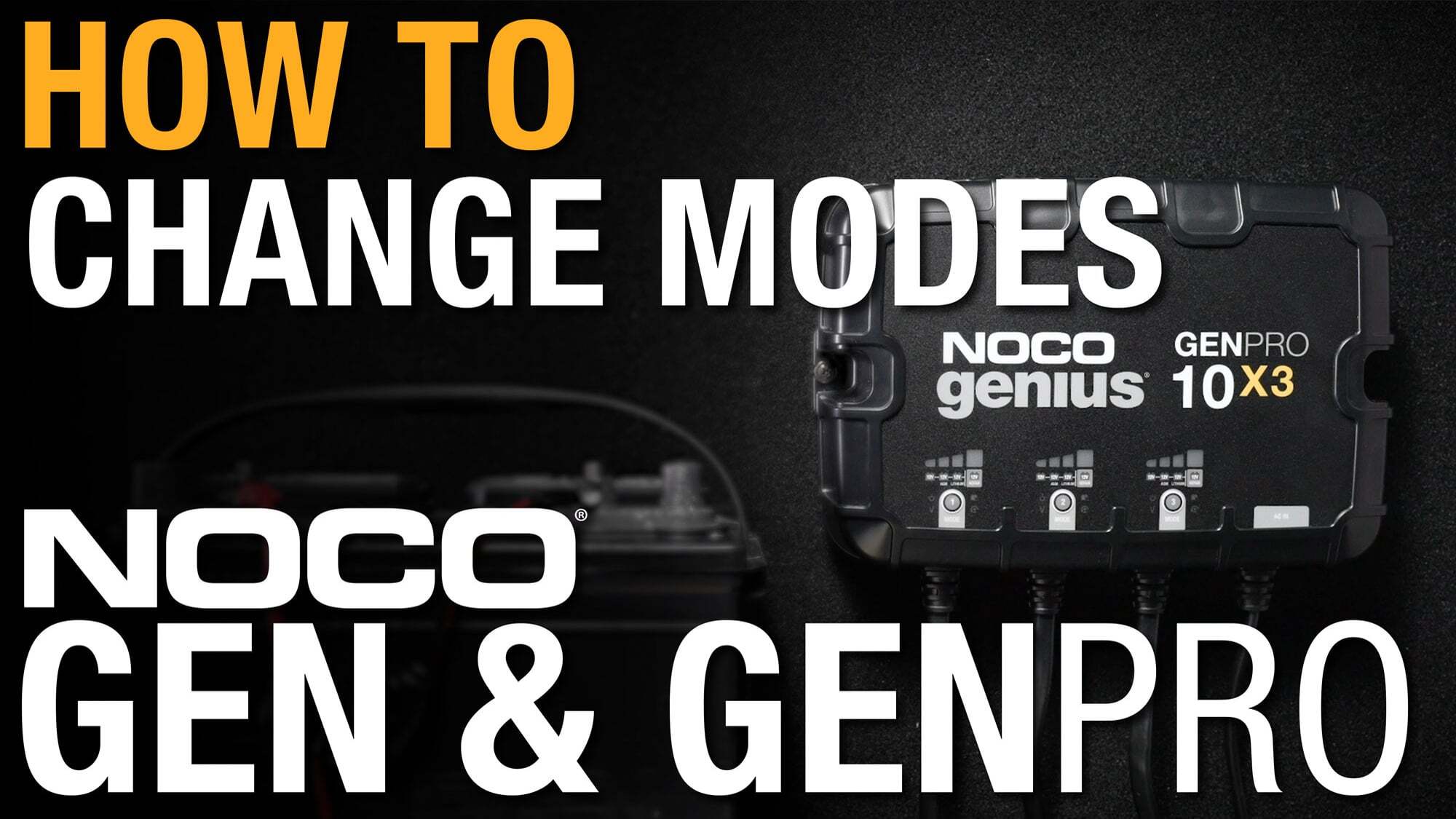
When plugged into AC power for the first time NOCO GEN & GENPRO will start out in Standby Mode. Press the Mode Button to switch between modes.
NOCO GEN & GENPRO is able to detect and charge dead batteries as low as 1-volt. For extremely dead batteries lower than 1-volt, manually turn on Force Mode to detect and charge batteries all the way down to zero volts. Follow the link below to learn how to use Force Mode on GEN & GENPRO.
Repair Mode is an advanced battery recovery mode for repairing and storing, old, idle, damaged, stratified or sulfated batteries. Not all batteries can be recovered. Batteries tend to become damaged if kept at a low charge and/or never given the opportunity to receive a full charge. The most common battery problems are battery sulfation and stratification. Both battery sulfation and stratification will artificially raise the open circuit voltage of the battery, causing the battery to appear fully charged, while providing low capacity. Use 12V Repair in attempt to reverse these problems. For optimal results, take the 12-volt battery through a full charge cycle, bringing the battery to full charge, before using this mode. 12V Repair can take up to four (4) hours to complete the recovery process and will return to Standby when completed.
Using Repair Mode on GEN & GENPRO
CAUTION: USE THIS MODE WITH CARE. THIS MODE IS FOR 12-VOLT LEAD-ACID BATTERIES ONLY. THIS MODE USES A HIGH CHARGING VOLTAGE AND MAY CAUSE SOME WATER LOSS IN WET (FLOODED) CELL BATTERIES. BE ADVISED, SOME BATTERIES AND ELECTRONICS MAY BE SENSITIVE TO HIGH CHARGING VOLTAGES. TO MINIMIZE RISKS TO ELECTRONICS, DISCONNECT THE BATTERY BEFORE USING THIS MODE.
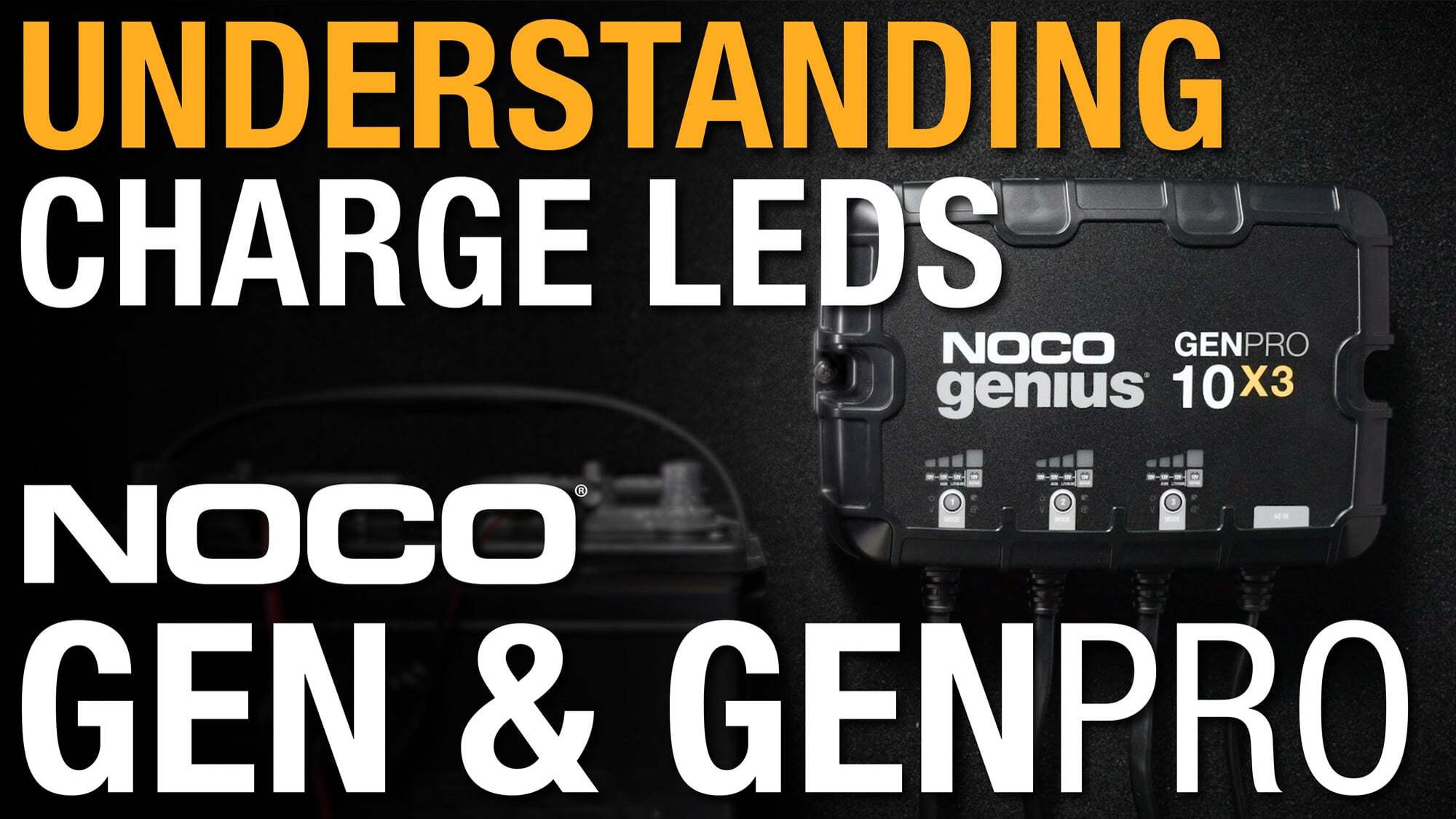
When GeniusPRO has a slowly pulsating green LED it means the charger is in Maintenance Mode. After the battery is fully charged, the charger will continue to provide ongoing maintenance and optimization until disconnected.
Click here to learn more about the Charge LEDs on GeniusPRO25.
Click here to learn more about the Charge LEDs on GeniusPRO50.
If the Overvoltage LED is illuminated, this means the battery's voltage is too high for the charge mode that is selected. For example, if you have a 12V battery and have selected a 6V charging mode selected.
If the Overvoltage, Bad Battery, and Standby LEDs are flashing together, either the charger's internal temperature is too hot, or the ambient temperature is too cold for operation. If the charger's internal temperature is too hot, the charger will stop displaying the error and resume function after the charger cools down. If the ambient temperature is too cold, the charger will resume function when the ambient temperature rises.
If a charge LED and Standby mode are flashing this means Genius is in Force Mode. After 5 minutes, the charger will return to the normal charge mode operating and low voltage detection will be reactivated.
When in Force Mode all safety features will be disabled.
| GEN5X1 | 2.95 lbs (1.3kg) |
| GEN5X2 | 4.17 lbs (1.9kg) |
| GEN5X3 | 6.1 lbs (2.7kg) |
| GENPRO10X1 | 5.33 lbs (2.42kg) |
| GENPRO10X2 | 8.74 lbs (3.96kg) |
| GENPRO10X3 | 13.43 lbs (6.2kg) |
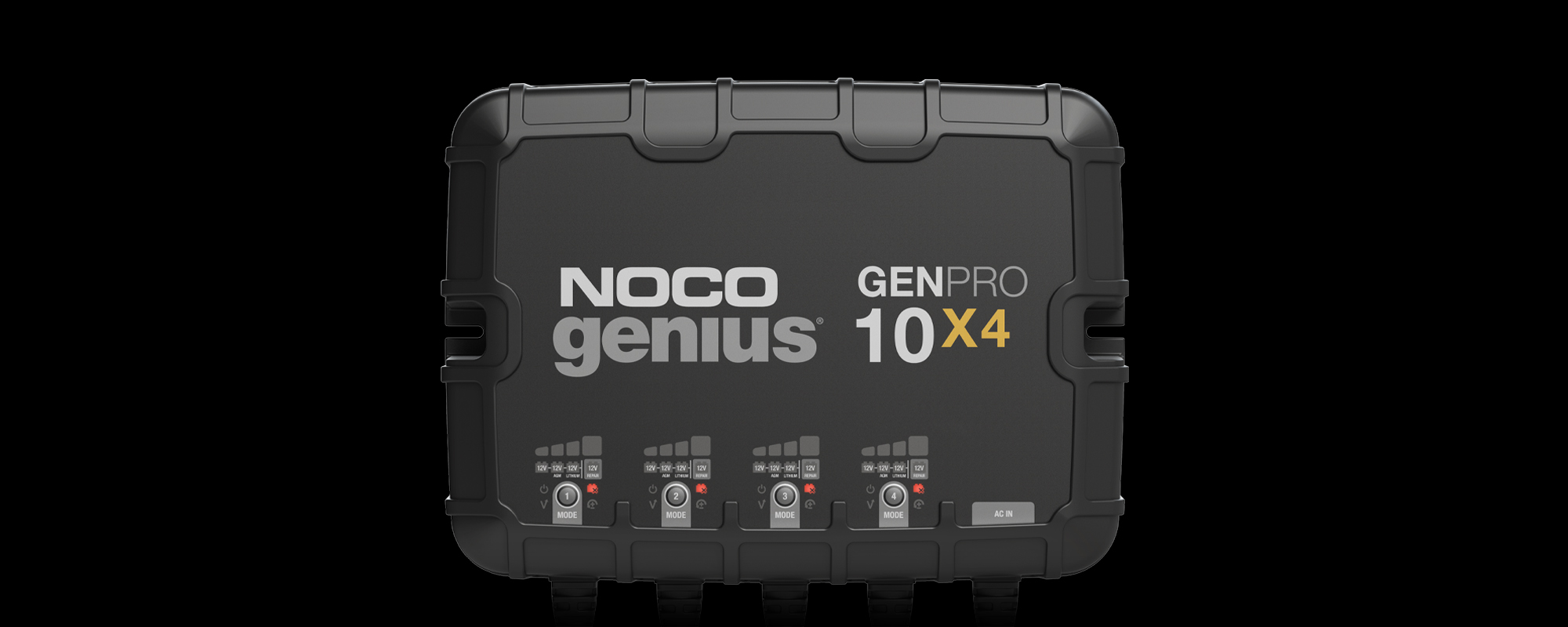
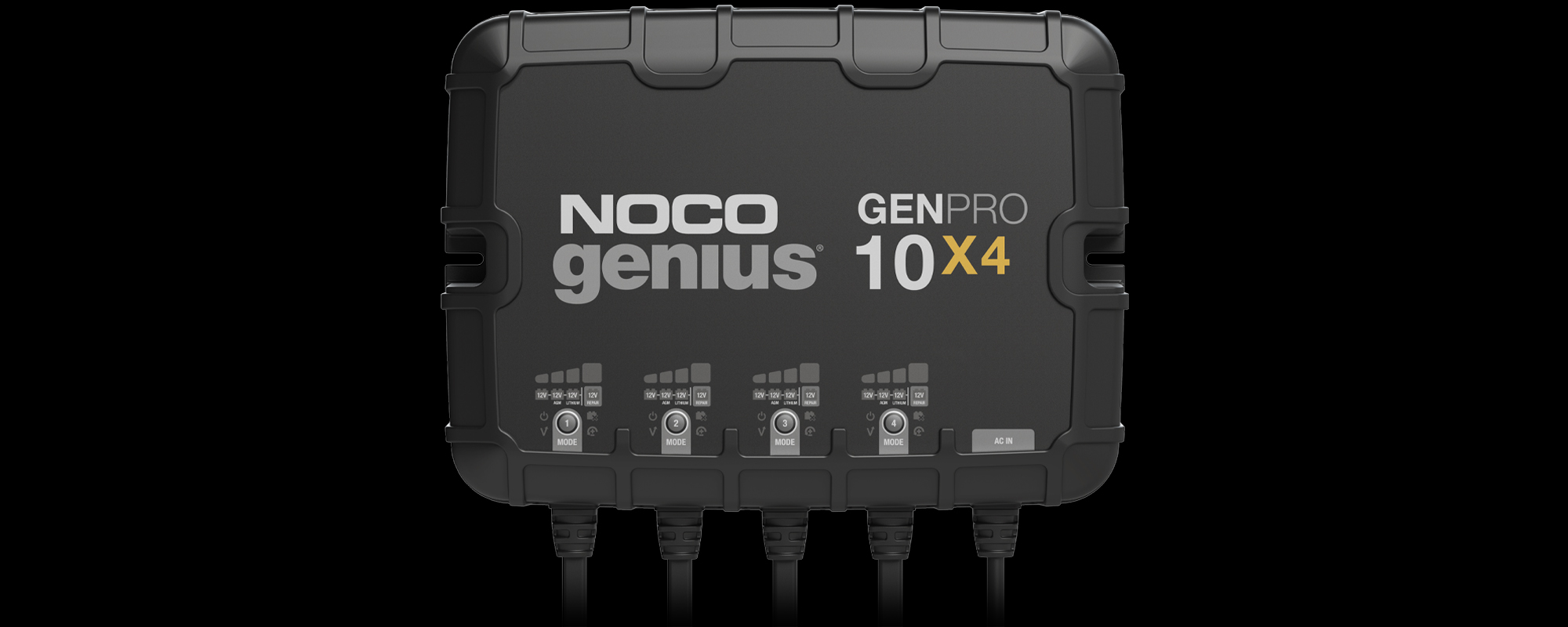
| GENPRO10X4 | 16.98 lbs (7.71kg) |
GEN & GENPRO uses a Mini® Blade fuse which can be purchased at hardware or automotive stores.
| GEN | 7.5 AMP MINI ® Blade Fuse |
| GENPRO | 15 AMP MINI® Blade Fuse |
The warranty is 3 years from the proof of purchase or manufacture date (based on serial number).
All NOCO GEN & GENPRO Chargers are marked with a unique serial identification number, usually found stamped on the side or edge of the unit. Click the link below to find the serial number location on each model.
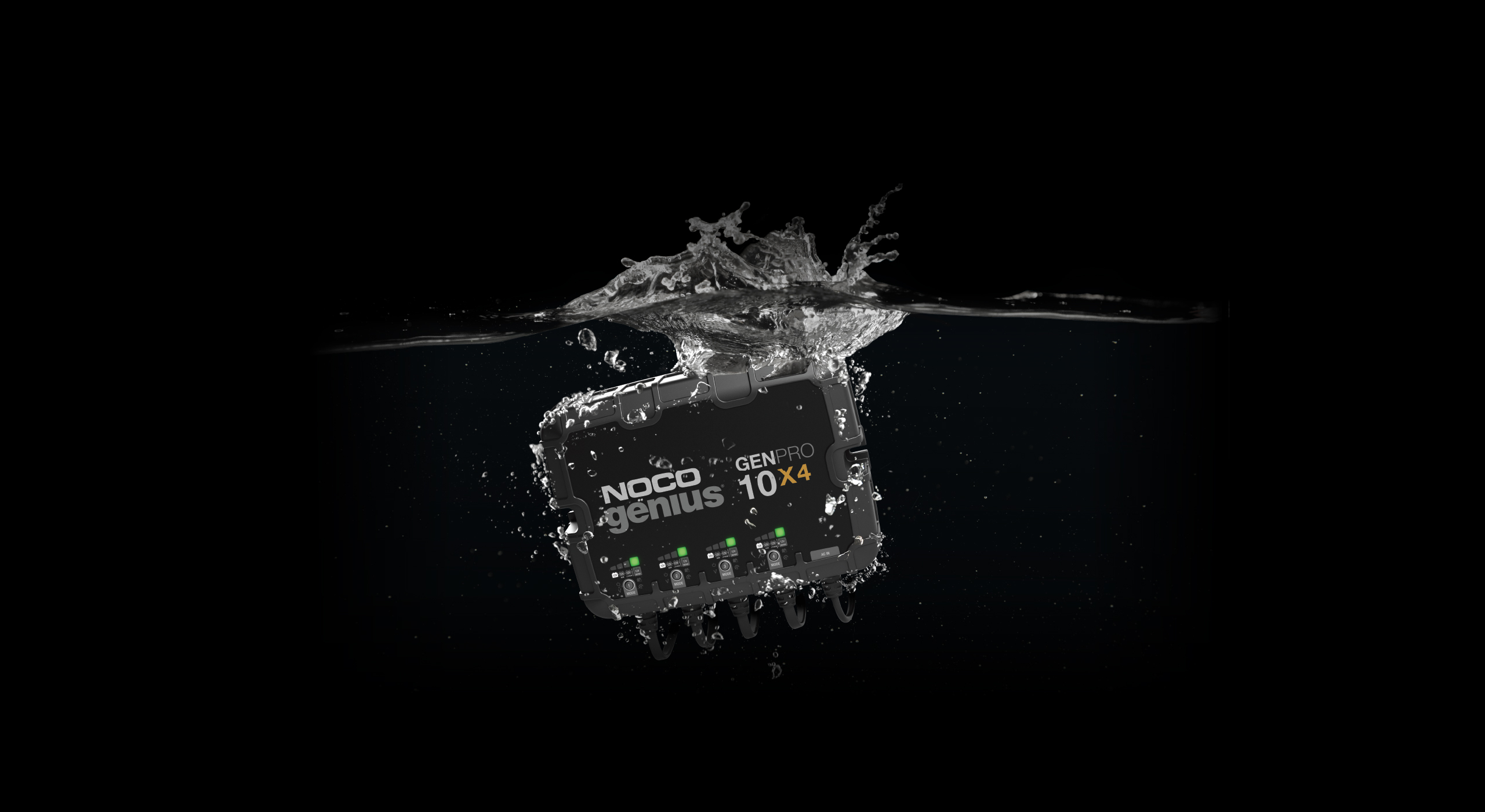
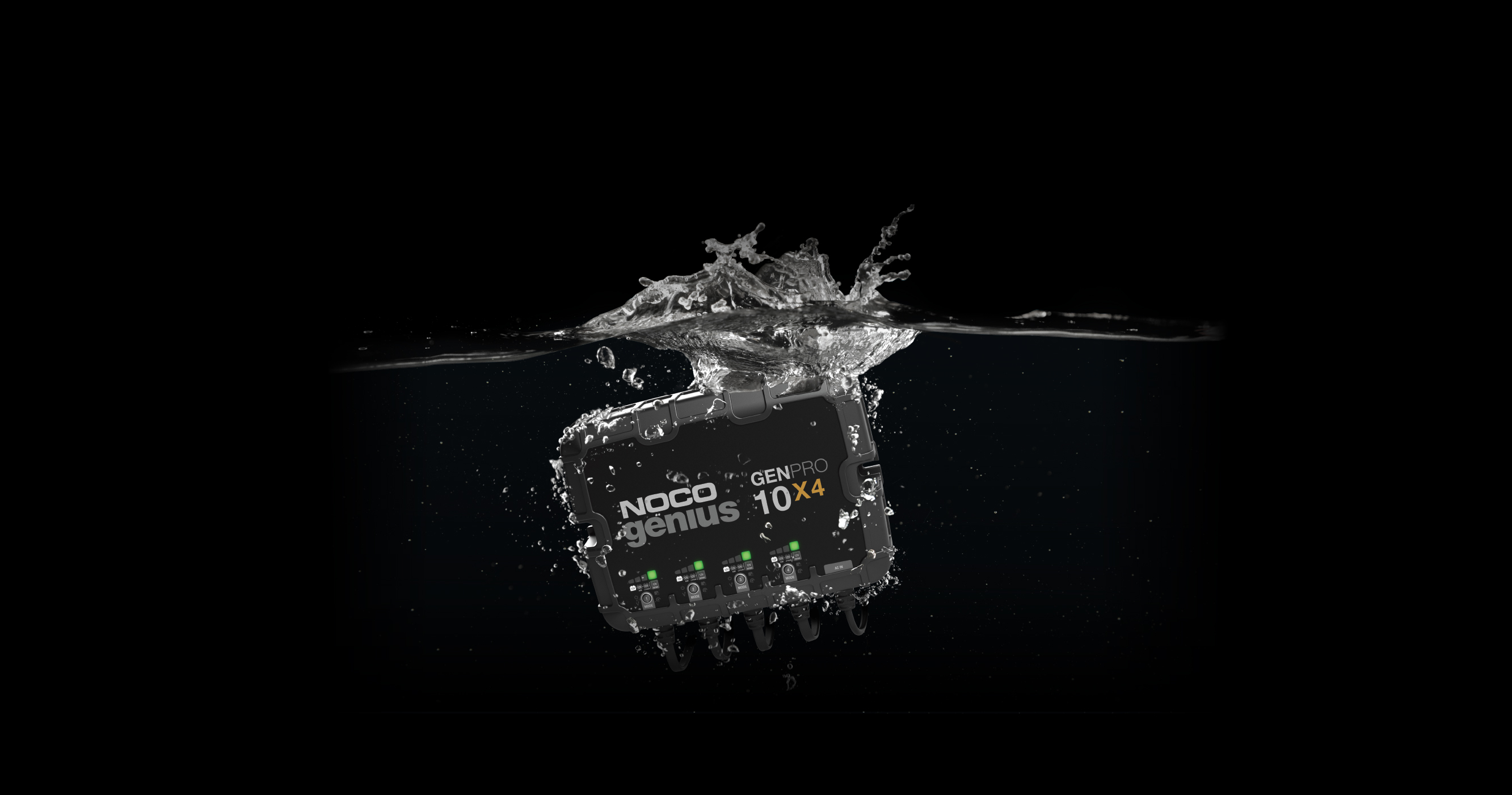
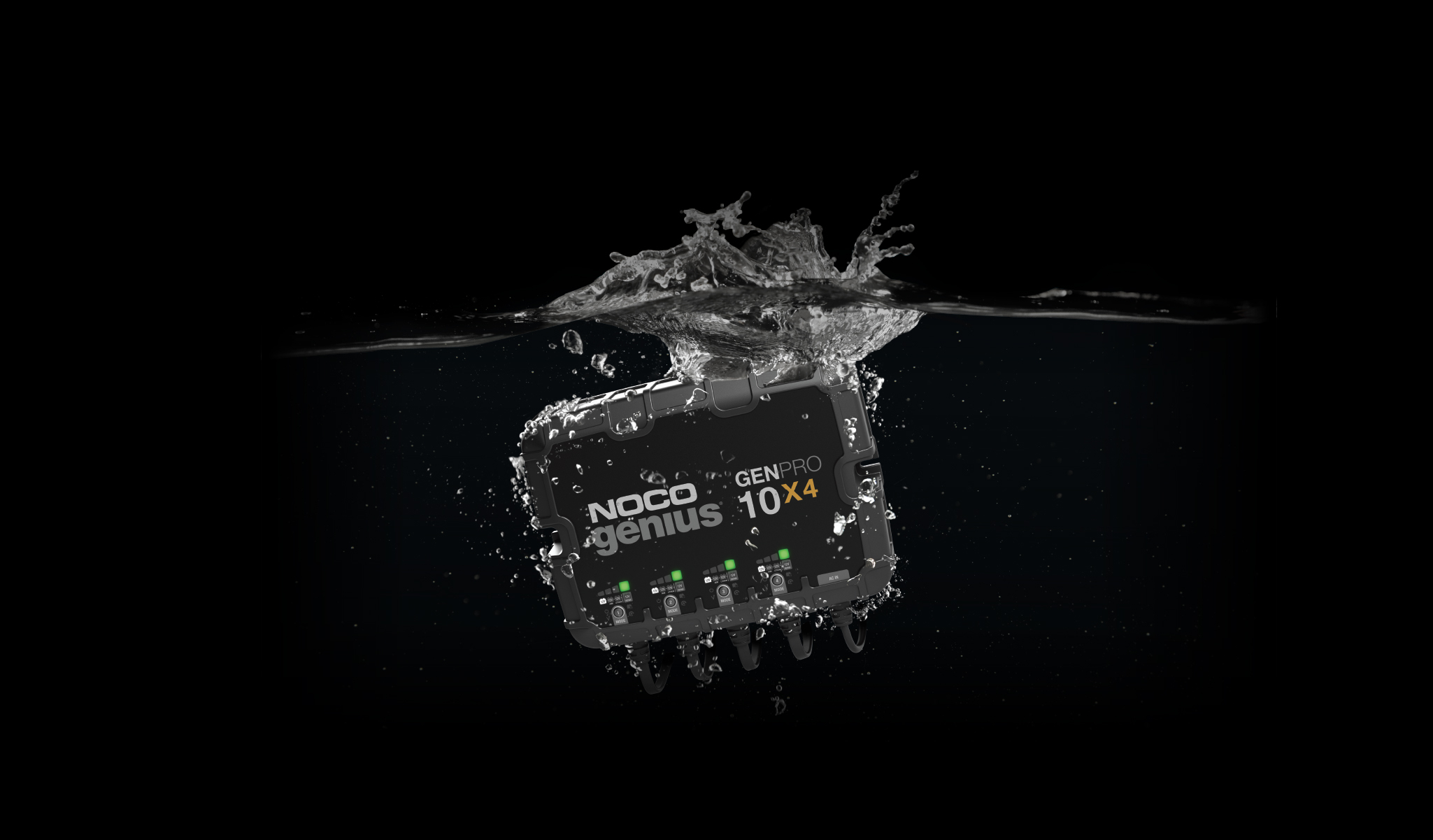
| GEN | IP68 |
| GENPRO | IP68 |
| GEN5X1, GEN5X2, GEN5X3 | User Guide |
| GENPRO10X1, GENPRO10X2, GENPRO10X3, GENPRO10X4 | User Guide |
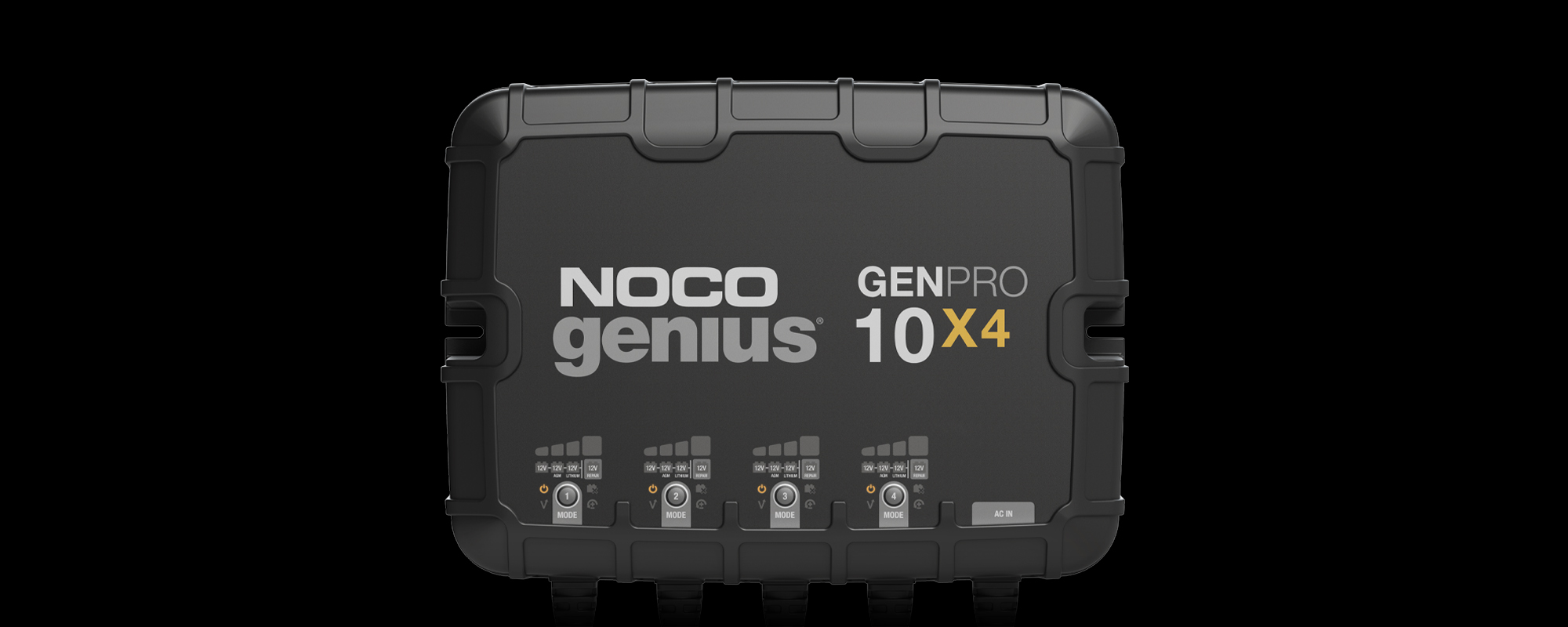
If the Standby LED is illuminated it means that GEN or GENPRO is in Standby Mode and it is not recognizing that it is connected to a battery. This can happen when there is no battery connected to the charger, if the voltage on the battery is lower than the recognition threshold (1V), if the connection to the battery is faulty, or if the inline fuse is faulty or loose in the fuse housing.
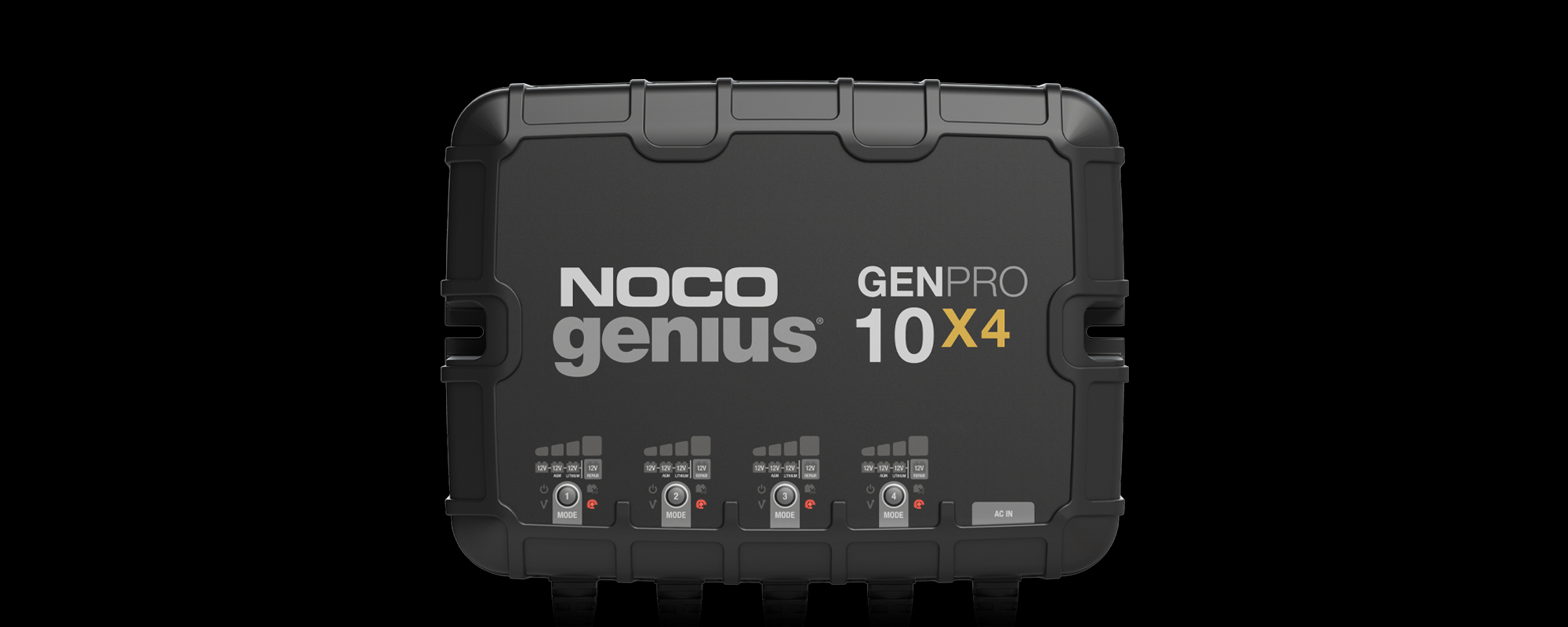
If the Bad Battery Error LED is illuminated, this means that the battery is not holding a charge, or there may be a short in the battery. We recommend taking the battery into a local battery shop for a thorough evaluation of its health and status.
Unfortunately NOCO does not manufacture any protective cases for the GEN & GENPRO chargers at this time.

GCP1
GCP1
MSRP: $29.95 You save 23%
$22.95
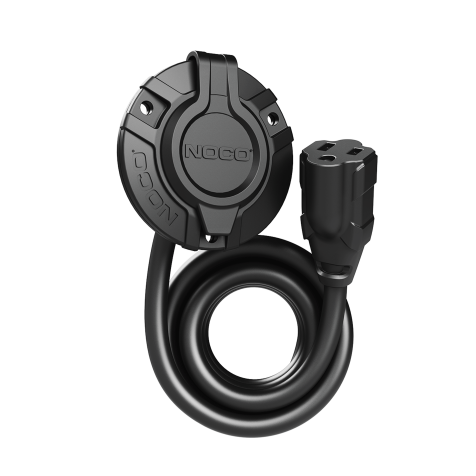
GCP1E
GCP1E
MSRP: $44.95 You save 22%
$34.95
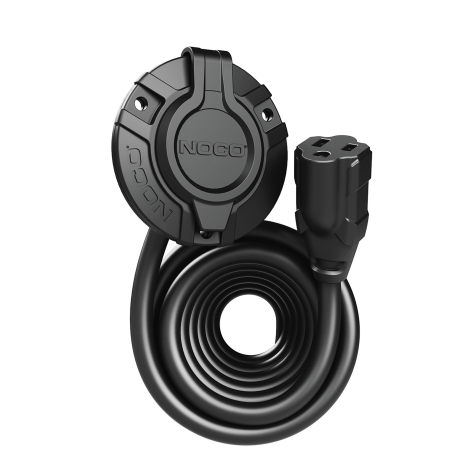
GCP1EX
GCP1EX
MSRP: $50.95 You save 21%
$39.95
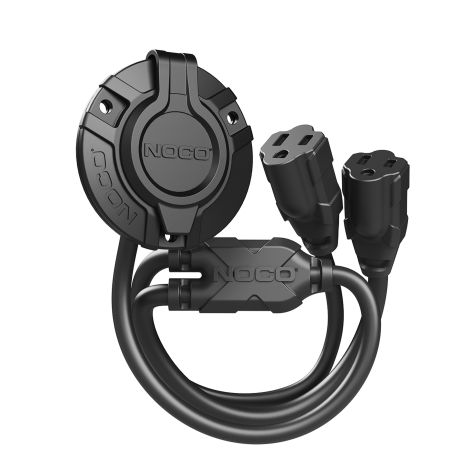
GCP2
GCP2
MSRP: $39.95 You save 25%
$29.95
My Products
View “My Products” to view user guides, access warranties, and register your NOCO products.
Register A Product
Registering will add a product to your account and activate your limited warranty.
Contact Support
Have questions? Send a message, request a callback, or chat with our support team.
Monday through Friday
8 AM–7 PM EST.
Locating the Serial Number
Find the serial number on your NOCO product to complete your registration and activate your warranty.
-
Stories
(8)
- Sports (4)
- Life Style (2)
- Motorcycling (1)
-
Support Center
(243)
- Power (0)
- Air (6)
- Storage (13)
- Battery Care (2)
- Accessories (40)
- Chemicals (9)
- Lithium Batteries (12)
- Genius Battery Chargers (54)
- Resources (17)
- XGrid (23)
- Boost Jump Starters (64)