AL5 | Support
AL5
Support.
USER GUIDE
DATASHEET
VIDEOS
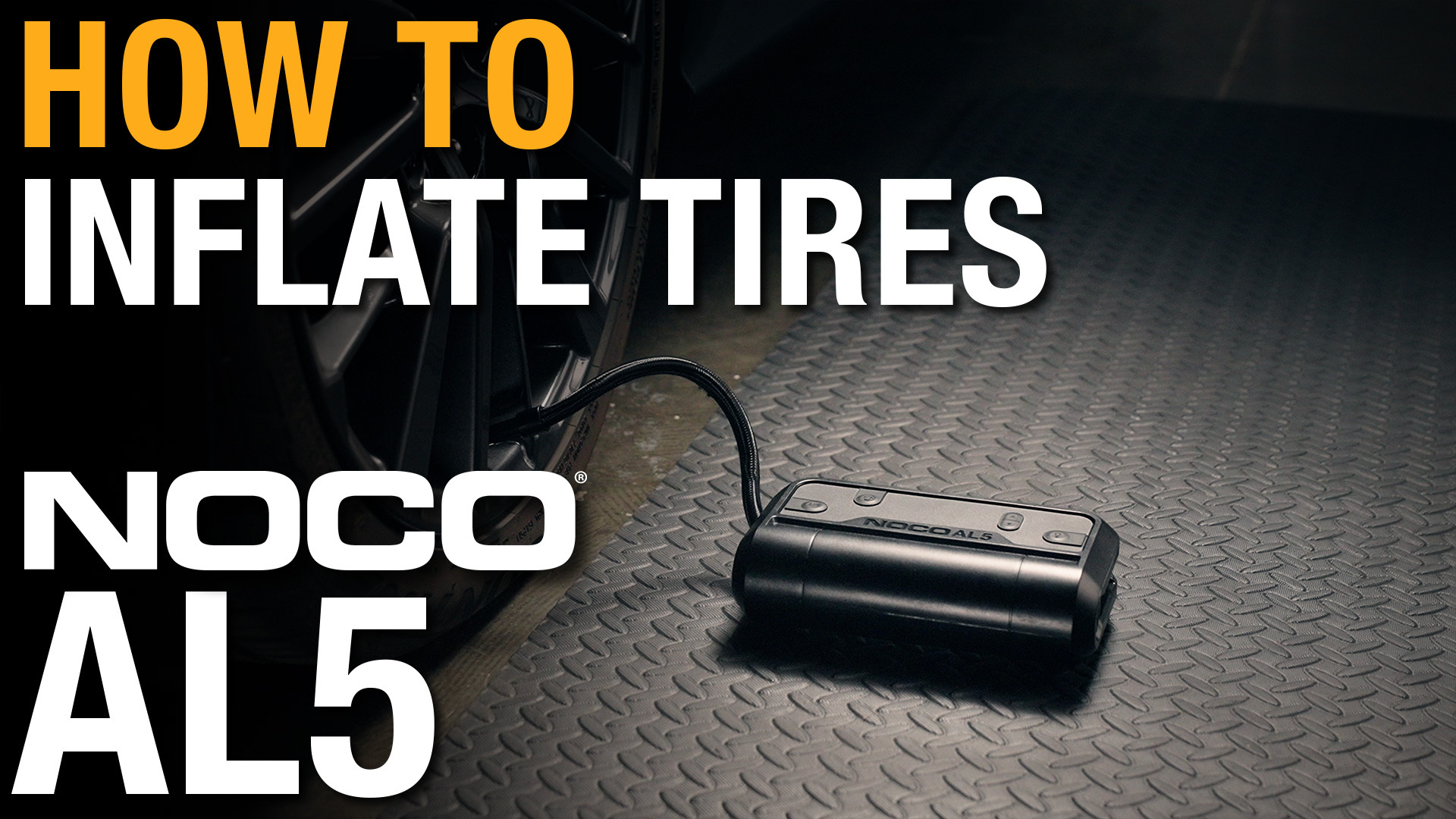
How to inflate a tire using your NOCO AL5
Learn how to inflate your tires using the NOCO AL5 Lithium Air Compressor in a few simple steps.
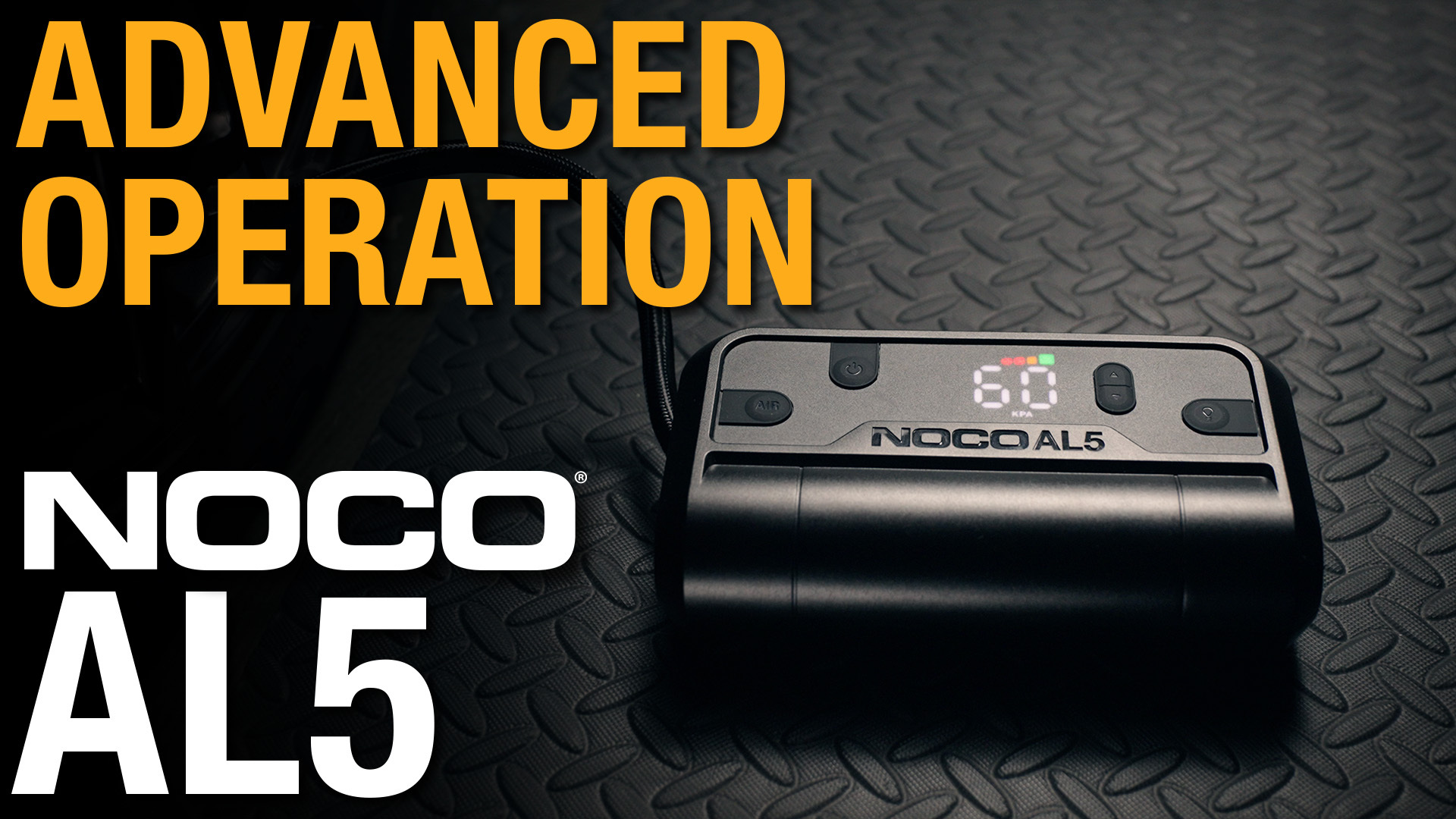
Advanced Operation of the NOCO AL5
Learn how to use the advanced features on your NOCO AL5 Lithium Air Compressor.
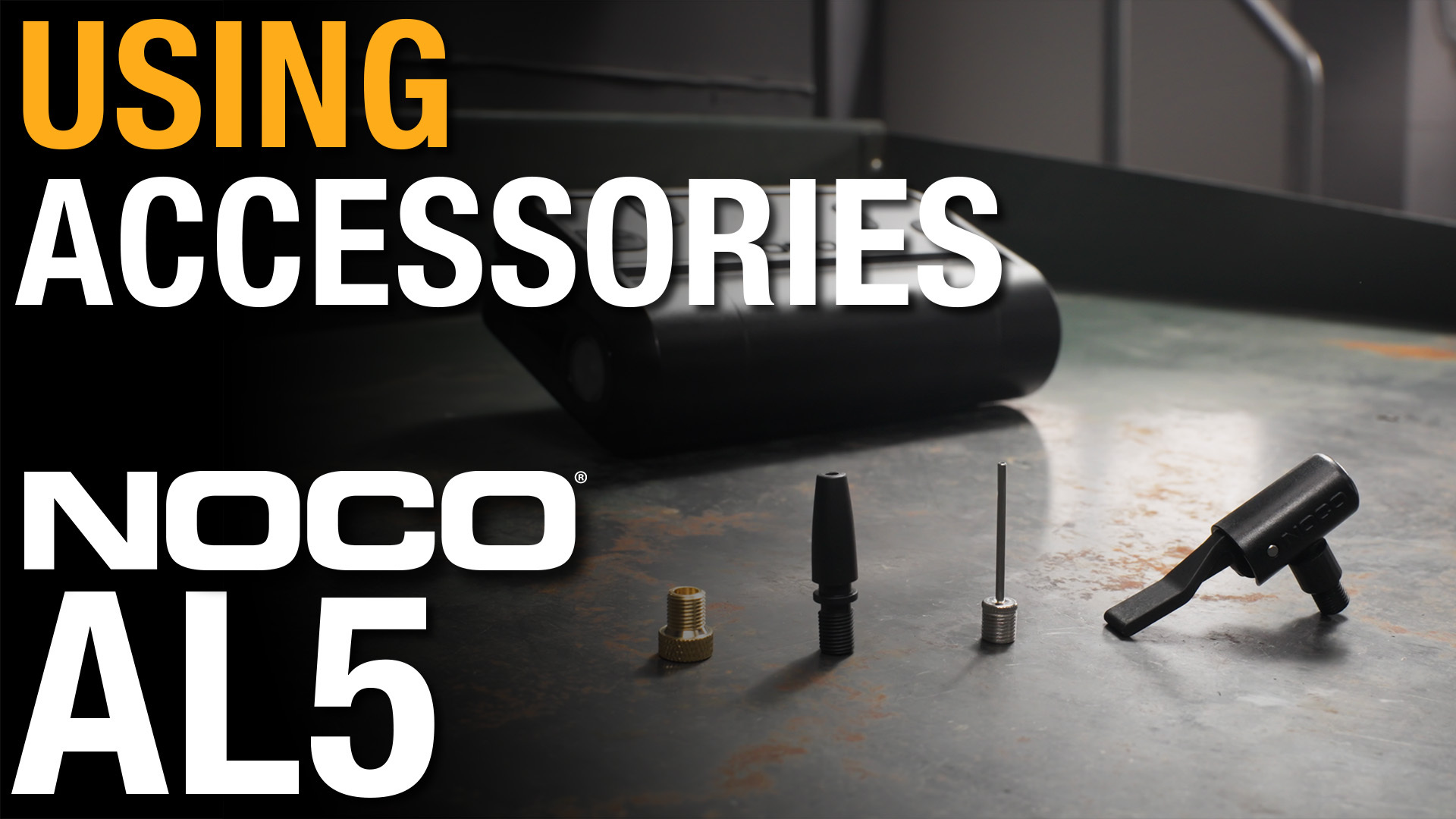
How to use accessories with your NOCO AL5
Learn how to use accessories with your NOCO AL5 Lithium Air Compressor.
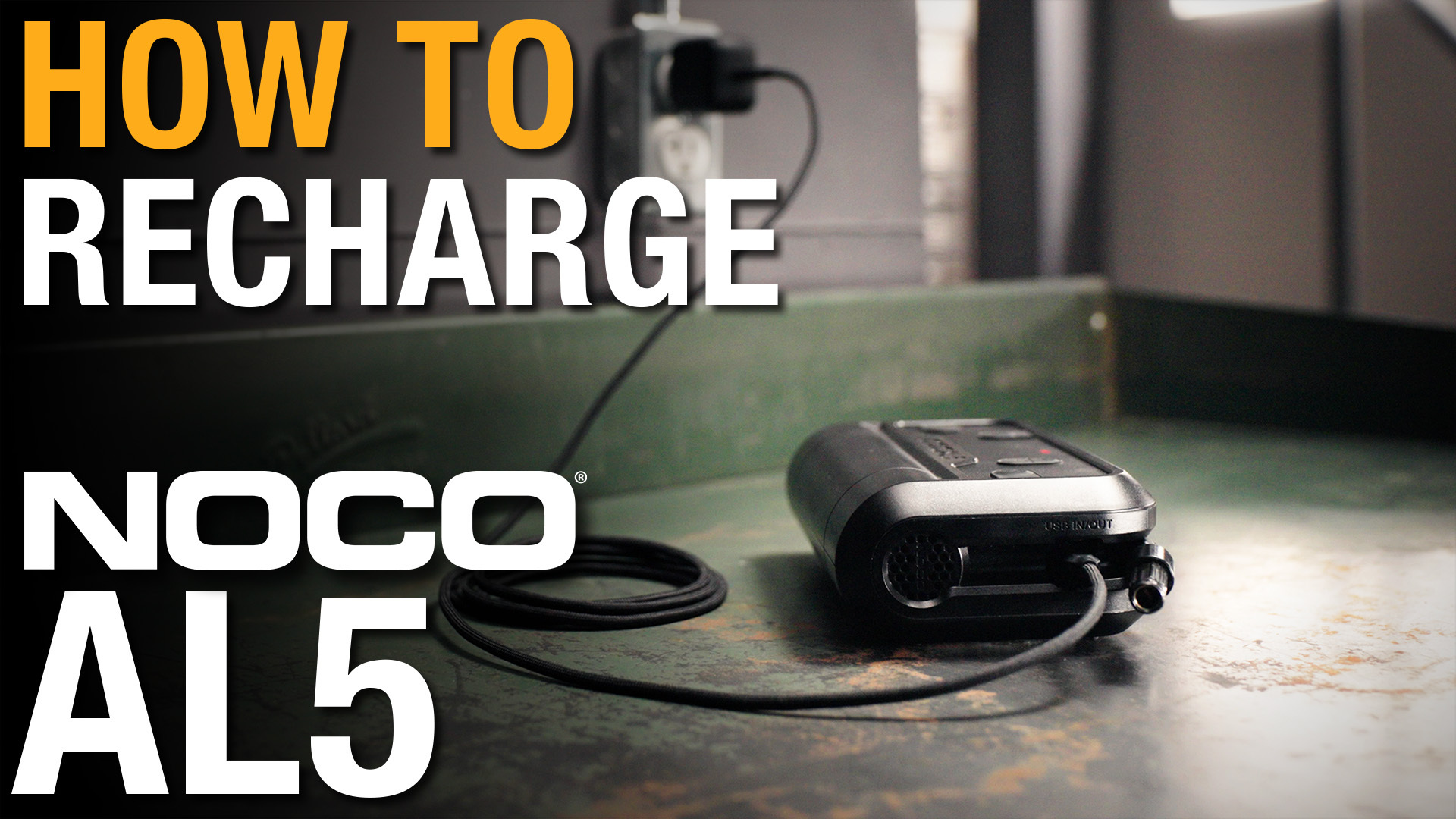
How to recharge your NOCO AL5
Learn how to recharge your NOCO AL5 Lithium Air Compressor.
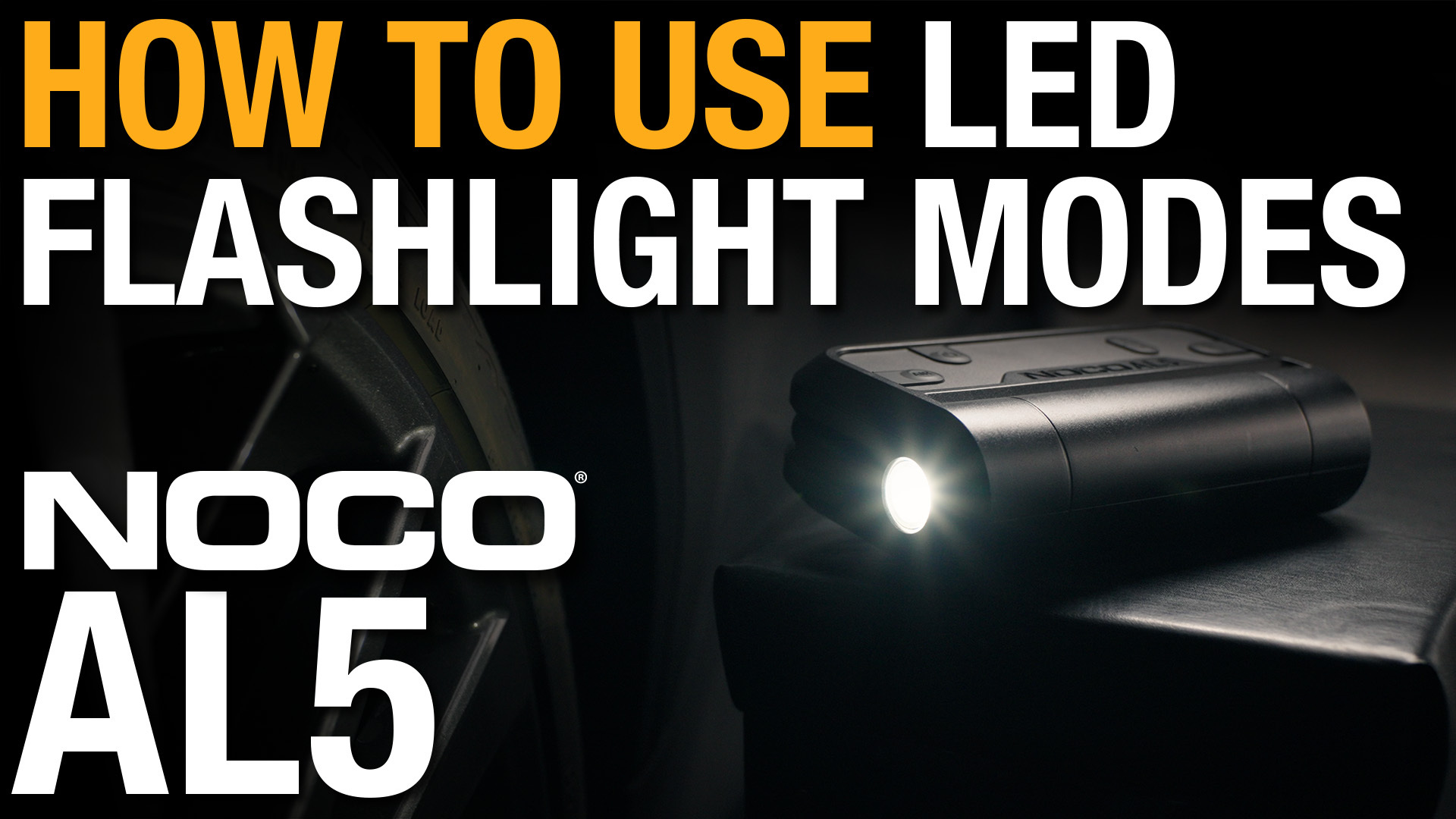
How to use the LED Flashlight Modes on AL5
Learn how to use the LED Flashlight modes on your NOCO AL5 Lithium Air Compressor.
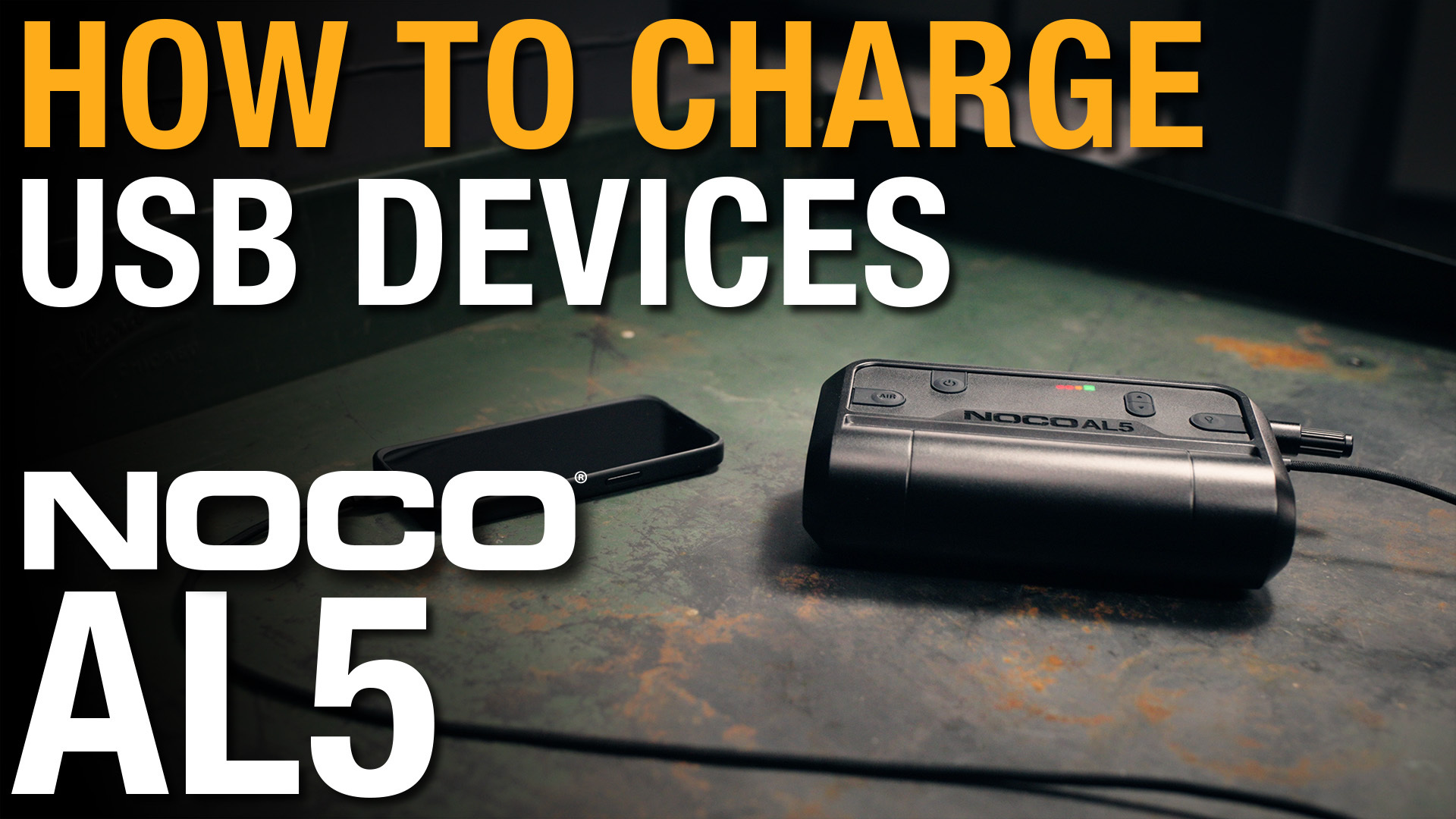
Charge Devices with your NOCO AL5
Learn how to charge USB devices with your NOCO AL5 Lithium Air Compressor.
AL5
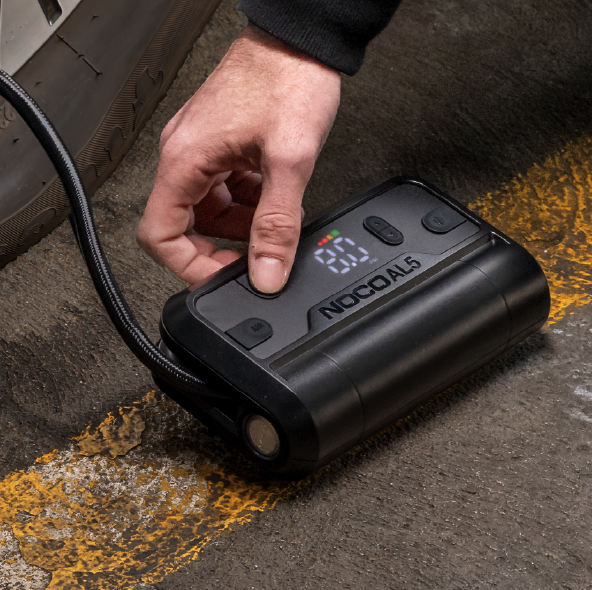
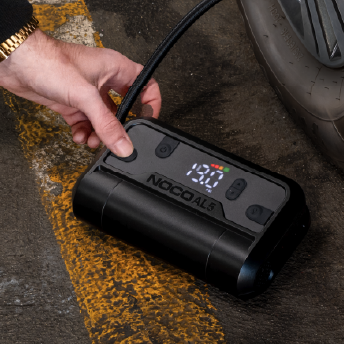
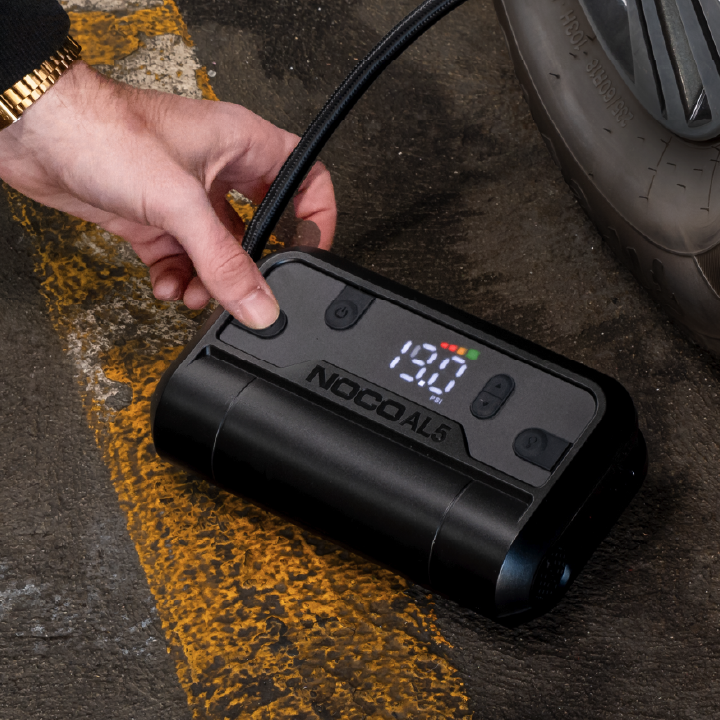
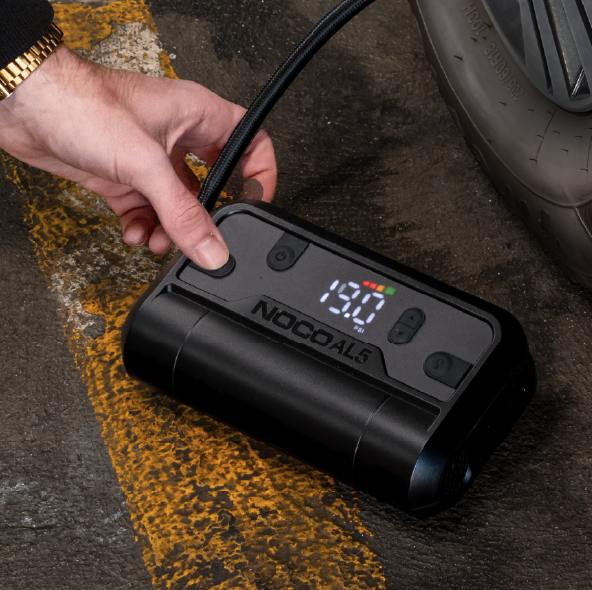
How To Inflate.
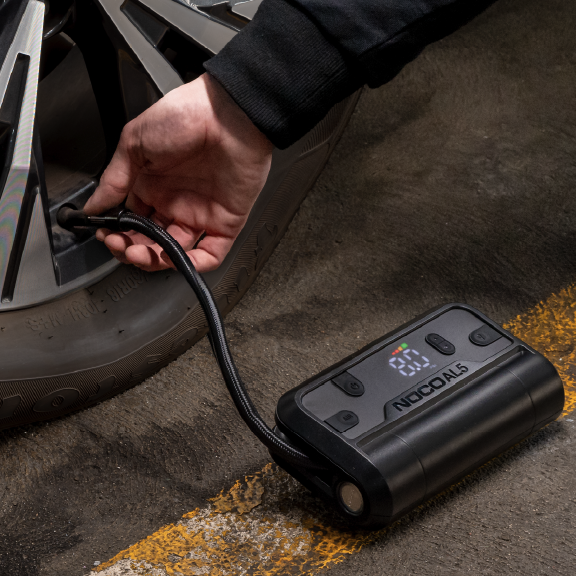
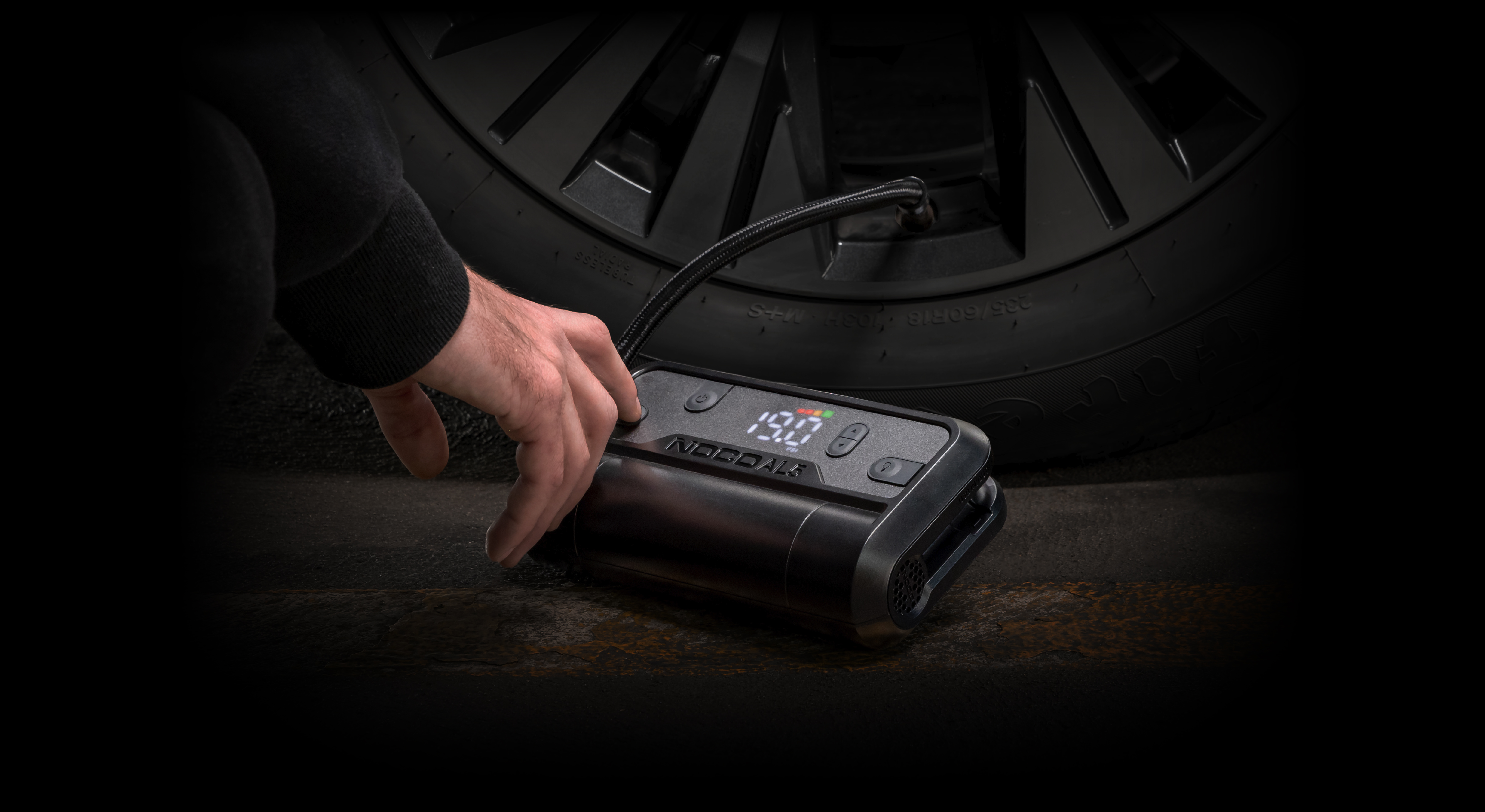
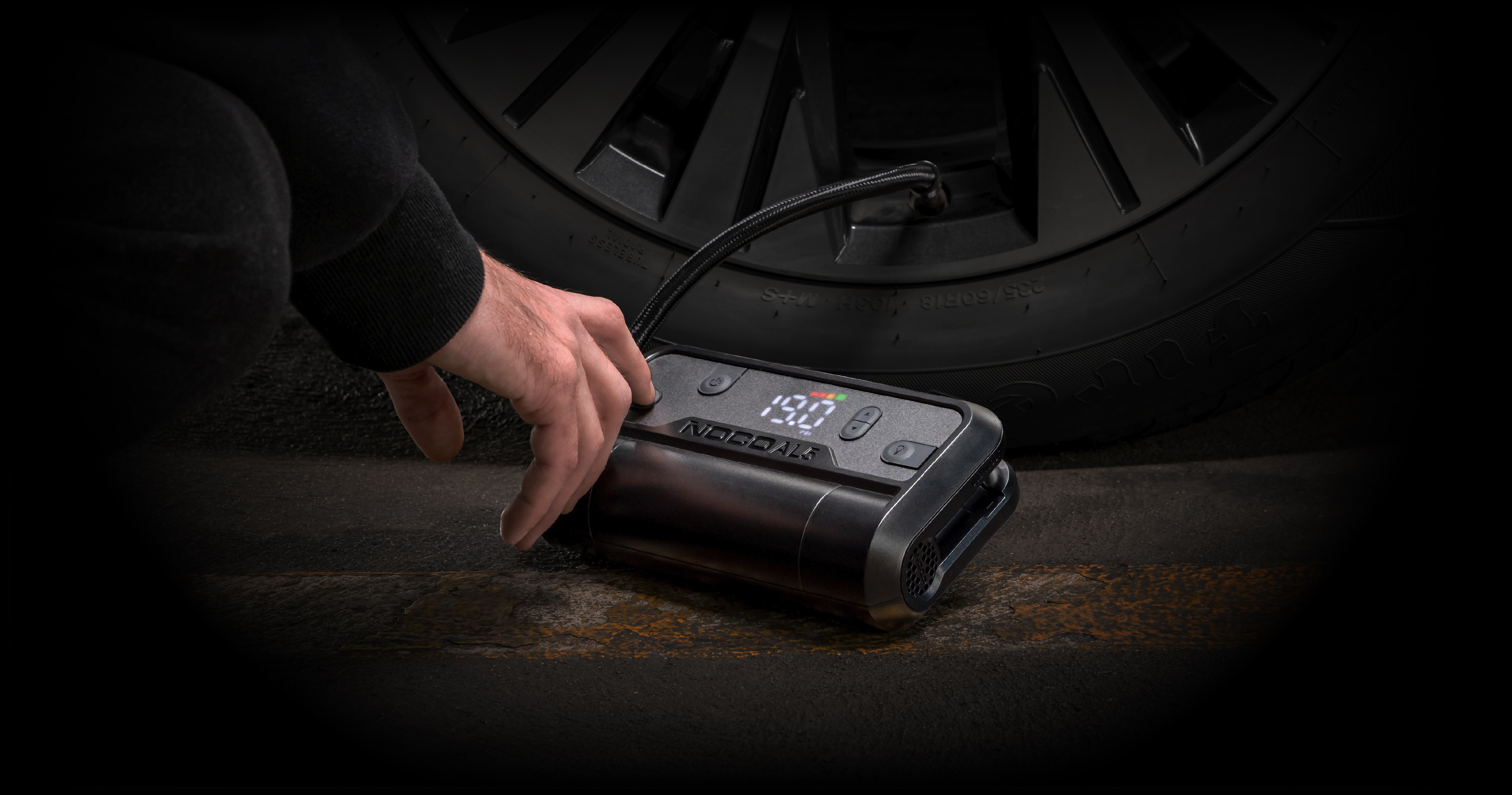
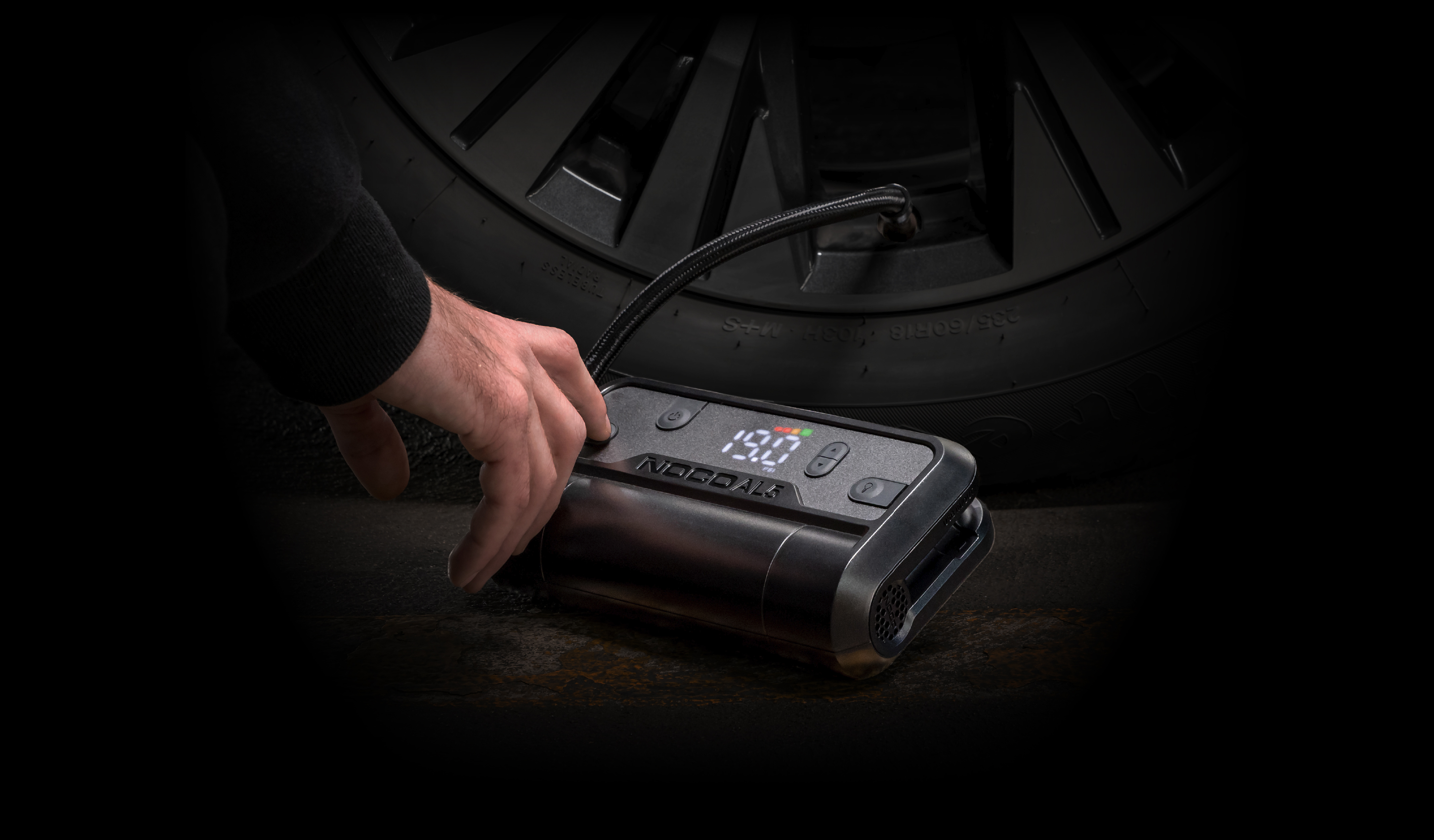
CONNECT THE AIR HOSE.
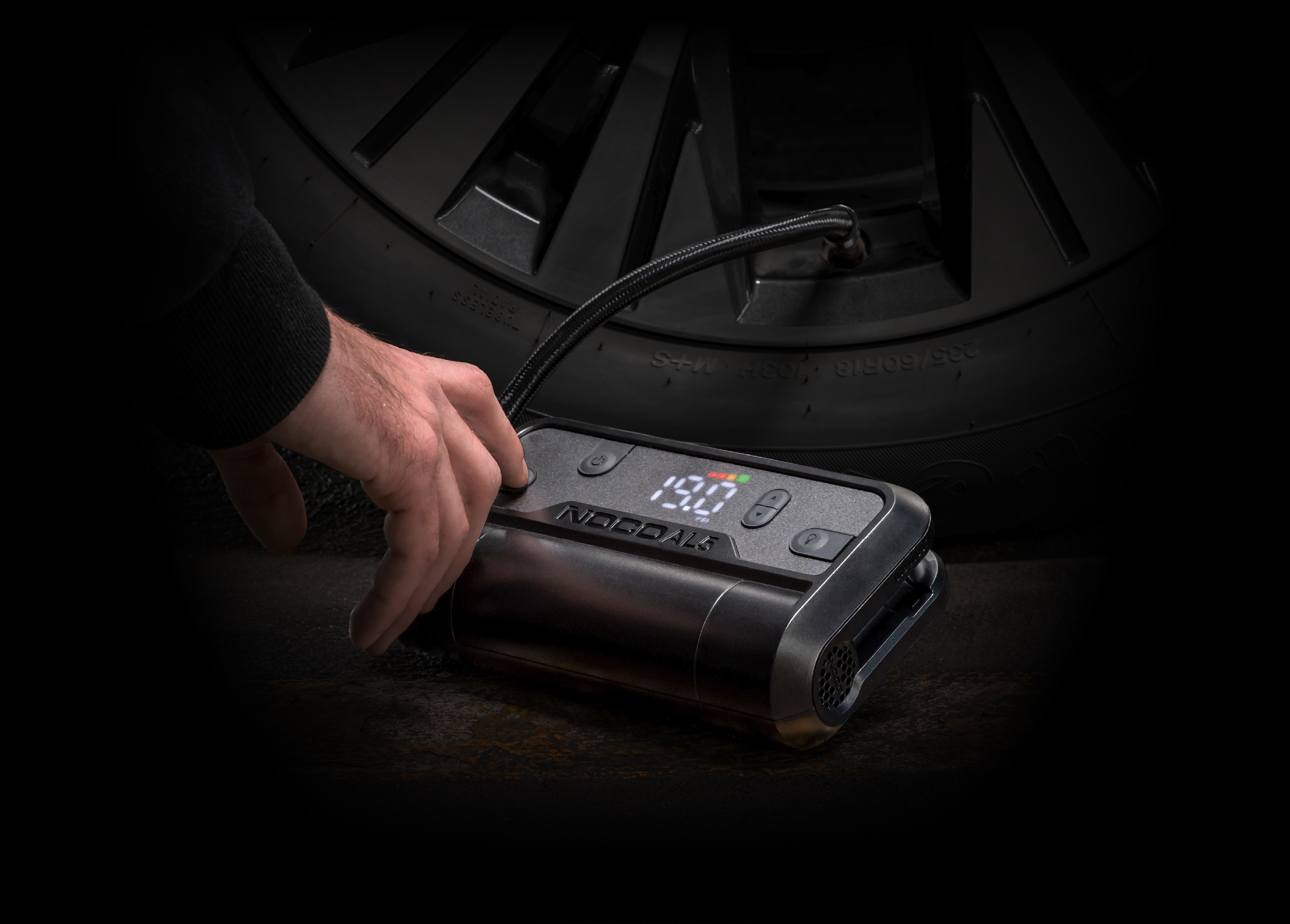
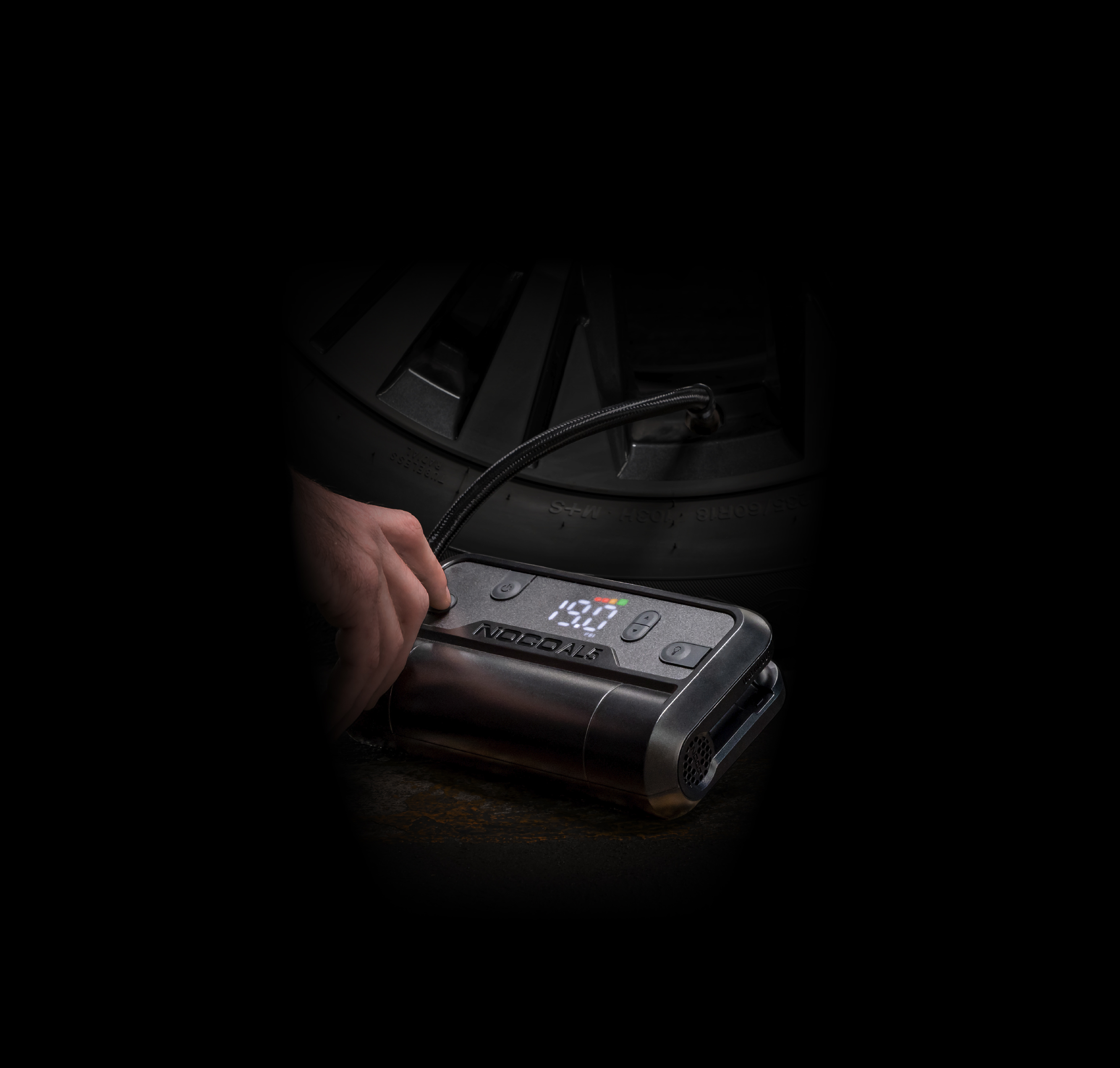
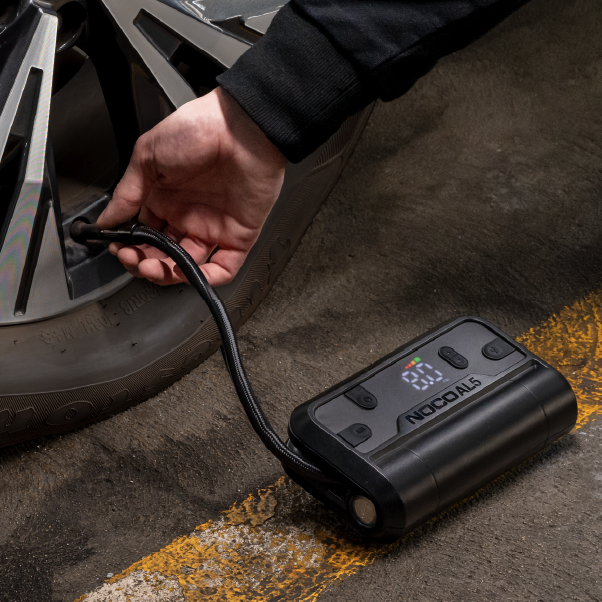
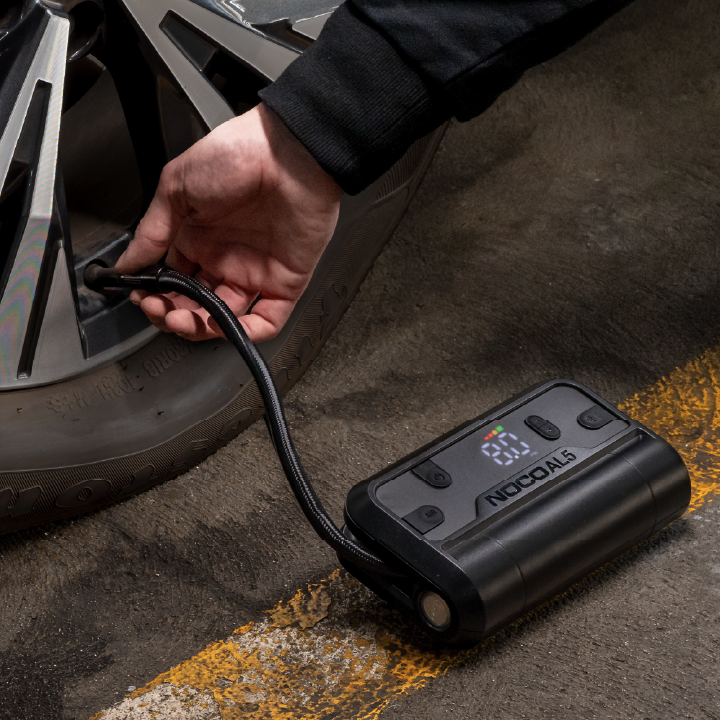
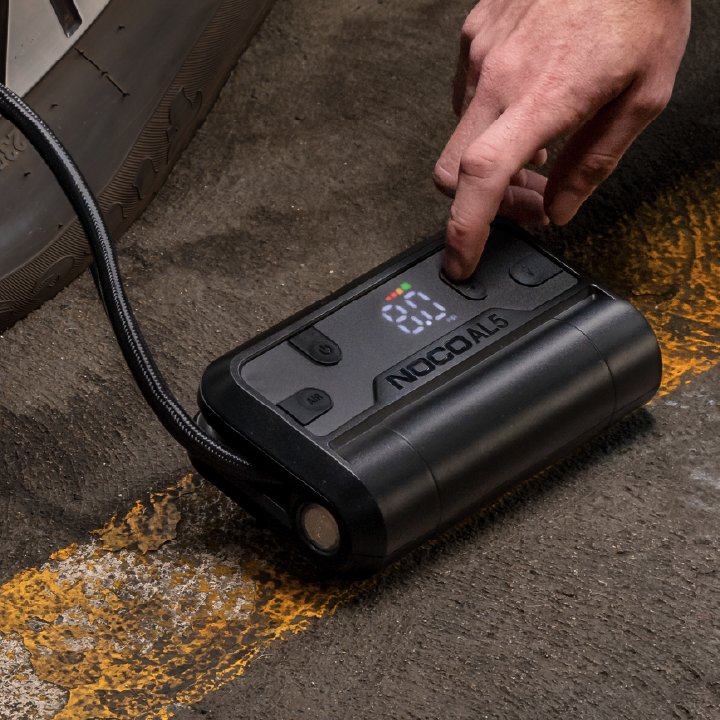
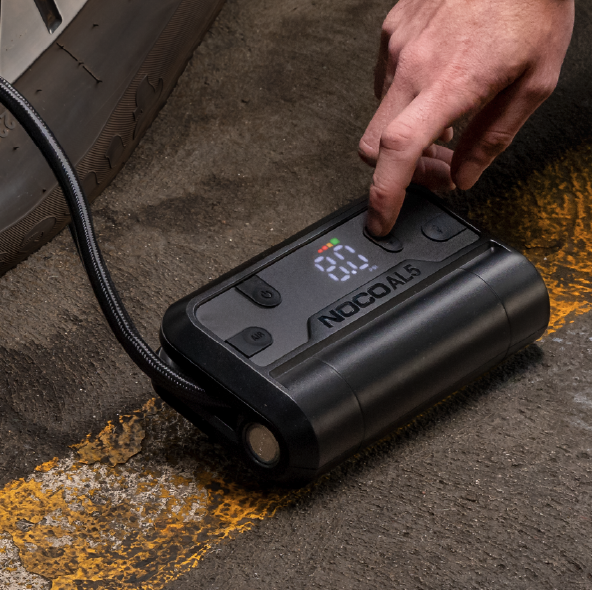
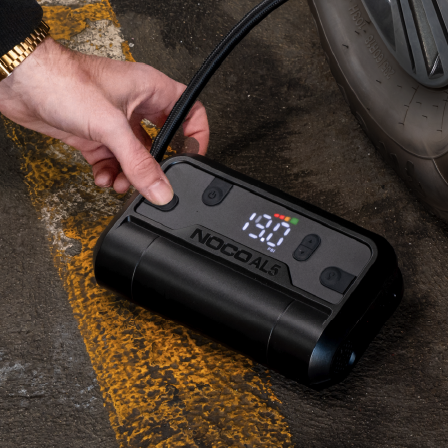
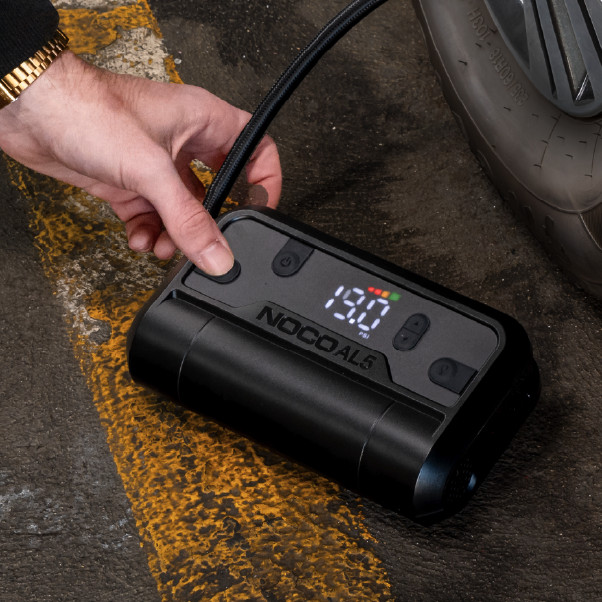
Connect the air hose on the AL5 to the tire before starting inflation. The air hose will screw onto the tire's air valve. No tools are necessary and should be hand tightened.
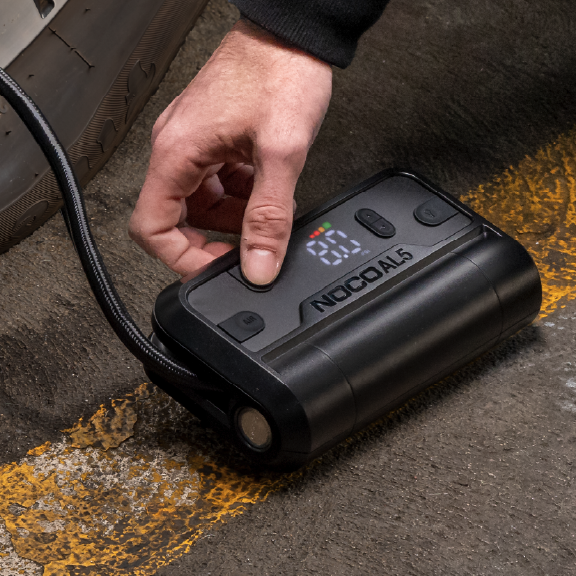
INITIALIZATION.
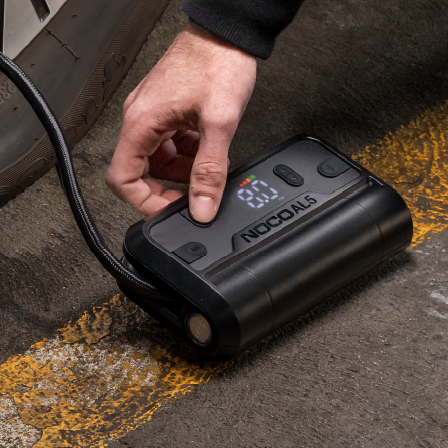
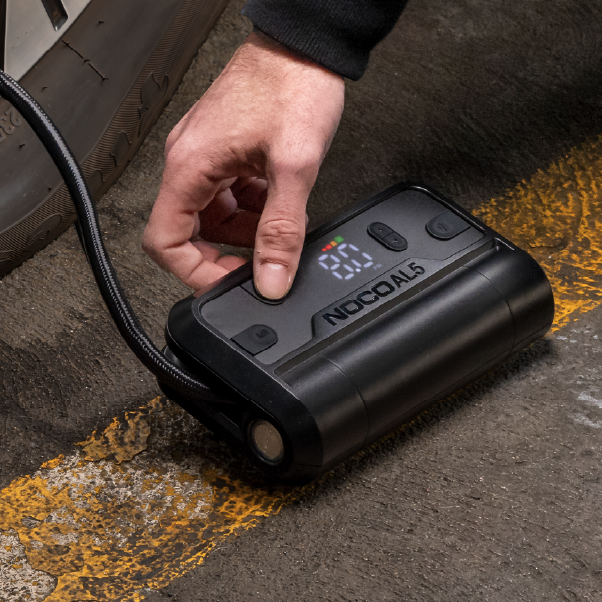
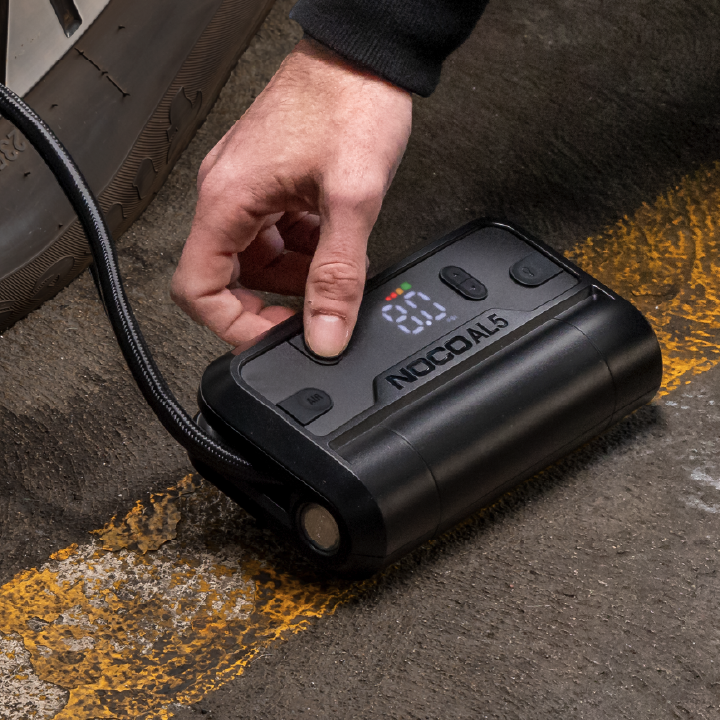
Turn the Product "ON" by pressing the Power Button. If more than 3 PSI is detected, then the detected pressure will be displayed with the “SET” LED being "OFF".
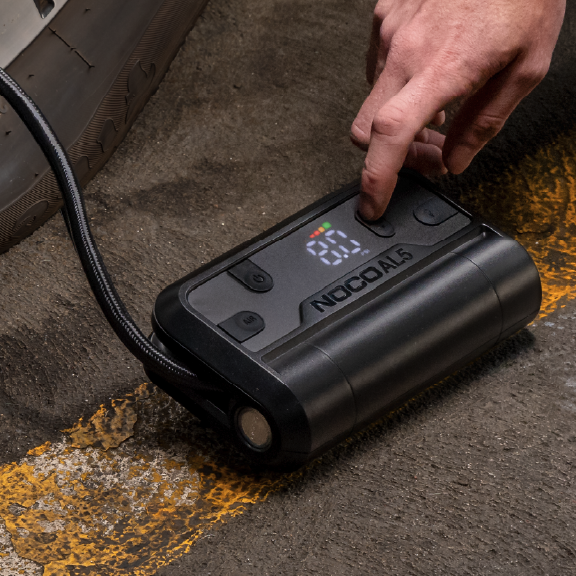
Set Pressure.
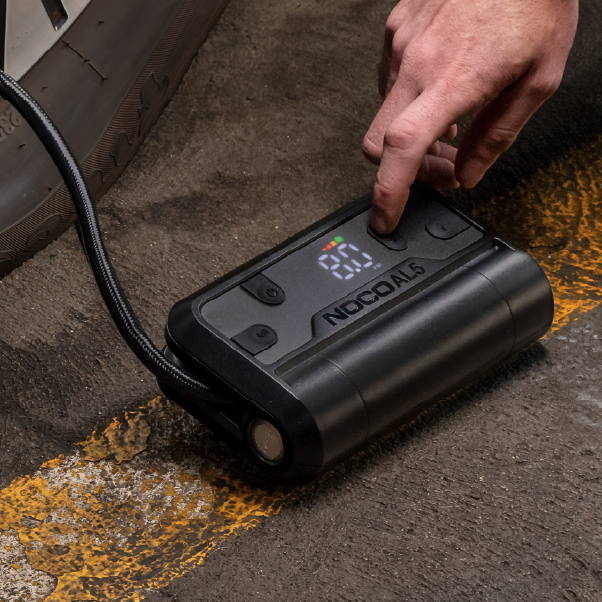
Change the Set Pressure to desired tire pressure level by pressing the ▼ or ▲ Buttons. Hold both ▼ and ▲ Buttons together at anytime to change the unit of pressure displayed (BAR, KPA, PSI). 
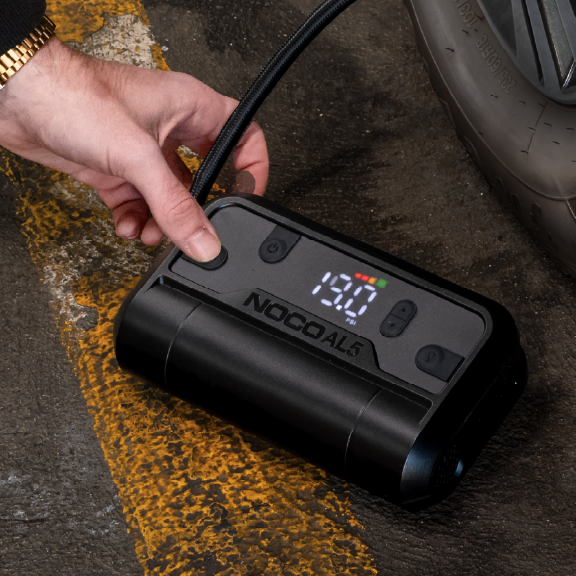
POWER ON.
Press the Air Button to begin tire inflation. Inflation will continue until the Set Pressure has been reached.
FAQ
Air Lithium
Choosing Air Lithium
What is the maximum airflow of Air Lithium?
AL5 17 SLPM
What is the maximum air pressure Air Lithium can reach?
The AL5 can reach a maximum pressure of 130 PSI (8.96 bar / 896 kPa), suitable for sports equipment, topping off tires, and more. Air Lithium automatically shuts off while monitoring and measuring pressure without overinflating, providing precision accuracy.
How long does Air Lithium take to recharge?
AL5

USB-C Charging
2.5 hours at 10W

Fast Charge
1.5 hours at 30W

Why won't my Air Lithium charge from my laptop?

If Air Lithium will not charge from your laptop, you may need to check your laptop's USB connectivity settings to change what happens when a USB device is plugged into it to allow the AL to recharge from the laptop as opposed to being seen as a source of charge.

How long does it take to inflate a tire with AL5?

AL5 can inflate a 195-70R14 tire from 35-40 PSI in approximately 1 minute.

Warranties & Registrations
Where can I obtain the user manual for Air Lithium?
How long is the warranty on Air Lithium?

Air Lithium has a one-year limited warranty. Visit our Support Page to learn more about Warranty or find the User Guide to your specific model.

Features
What is the lumen rating of the LED flashlight?
AL5 50 Lumen LED Flashlight
What flashlight modes are available?

The flashlight has 6 light modes: 100%, 50%, 10%, SOS, Blink, "OFF".

What is the USB port ratings on Air Lithium?
AL5 USB-C (IN/OUT): 30W
How do I change the pressure units on Air Lithium?

To change the units for pressure, hold the ▼ and ▲ buttons down simultaneously for 3 seconds. The currently selected pressure unit will flash and the rest of the display will turn "OFF". Press the up or down arrows to change the pressure unit as needed. After waiting for a few seconds, the rest of the display will turn back on and the AL5 will be set to the new pressure unit.

What devices can Air Lithium recharge?

Air Lithium can recharge any device that uses USB-C. This includes all generations of smartphones on the market, as well as HD action cameras, tablets, music players, headphones, earbuds, wireless speakers, and more. This depends on the battery needs of your device, the AL5's battery capacity for recharging USB devices is 4,4mAh.

The USB in/out port is USB-C Power Delivery Dual Role Protocol (DRP), enabling it to power other USB devices. When charging USB devices, it's important to turn "ON" the AL5 before connecting the device to be charged.

If the AL5 is not turned "ON" first, it might draw power from the USB device. To charge the AL5 using a DRP-compatible device (such as a phone, laptop, or power bank), make sure the AL5 is powered "OFF" before connecting the cable between the AL5 and the DRP device.

How do I enable Manual Air Mode?

To enter Manual Air Mode, set the pressure to 0.0. Press the Air Button to turn "ON" the compressor and the compressor will run until the Air Button is pressed again (or the maximum pressure limit of the Product is reached, the AL5's battery is fully depleted, or if the AL5 gets too hot or cold to continue operation). During Manual Air Mode the display will cycle LEDs. When Manual Air Mode is shut "OFF", the display will show the current pressure.

How heavy is Air Lithium?
AL5 1.8lb (0.82kg)
Why does my Air Lithium automatically shut-off?

The Air Lithium series is built with an Automatic Shut-off feature. The compressor will turn "OFF" when the desired pressure has been reached, and the Display will remain "ON" after the Automatic Shut-off. The AL5 may also shut off if the battery is fully drained, or if the AL5 gets too hot or cold to continue operation, in which case the Display will shut "OFF".

Does the Automatic Shut-Off function in Manual Air Mode?

Automatic Shut-off will only occur in Manual Air Mode if the maximum rated pressure of the Product has been reached, if the battery is fully drained, or if the AL5 gets too hot or cold to continue operation.

What should I do if Automatic Shut-Off doesn't activate as expected?

If AL's Automatic Shuttoff does not activate as expected, make sure the cable connection is tight and there are no leaks in the system, and refer to the product's User Guide. Contact support if the problem persists.

Why does my Air Lithium overinflate by 0.5 PSI?

To account for a small amount of air loss when disconnecting, the device is designed to add a little more air. For example, if the target pressure is set to 36.5 PSI, you may notice the device inflates to 37.0 PSI. This compensates for the expected 0.5 PSI loss when detaching the air hose.

Is Air Lithium made in the USA?

Air Lithium is proudly designed in the USA and manufactured overseas to ensure our customers receive exceptional design and quality at the most affordable price.

How long is the hose, and what material is it made of?

The hose is 10 inches (25.4 cm) long and is made of black EDPM with nylon braiding for durability.

Care Tips
Should I charge Air Lithium before using it?

Yes, Air Lithium will arrive partially charged, fully charge the unit before first using it to ensure optimal performance. Charge after extended periods of disuse to maintain product health.

What is the optimal way to store Air Lithium?

Please charge the unit before storing it to elongate its lifetime, always charge after extended periods of disuse to keep ready for use. NOCO Air Lithium should not be stored below 14ºF (-10ºC), and not exceed 113ºF (45ºC) for any reason. Storing outside of these ranges can cause damage to multiple crucial components of the device. Store at 77ºF (25ºC) for optimal longevity. Do not store outdoors. Instead, store in a dry indoor location with at least 0.50 inch (12.7 mm) of space around the product to allow for adequate airflow. Wrap the hose and disconnect cables to protect them during storage.

Can Air Lithium be left in direct sunlight in a car?

No, remove Air Lithium from direct sunlight. The ambient temperature in a car can increase to 50°C (122°F) within just 10 minutes.

What are the operating temperatures for Air Lithium?

Air Lithium can operate within the temperature range 14ºF to 113ºF (-10ºC to 45ºC).

Why is my Air Lithium unit overheating?

Make sure all connections to the Product are secure. Loose connections may cause reduced performance, increasing heat or causing air to leak. After extended use, it's normal for the metal tip of the air hose to feel hot and for the plastic housing of the AL5 to get warm.

Can the battery inside Air Lithium be replaced?

The built-in lithium-ion battery is not user-replaceable and is designed to remain sealed within the unit. Do not attempt to replace, modify, or tamper with the battery under any circumstances. Handling a damaged or leaking lithium-ion battery is extremely hazardous and may result in serious injury, fire, or property damage. For disposal or assistance with a faulty unit, contact NOCO or refer to the contact information provided on the back of the unit. Any unauthorized attempts to service, alter, or replace the battery will immediately void the product warranty and release NOCO from any liability for resulting harm, damage, or injury.

My Air Lithium has reached its End of Life. Where can I safely dispose of it?

We always recommend checking in with your local laws, and regulations for proper disposal of your Lithium battery products, like Air Lithium. If you live in the USA or Canada, you can follow this link to see where to drop off the Lithium product for recycling in your area: https://www.call2recycle.org/locator/

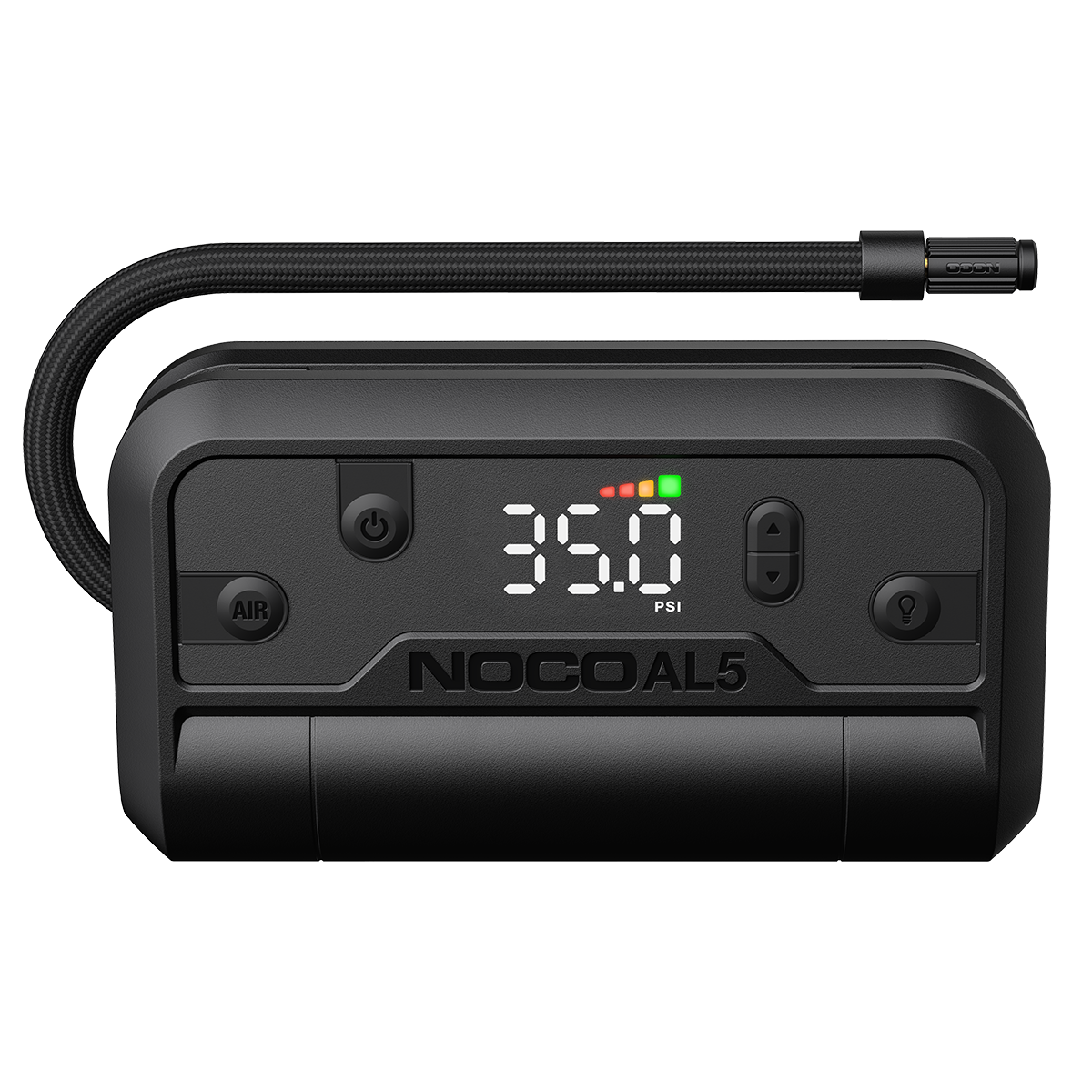
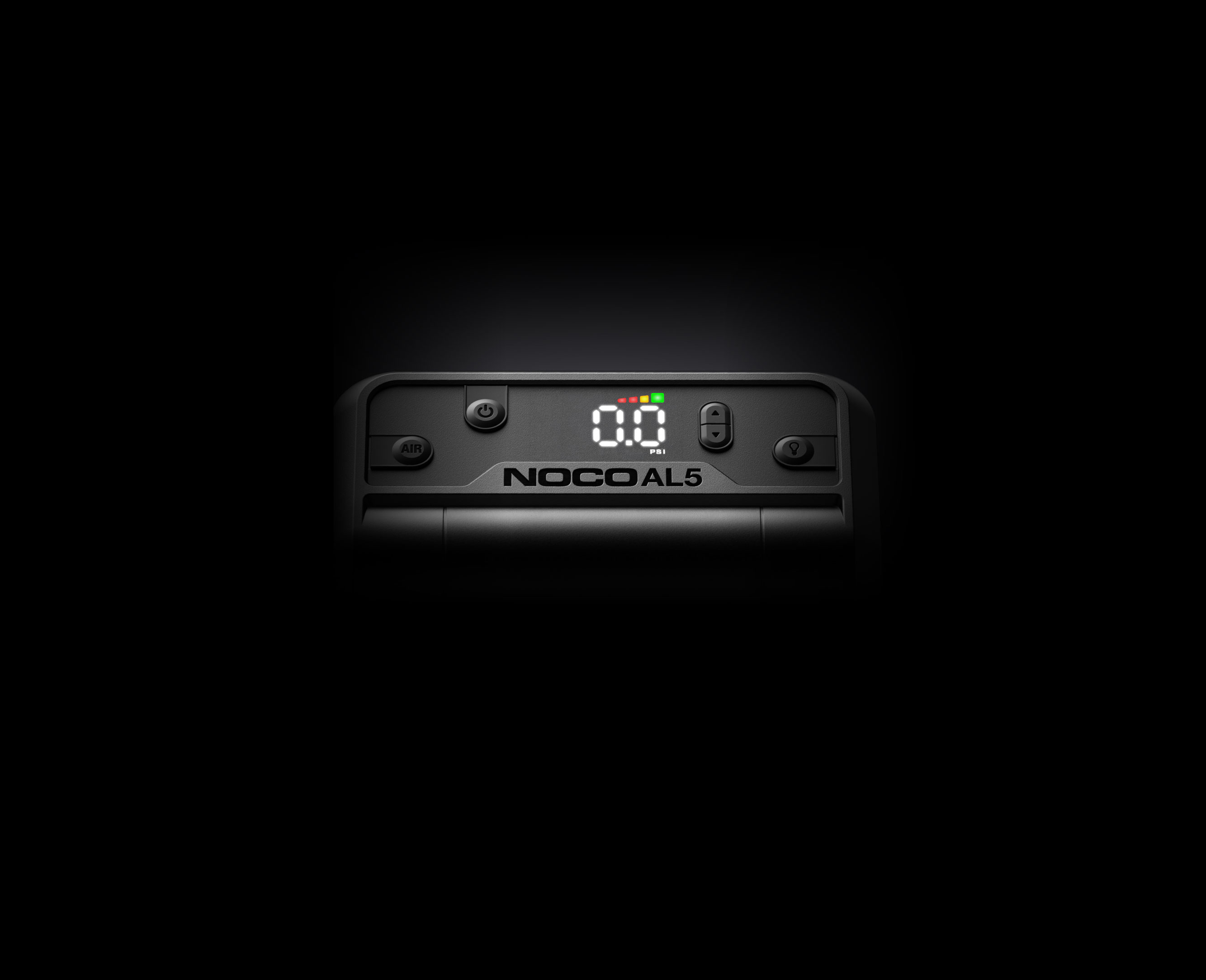
Intuitive Display.
AL5
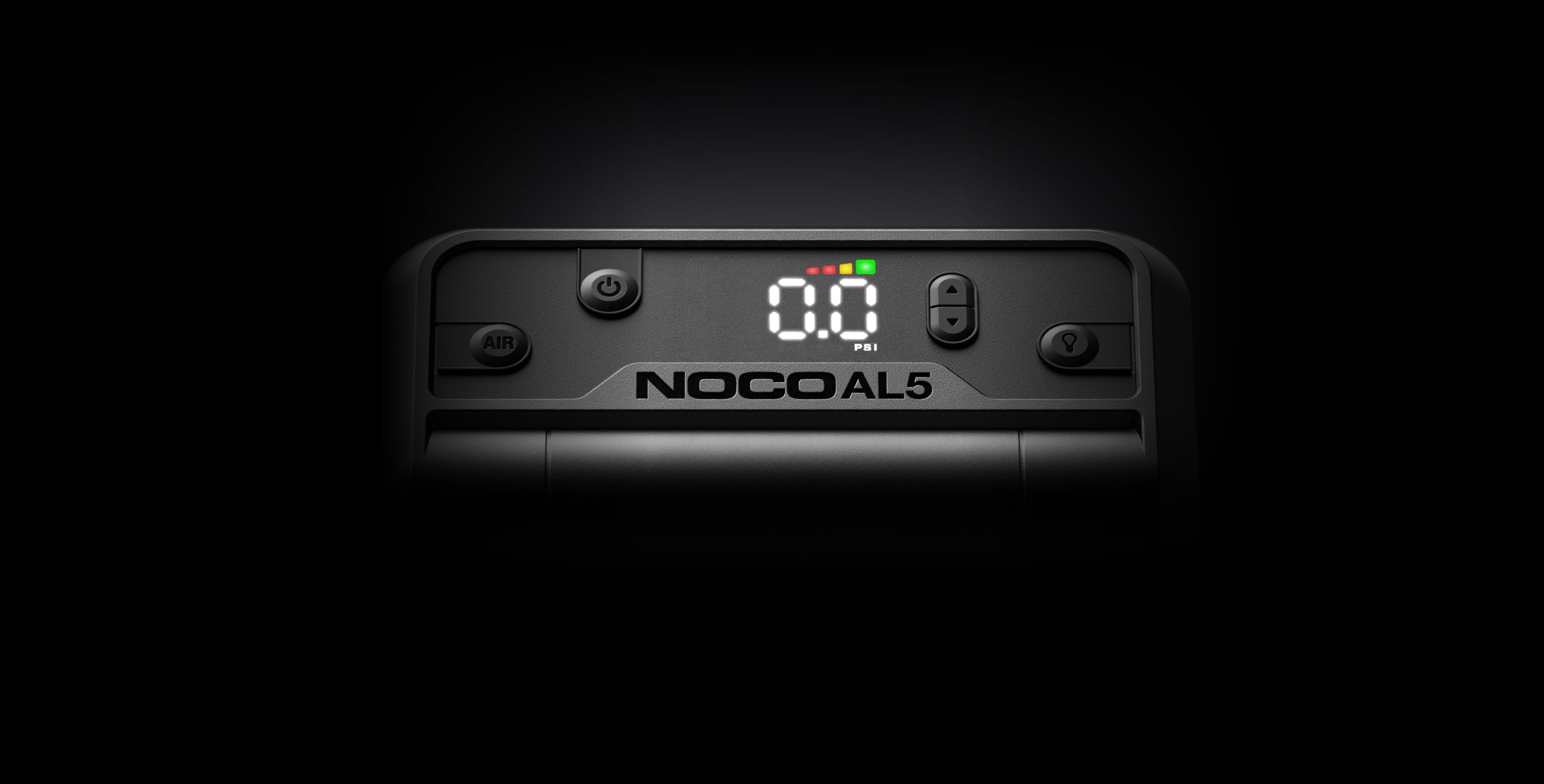
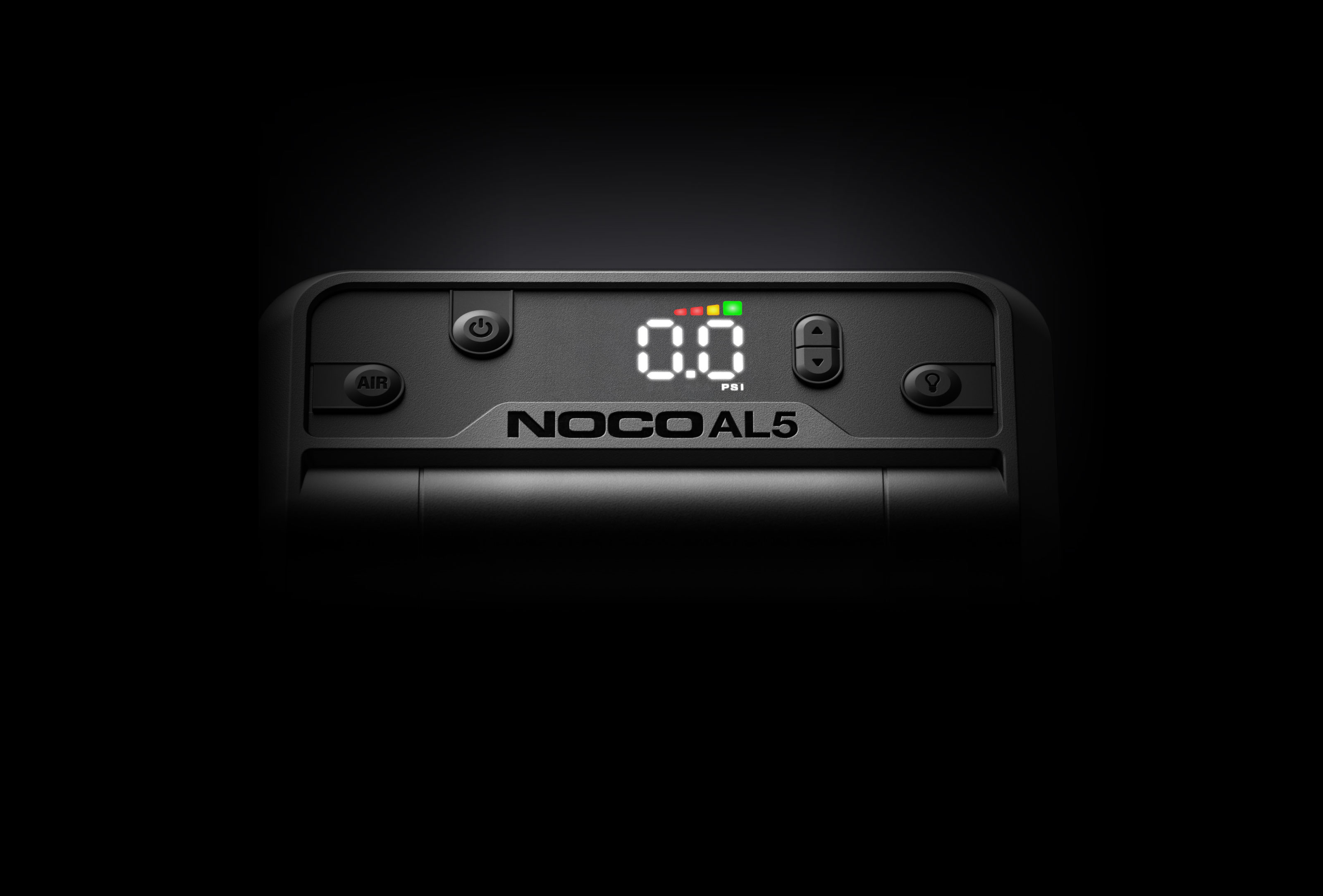
Actual Pressure
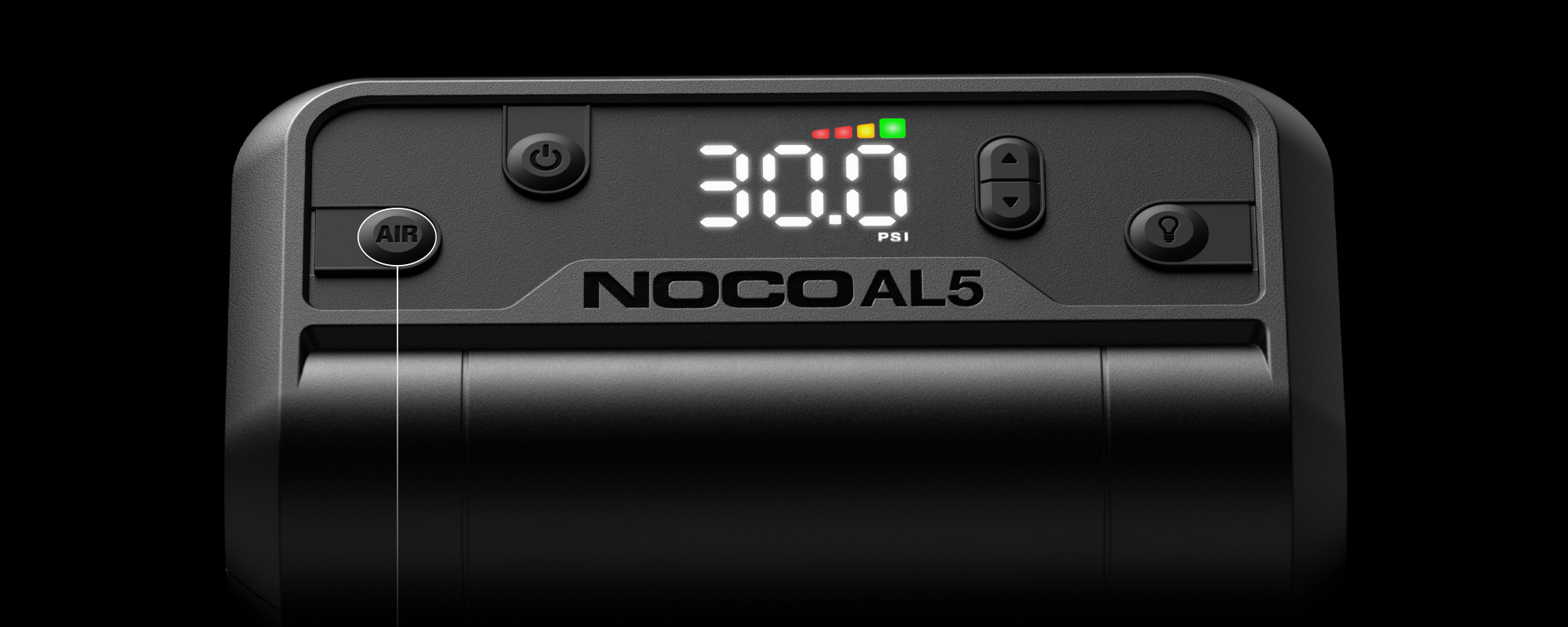
When the “AIR” button is pressed, the compressor will begin inflating, the “SET” LED will turn off and the actual pressure will be displayed.
Set Pressure
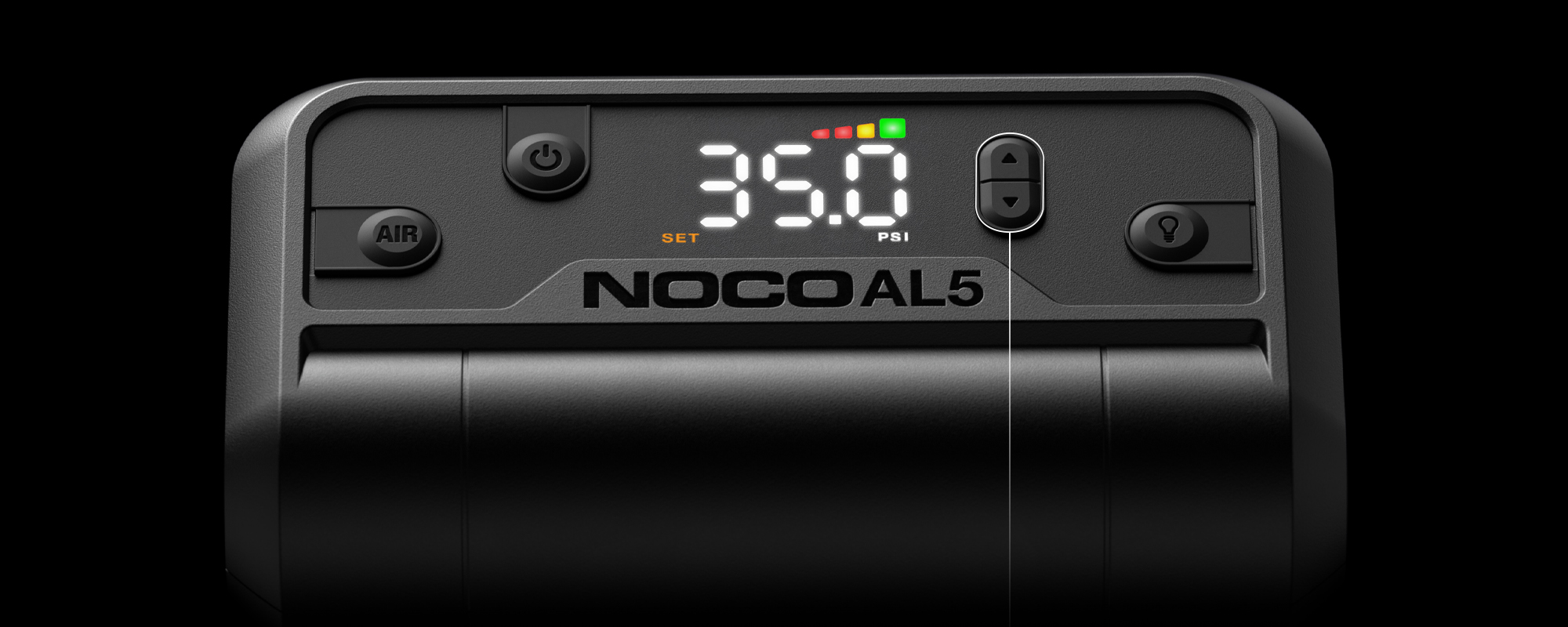
When the display is in pressure set mode the “SET” LED will illuminate. Use the arrow buttons to set the desired pressure.
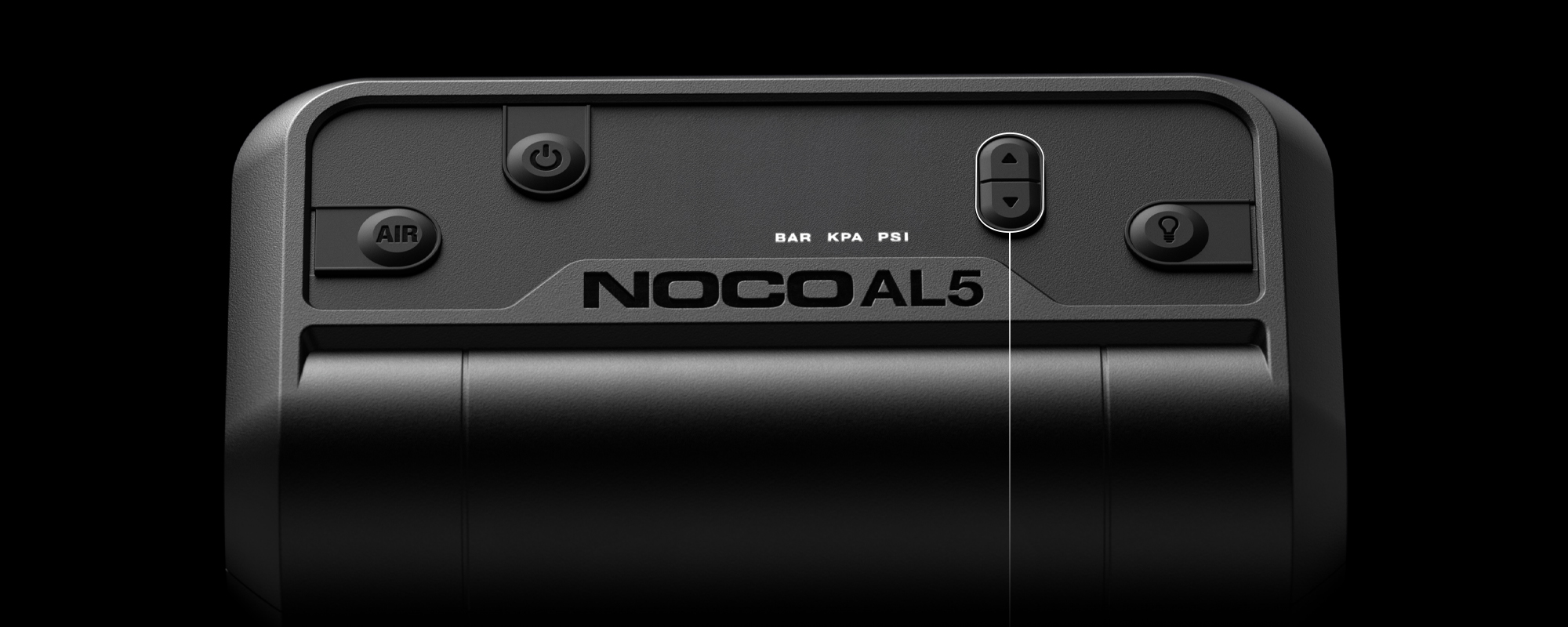
Change Units
To change units of pressure, hold both arrow buttons simultaneously for 3 seconds, use either arrow button to cycle through units.
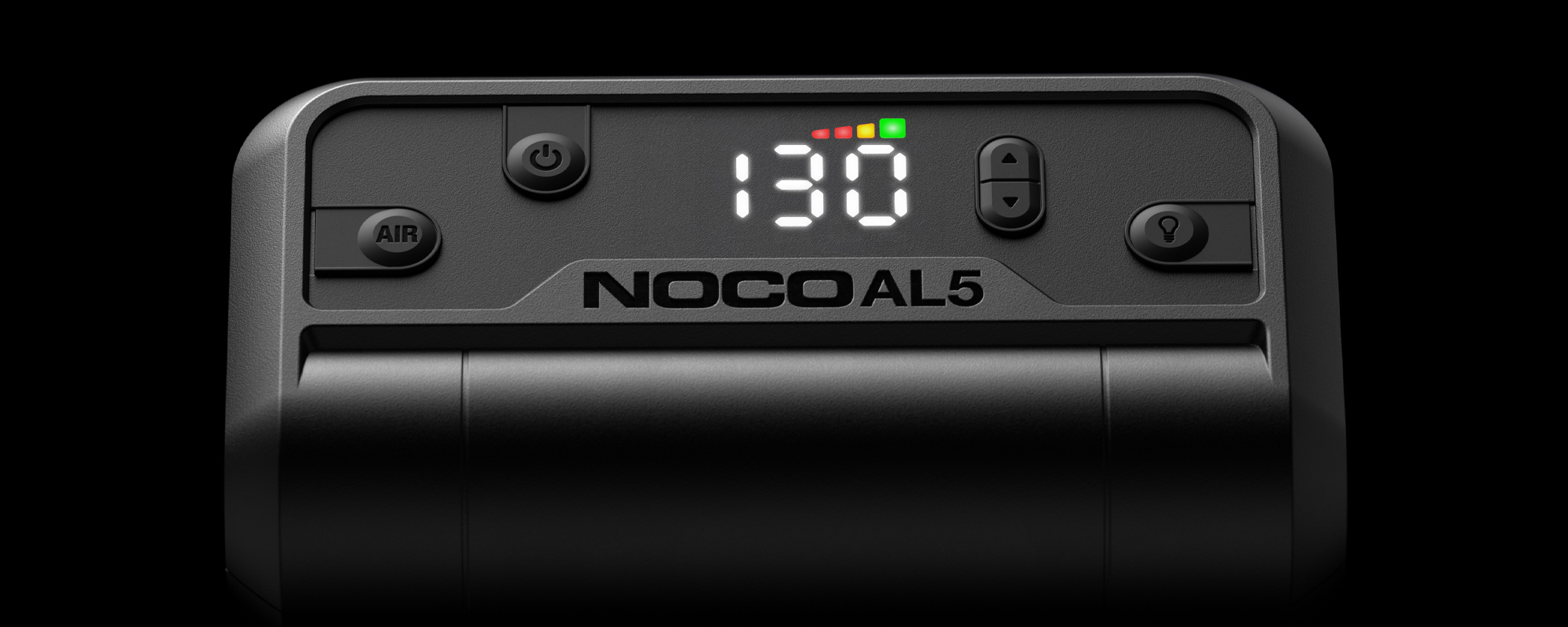
Auto-Shutoff
Auto-shutoff works when pressure is above 3 PSI. Simply set the pressure and start inflating. AL5 will shut off when the desired pressure is reached.
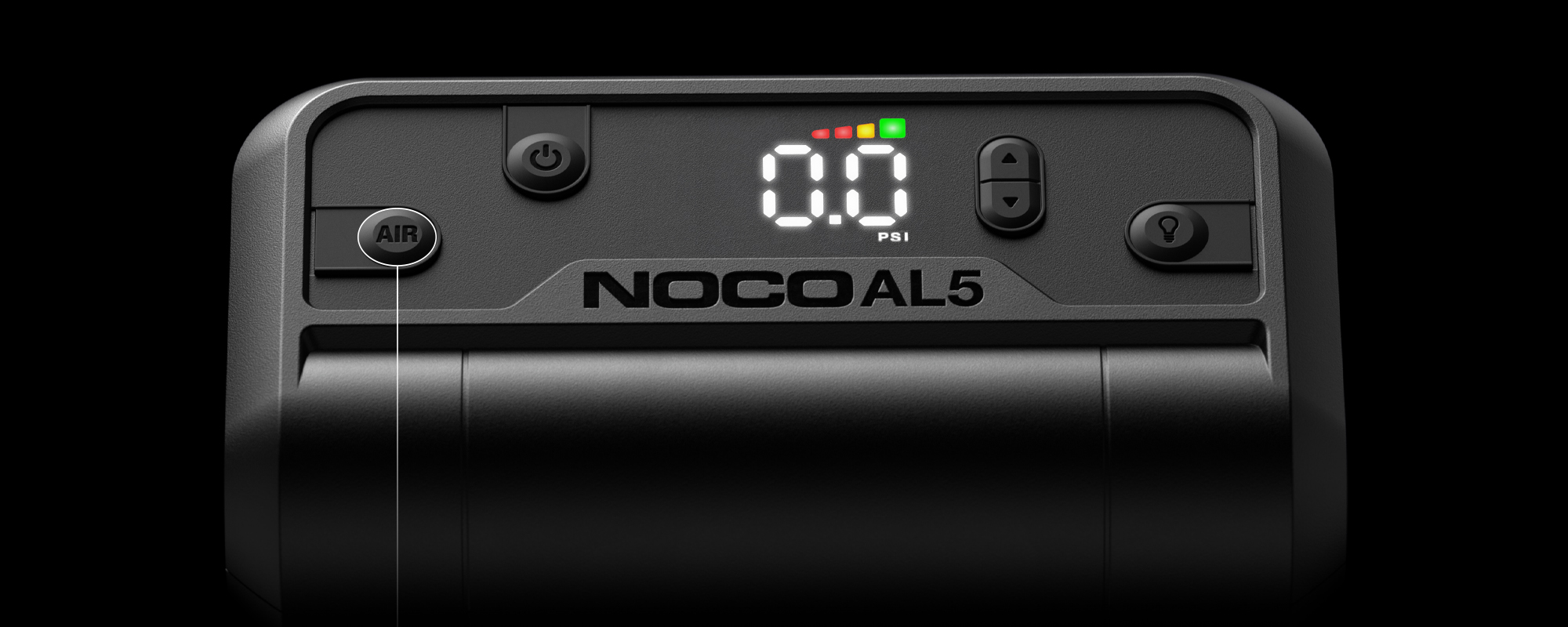
Manual Air Mode
When pressure is below 3 PSI, use manual mode. Set pressure to 0.0 and press the "AIR" button. AL5 will run until the "AIR" button is pressed again.
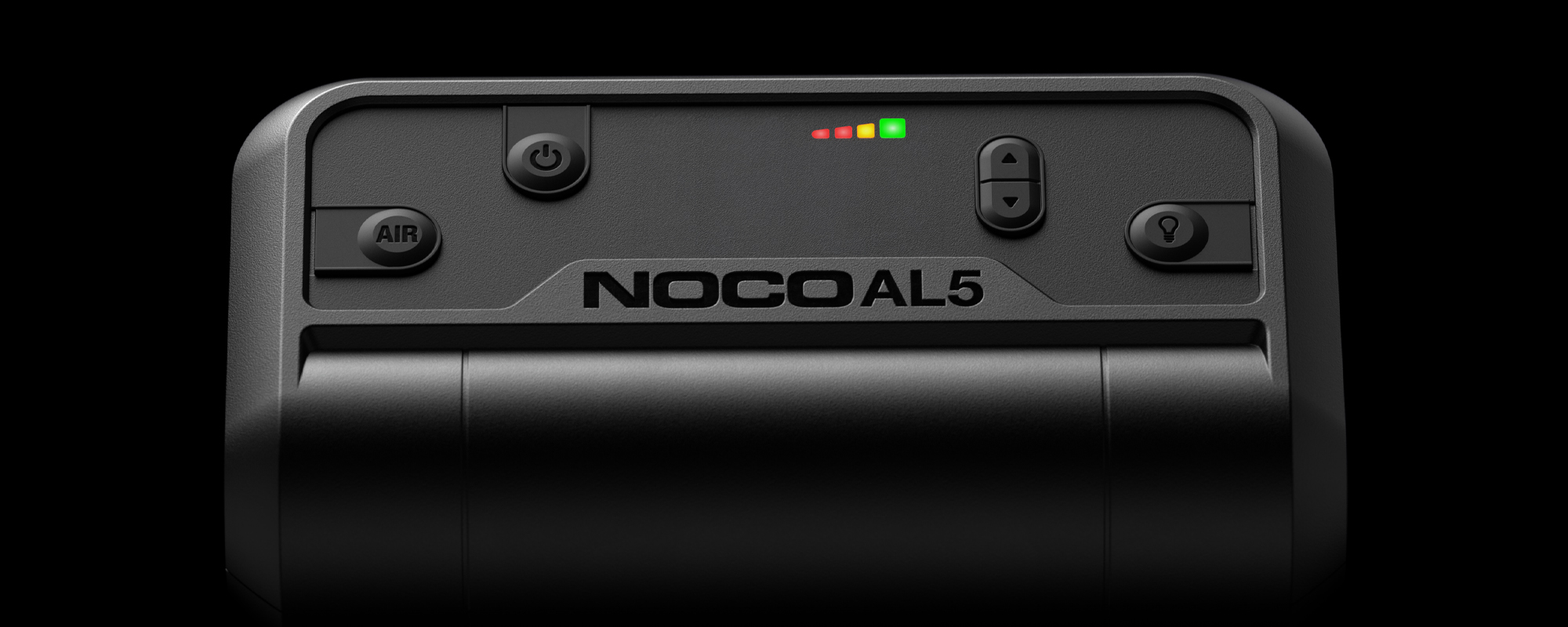
Charge LEDs
Indicates the charge level of the internal battery.
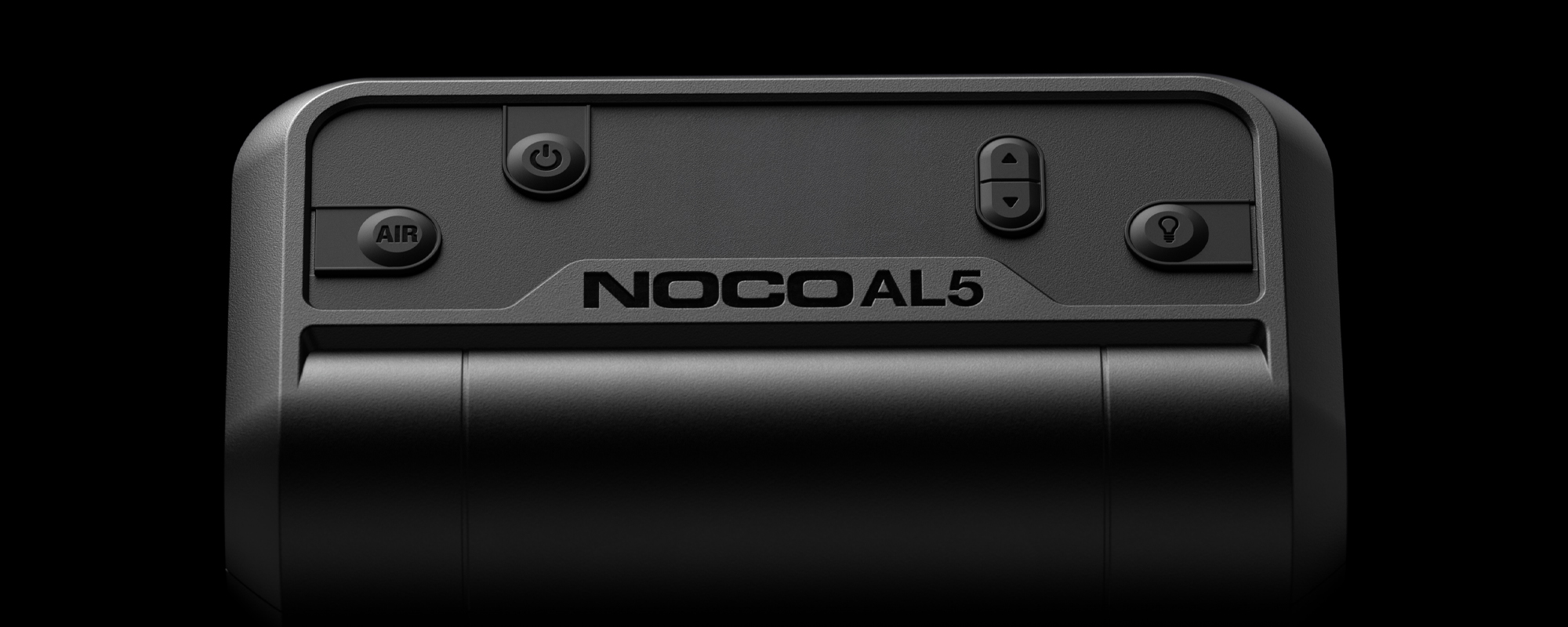
Buttons
AL5
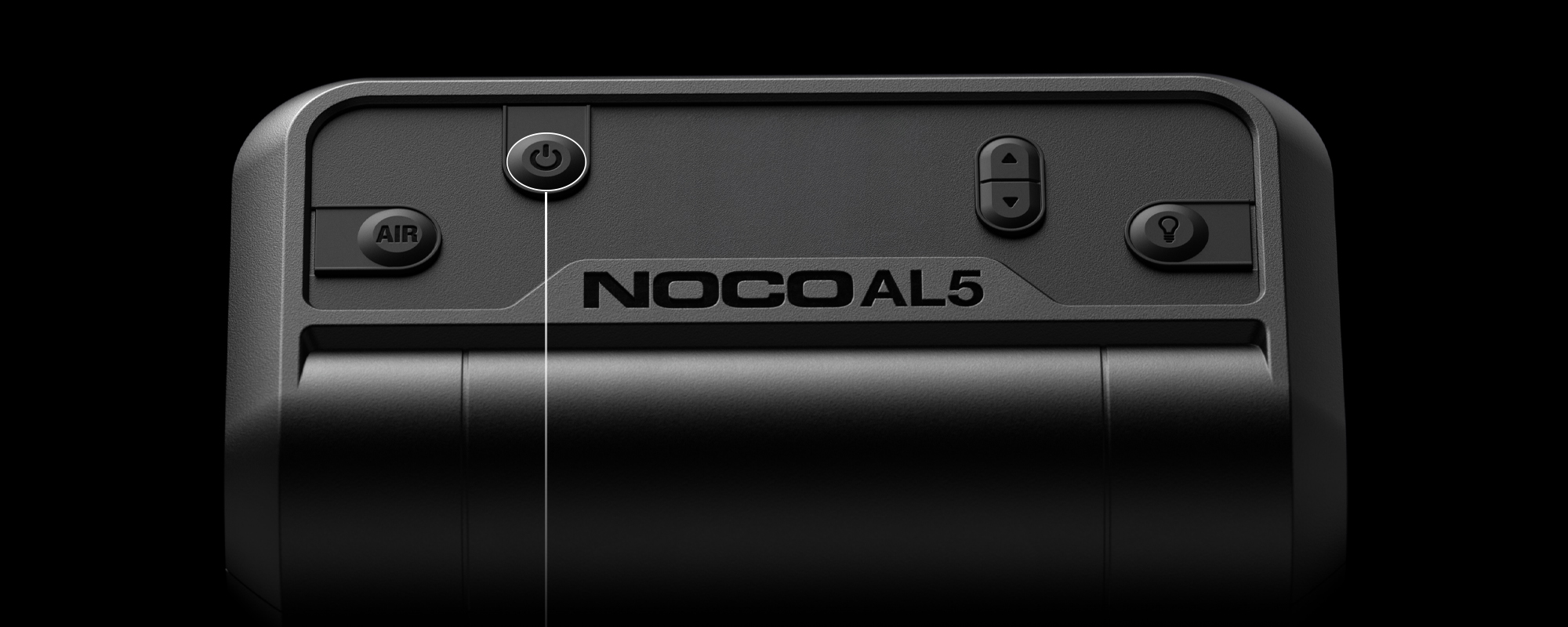
Power Button
Push to turn AL5 “ON” & “OFF”.
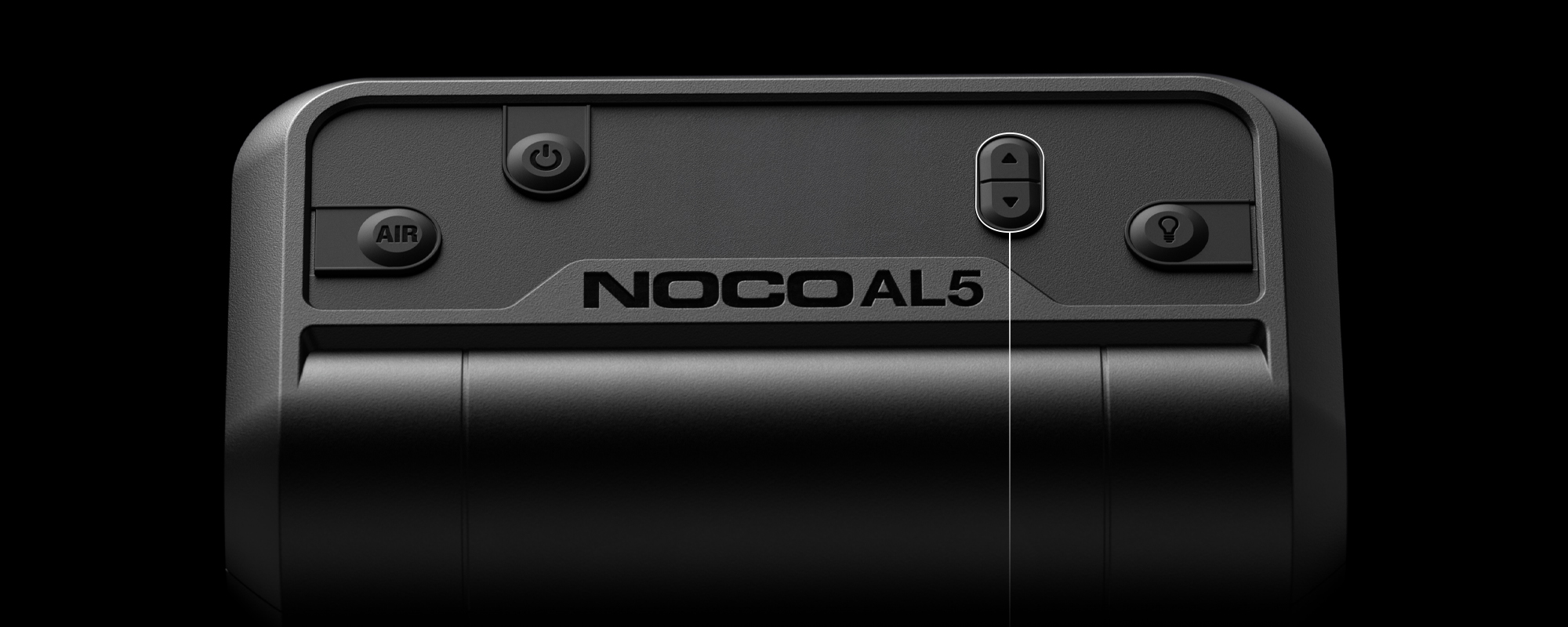
Arrow Buttons
Hold both Arrow Buttons to begin changing the pressure units. When LED Display is on, use the Arrow Buttons to change the set pressure.
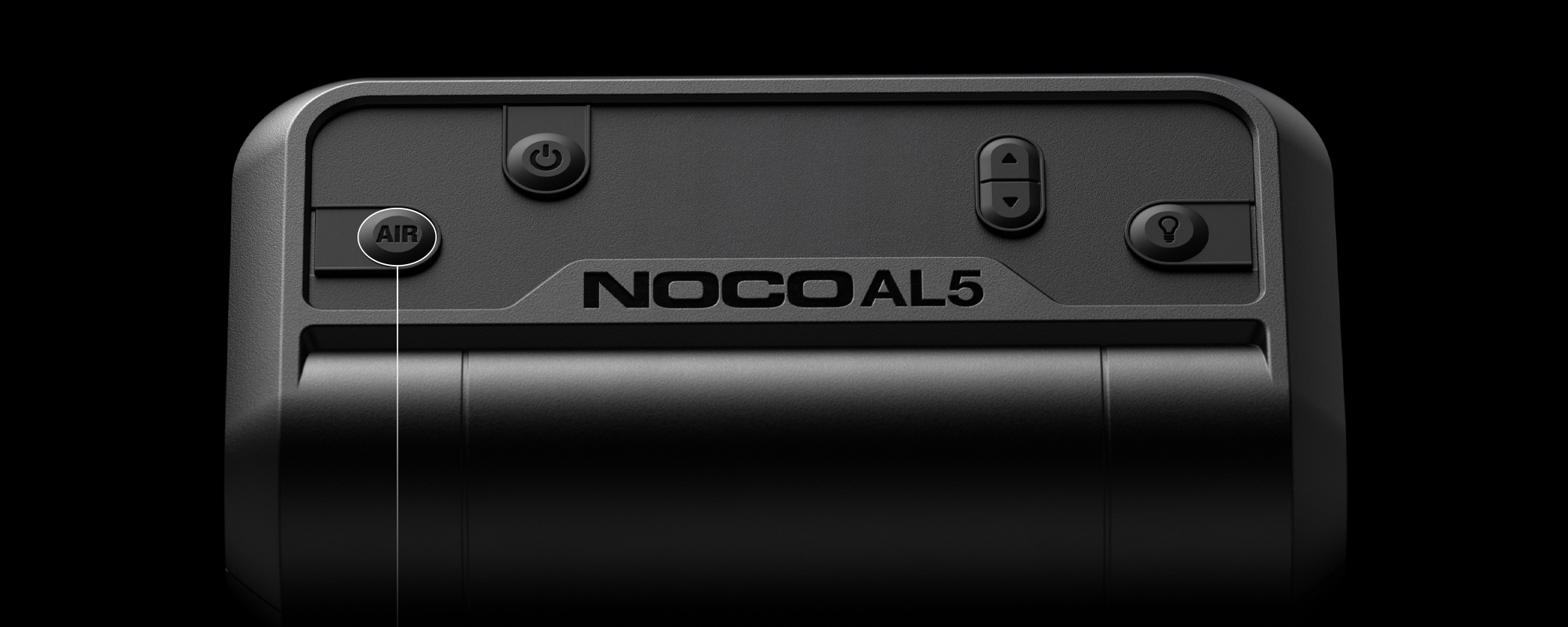
Air Button
Push to initiate Air Mode to start inflating.
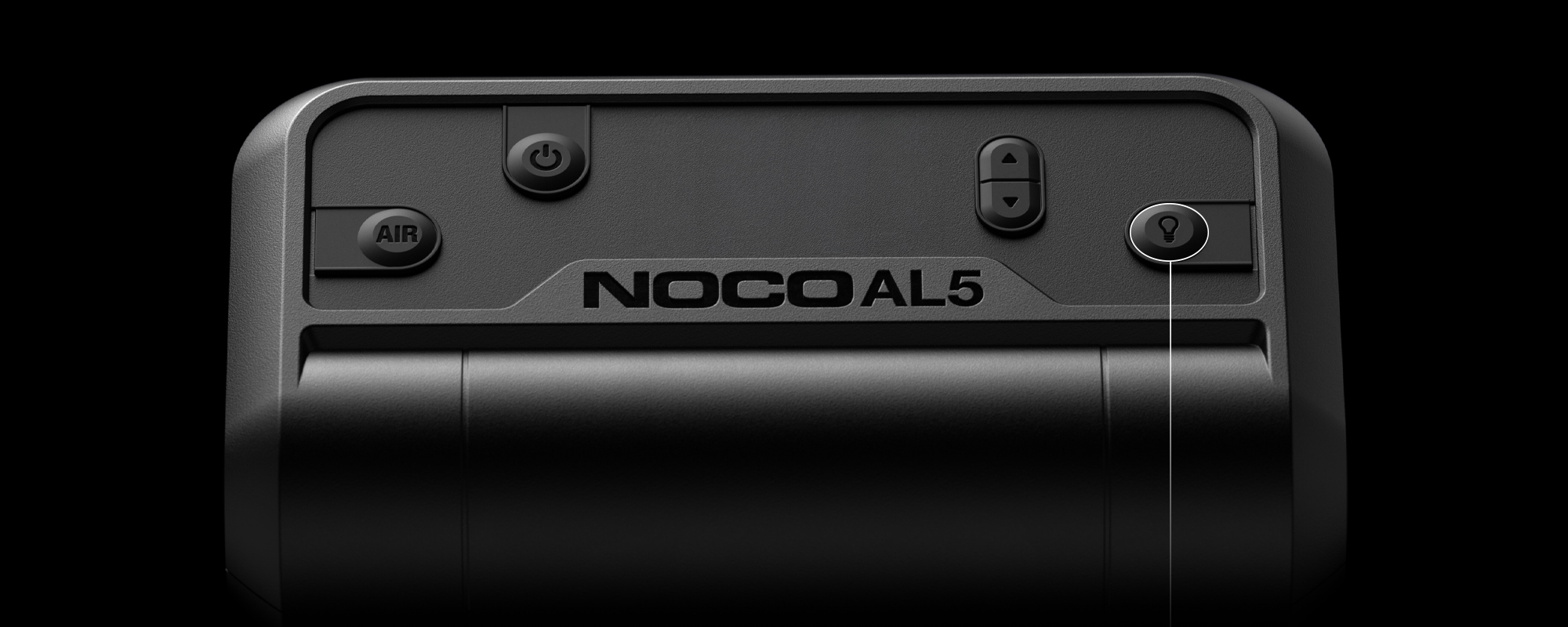
Light Mode Button
Toggles the ultra-bright LED light through 6 light modes: 100% > 50% > 10% > SOS > Blink > Off.
Troubleshooting
ERROR
RECOVERY PROCESS
Product does not turn "ON"
Charge Product.
Over-Temperature
Turn the product "OFF" and place it in a well ventilated area, wait for product to cool before powering "ON" again.
Under-Temperature
Turn the product "OFF" and place it in an area within the recommended operating temperature, wait for product to warm up before powering "ON" again.

Manual Air Mode.
AL5
Set pressure to 0.0, then press the Air Button
To enter Manual Air Mode, set the pressure to 0.0. Press the Air Button to turn "ON" the compressor and the compressor will run until the Air Button is pressed again. During Manual Air Mode, the display will cycle LEDs. When Manual Air Mode is shut "OFF", the display will show the current pressure.
AL5
1 Year warranty.
All NOCO Air Lithium units come with a limited 1 Year warranty. Register your product after purchasing to qualify for the applicable warranty.
REGISTER PRODUCT
VIEW WARRANTY